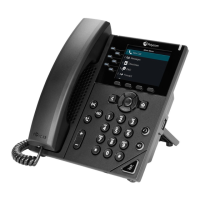
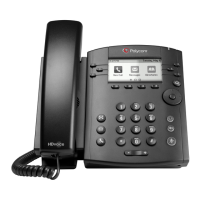
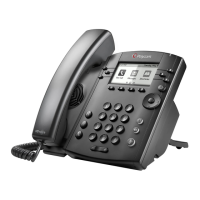
POLYCOM vvx300 & vvx310
Technical Support: Support@NthoNet.com
Navigation Keys - Scroll and select displayed information or options.
Transfer Key (Please see transfer directions)
Headset Key – Place and receive calls through a headset (if equipped).
Messages Key – Check voicemail.
Speaker Key - Put the phone in speaker mode.
Mute Key - Mutes the MIC.
Hold Key - Place a call on hold.
Volume Control Keys
(The system also has volume memory for speaker, handset, ring and page functions)
Message wait lamp indicates when you have a message.
Line Key - Displays your Extension number.
Programable Keys - Available for Speed Dial and BLF.
(BLF or busy lamp elds show the status of other users phones (busy, ringing,
available) connected to your phone system. BLFs can also be used to call other
users by pushing the BLF key.)
Home Key - Displays phone line, messages, settings, and information.
Soft Keys




 To Next Page