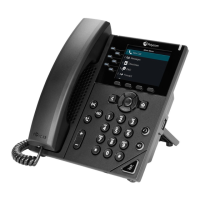
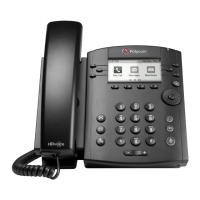
POLYCOM vvx300 & vvx310
Technical Support: Support@NthoNet.com
UNDERSTANDING PHONE ICONS AND STATUS INDICATORS
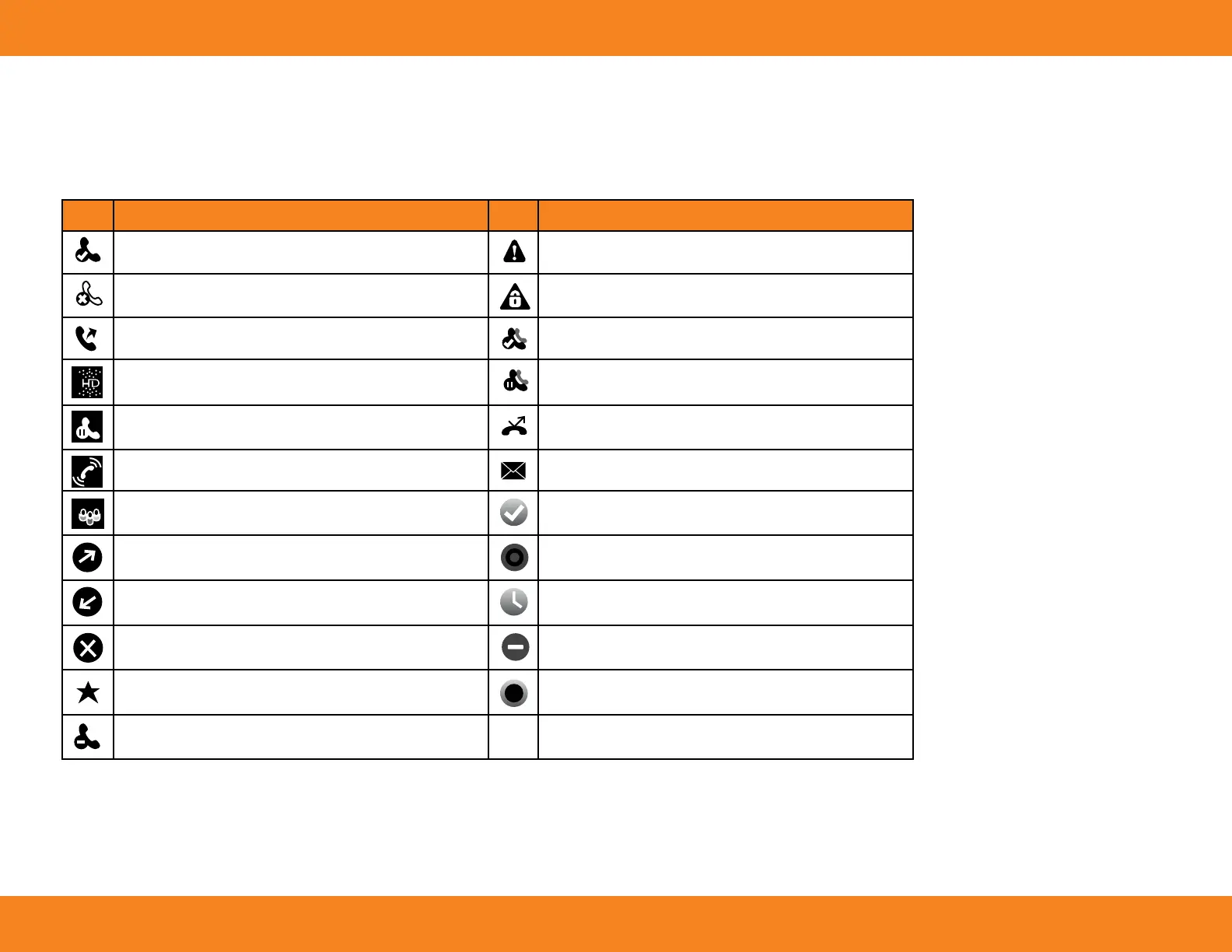
The following icons and indicators indicate phone, call, or buddy/contact status, or to indicate that a feature is enabled.
Icon Description Icon Description
Registered Line
Phone Warning
(Please email Tech Support if you have this icon.)
Unregistered Line
(Please email Tech Support if you have this icon.)
Login Credentials Invalid
(Please email Tech Support if you have this icon.)
Placing a Call
Not In use on our system
Active Call Using Polycom HD Voice
Not In use on our system
Held Call
Not In use on our system
Incoming Call
You Have Messages
Active Conference
Not In use on our system
Placed Call
Not In use on our system
Received Call
Not In use on our system
Missed Call
Not In use on our system
Favorite
Not In use on our system
Not In use on our system




 To Next Page