Business Phones and Networks.
5 | P a g e
Voicemail
When you first go to use your voicemail, you’ll need to set it up –
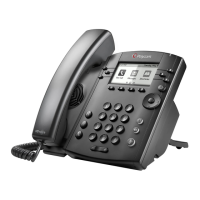
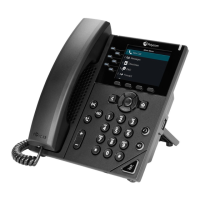
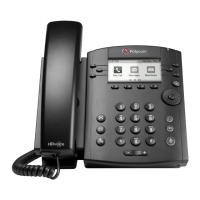
- First, you will need to press the voicemail button. [1] (Refer to image above.)
- Second, you will need to press the button labelled “Connect”. [2] (Refer to
image above.)
- At this point it will ask you to enter your pass-code for the first time, by default it is
“123456” then #, it will then ask you to change your pass-code to your own 6
digit pass-code and # (This will be asked for twice so it can confirm the pass-
code).
- It will then sound very much like your mobile phone voicemail set up.
- It will then ask you to record your name; this can be changed at a later time. (It
will talk you through how to do that when you’re setting it up.)
- Your voicemail is now set-up for use, you can navigate around your voicemail
following the options the automated message gives you.
- To access your Voicemail again, simply press the voicemail button [1], press
“Connect” [2] and then enter your pass-code as it asks followed by #. From here
you can follow the options.


 To Next Page