EasyManua.ls Logo

PolyScience 150 SERIES - User Manual

PolyScience 150 SERIES
21 pages
Print Icon
To Next Page IconTo Next Page
Loading...
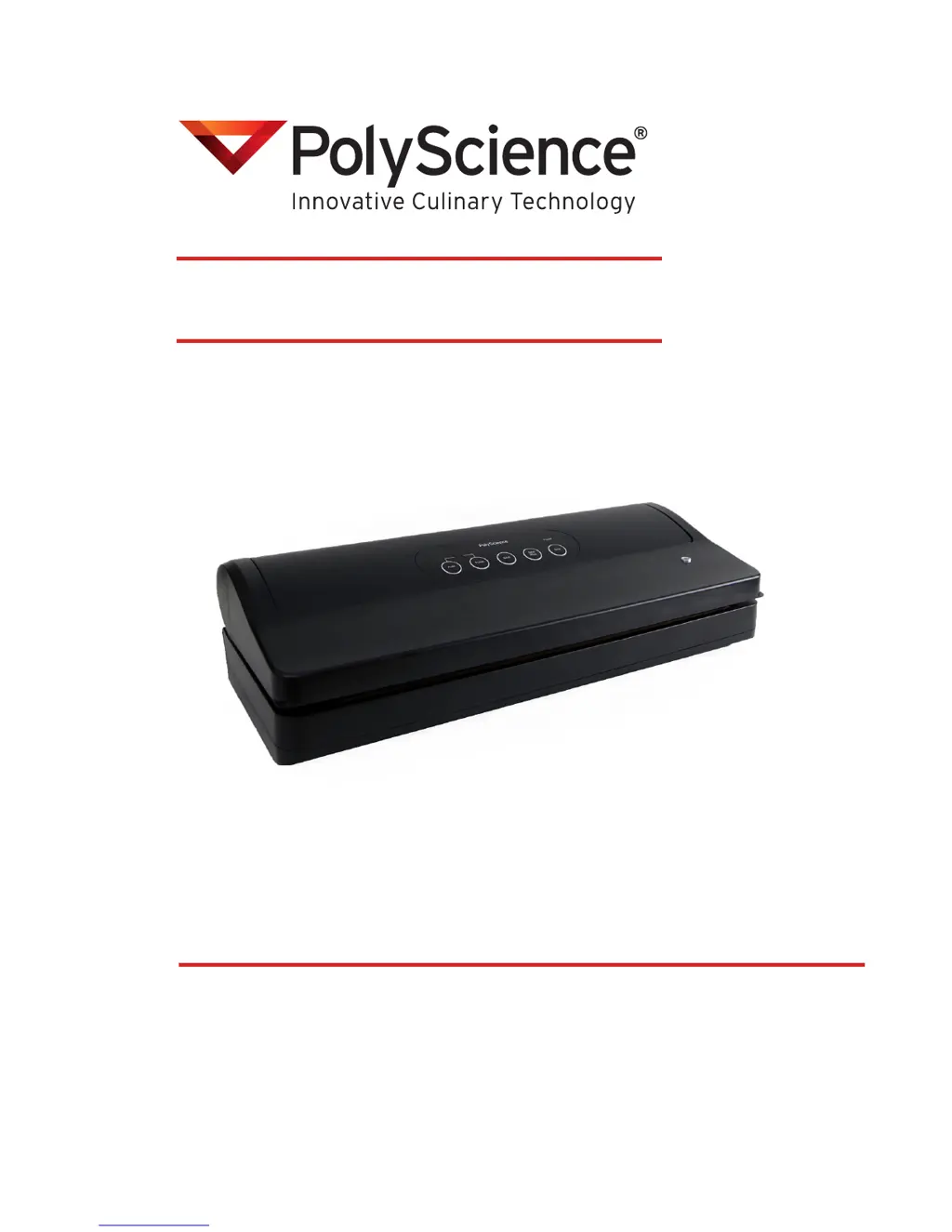
150 SERIES
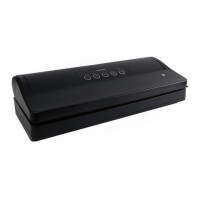
VACUUM SEALING SYSTEM
110-877 081913
USER’S GUIDE

Questions and Answers

  • A
    Andrea Willis PhDJul 27, 2025
    What to do if my PolyScience 150 vacuum sealer does not pull a complete vacuum with bags?
    • C
      Caitlin ParsonsJul 27, 2025
      If your PolyScience Kitchen Appliances vacuum sealer isn't pulling a complete vacuum, try these solutions: * Ensure the bag edge is properly positioned across the seal wire. * Make sure the open end of the bag is completely inside the vacuum channel. * Smooth out any wrinkles in the bag along the seal wire. * Check the sealed end of the bag for gaps or flaws. * Clean any crumbs or debris from the bag, seal wire, or chamber seal gasket.
  • N
    Nicole LopezAug 3, 2025
    What to do if my PolyScience Kitchen Appliances canister is not vacuuming properly?
    • C
      Cristina Walker MDAug 3, 2025
      If your PolyScience Kitchen Appliances canister isn't vacuuming correctly, consider the following: * Ensure the accessory hose is fully inserted into both the canister lid and the vacuum sealer's accessory port. * Confirm the port on the canister is set to the ‘Vacuum’ position. * Leave at least 1 inch (2.5 cm) of space between the contents and the lid. * Inspect the canister, lid, and seal for any signs of damage.
  • P
    pmolinaAug 10, 2025
    Why does my heat-sealed PolyScience 150 bag lose vacuum after being sealed?
    • D
      Daniel MartinAug 10, 2025
      A heat-sealed PolyScience Kitchen Appliances bag might lose vacuum after sealing because it has been punctured. In this case, cover any sharp edges with a paper towel and vacuum package in a new bag. Another reason might be out-gassing. If this is the case, open the bag and check for spoilage. If spoilage hasn't started, consume immediately.
  • J
    Julie ClarkAug 18, 2025
    How to fix a PolyScience 150 Kitchen Appliances vacuum sealer that will not turn on?
    • P
      Patricia BrownAug 18, 2025
      First, check that the electrical cord is plugged into a working, grounded electrical outlet. If the electrical power cord is damaged or worn, DO NOT USE the unit; RETURN IT FOR REPAIR.

Summary

Important Safeguards

Introduction

Controls & Components

Controller Overview

Set-Up

Electrical Power

Connect the power cord to a properly grounded electrical outlet to begin vacuum packaging.

Making a Heat-Seal Bag from a Roll

Day-to-Day Operation

Opening & Closing the Vacuum Compartment Lid

Learn how to open and close the vacuum compartment lid securely for operation and storage.

Turning the Unit On

Procedure to plug in the unit and activate the power indicator light.

Automatic Vacuuming & Sealing

Guide to packaging food items using the one-button automatic vacuuming and sealing function.

Manual Vacuuming & Sealing

Extending the Sealing Time

Learn how to adjust the seal time to 10 seconds for thicker materials or weaker seals.

Canceling the Vacuum or Sealing Process

Instructions on how to immediately stop any running vacuum or sealing operation.

Vacuum Sealing Canisters & Bottles

Cleaning & Storage

Troubleshooting

Technical Specifications

Replacement Bags & Rolls

Disposal

Warranty

PolyScience 150 SERIES Specifications

General IconGeneral
BrandPolyScience
Model150 SERIES
CategoryKitchen Appliances
LanguageEnglish

Related product manuals