20 | FR
4. USE
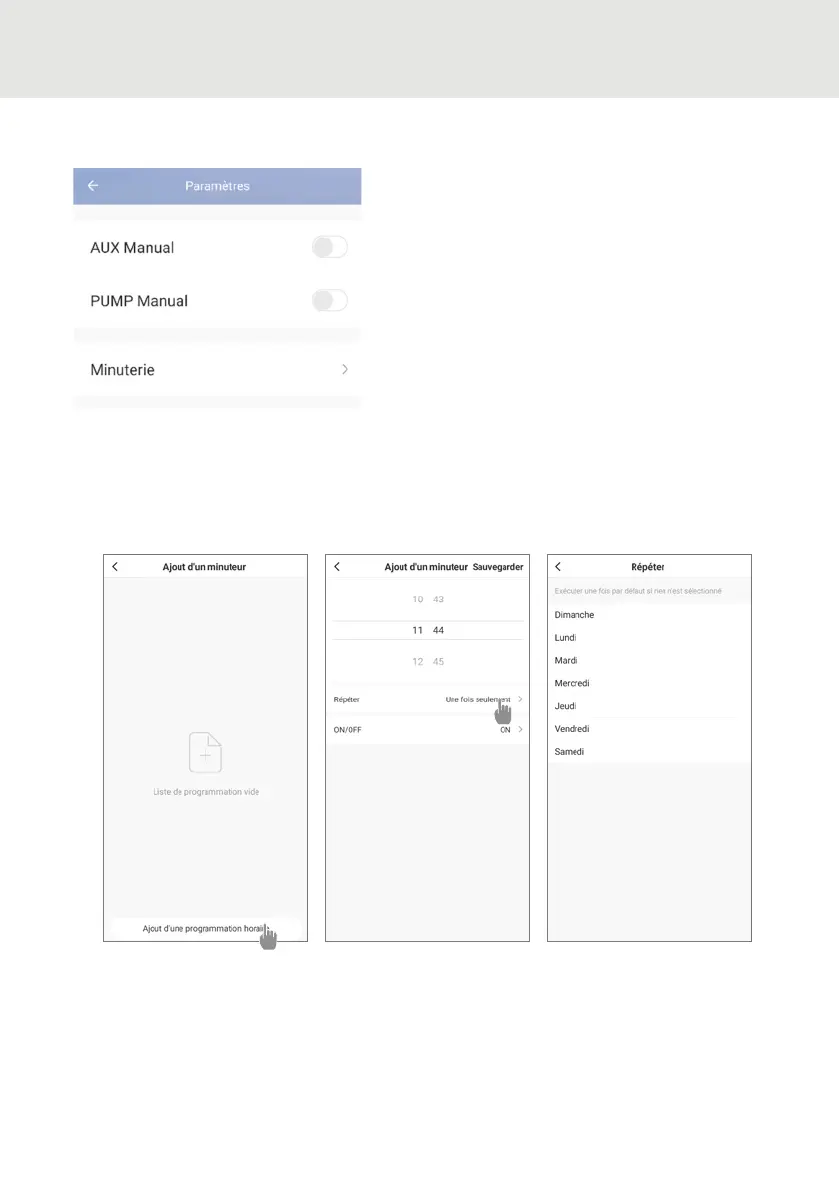
Step 1: Create a time schedule, choose the time, the day(s) of the week concerned, and
the action (switch on or switch o), then save.
Step 2: To delete a time slot, press and hold the time slot.
Setting up the heat pump operating range
Activating the manual mode (or auto-
matic) for the SPA heater
Activating the manual mode (or auto-
matic) for the optional pump
Timer
About the settings



 To Next Page