6
Failure Modes
One Razzberry Tone – On Power Up
This indicates the scanner has experienced a laser or subsystem failure. Return
the unit for repair to an Authorized Service Center.
Continuous Razzberry Tone with no LEDs
If, upon power up, the scanner emits a continuous razzberry tone, then the
scanner has an experienced an electronic failure. Return the unit for repair to an
Authorized Service Center.
Three Beeps – On Power Up
If the scanner beeps three times on power up, then the non-volatile memory
(NovRAM) that holds the scanner configuration has failed. You must return the
unit for repair to an Authorized Service Center.
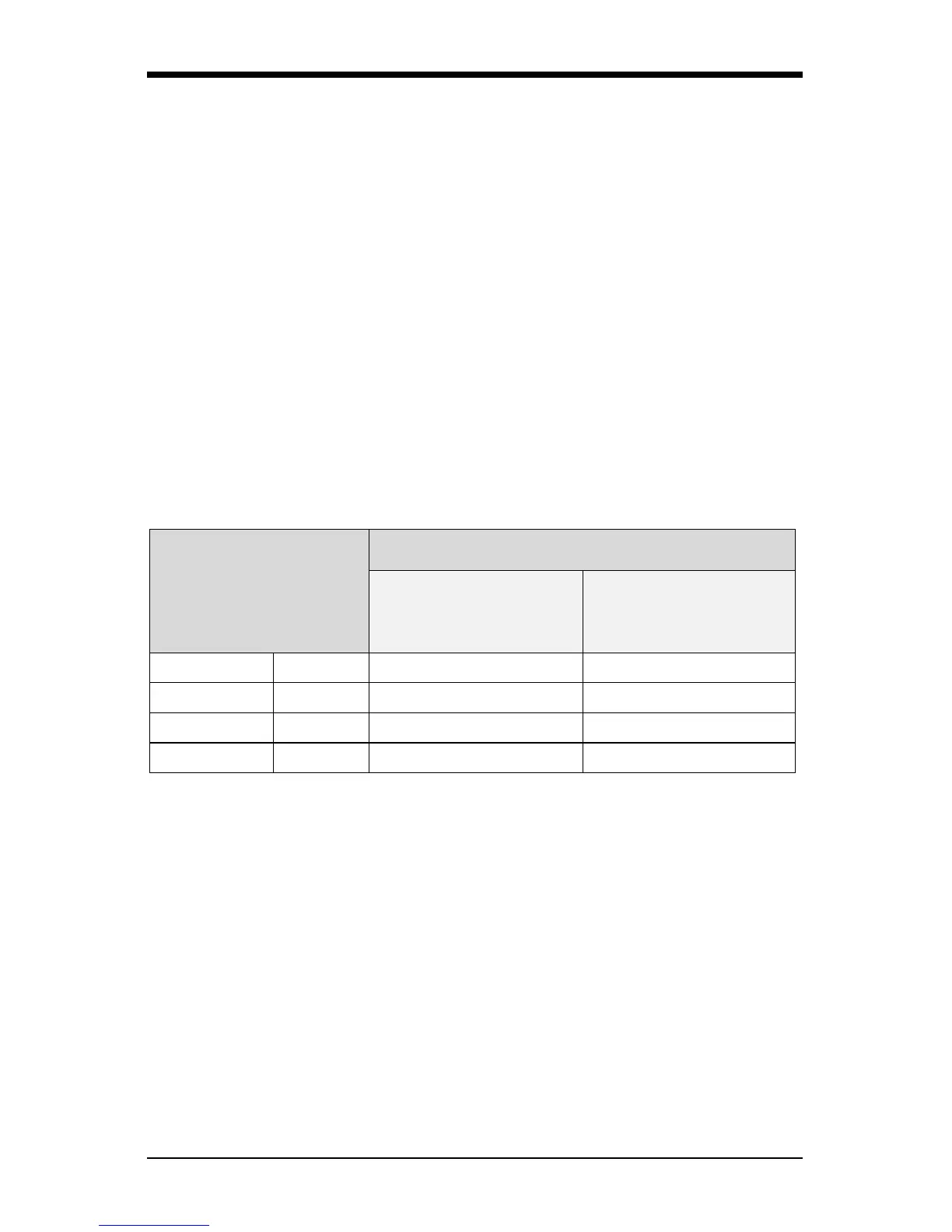
Typical Depth of Field by Bar Code Element Width
Bar Code Element
Width
Depth of Field
Start
(From Scanner Face)
End
(From Scanner Face)
0.13 mm 5.2 mil 76 mm (3") 127 mm (5")
0.19mm 7.5 mil 51 mm (2") 203 mm (8")
0.26 mm 10.4 mil 25 mm (1") 229 mm (9")
0.33 mm 13 mil 13 mm (0.5") 254 mm (10")



 To Next Page