16
Scanner Operation
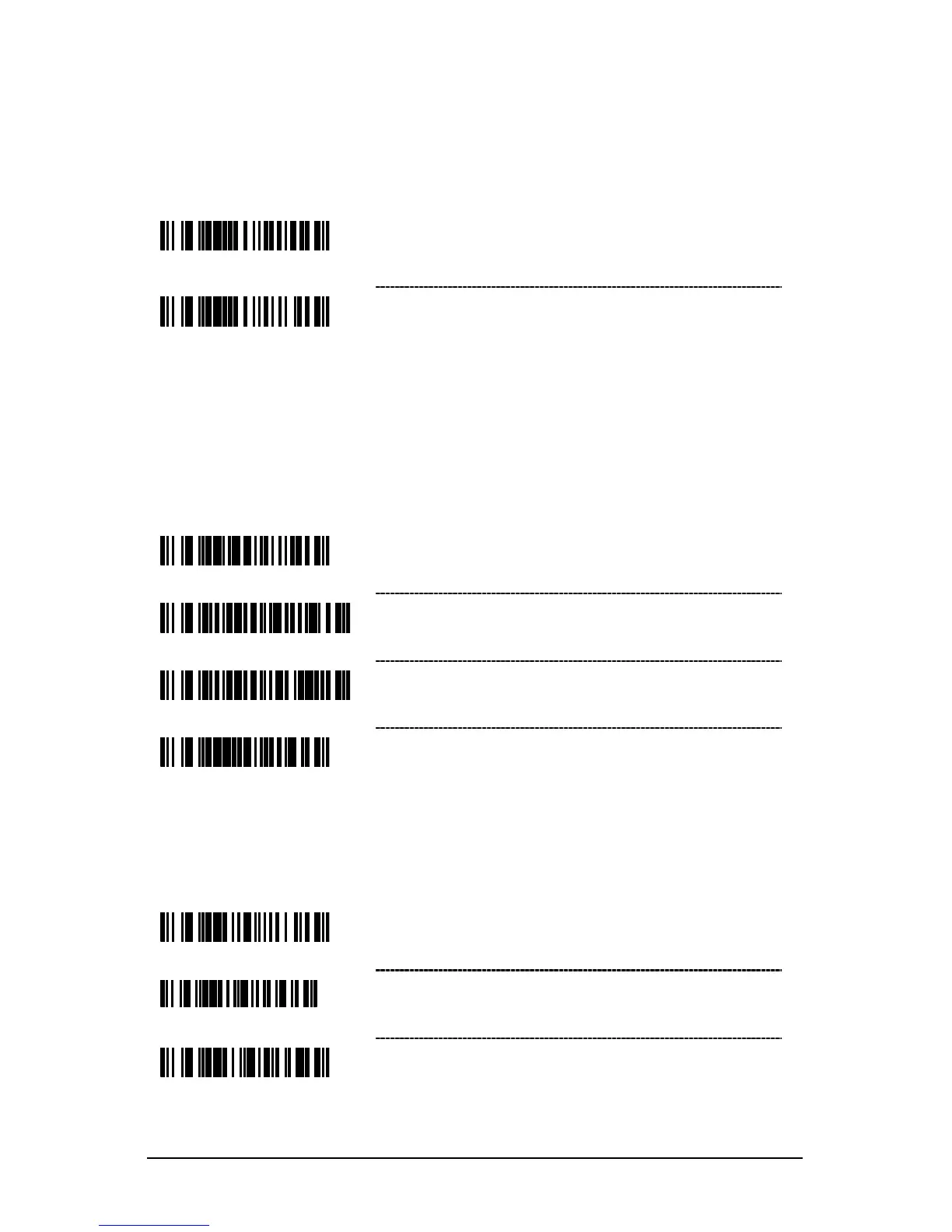
Redundant Scans
* 0 Redundant Scans – Requires 1 good decode
1 Redundant Scan – Requires 2 consecutive
decodes of the same bar code data for a good
scan.
Data Transmission Delays
Use these codes to select the amount of delay between sending data characters
from the scanner to the host. This helps prevent the scanner from overflowing
host-input buffers.
* 1 msec Intercharacter Delay
10 msec Intercharacter Delay
25 msec Intercharacter Delay
~ Variable msec Intercharacter Delay – Scan this
bar code and a sequence of code bytes on page
23 t
o set the delay between characters sent to the
host system (range from 1 to 255 msecs.).
Enable Automatic Scanning
Continuous Blinky Scan – The laser blinks
continuously and the IR is inactive.
Enable Manual Trigger – The laser activates
when the CodeGate button is pressed.



 To Next Page