23
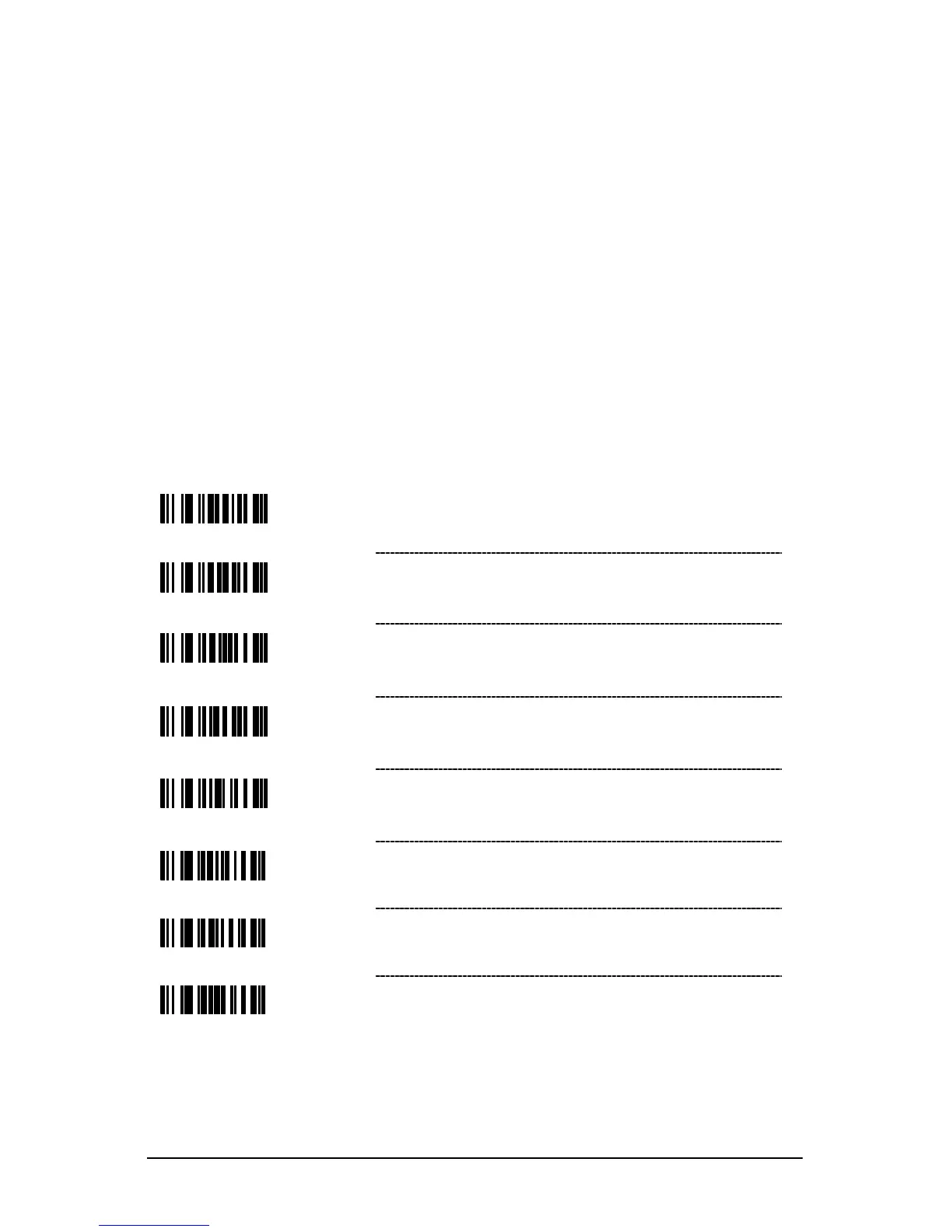
Code Bytes Usage
The scanner must be in Configuration Mode for the features requiring code bytes
for configuration. The Enter/Exit Configuration Mode bar code must be scanned
before starting the configuration cycle. User configurable prefix/suffix characters
can then be saved by scanning the 3 digit decimal equivalent of the ASCII
character into the appropriate character location with the code byte bar codes.
Example: To add an asterisk (*) as a Prefix, scan the bar codes.
1. Enter/Exit Configuration Mode (3 beeps)
2. Configurable Prefix #1 (1 beep)
3. Code Byte 0 (1 beep)
4. Code Byte 4 (2 beeps)
5. Code Byte 2 (3 beeps)
6. Enter/Exit Configuration Mode (3 beeps)
Code Bytes 0–9



 To Next Page