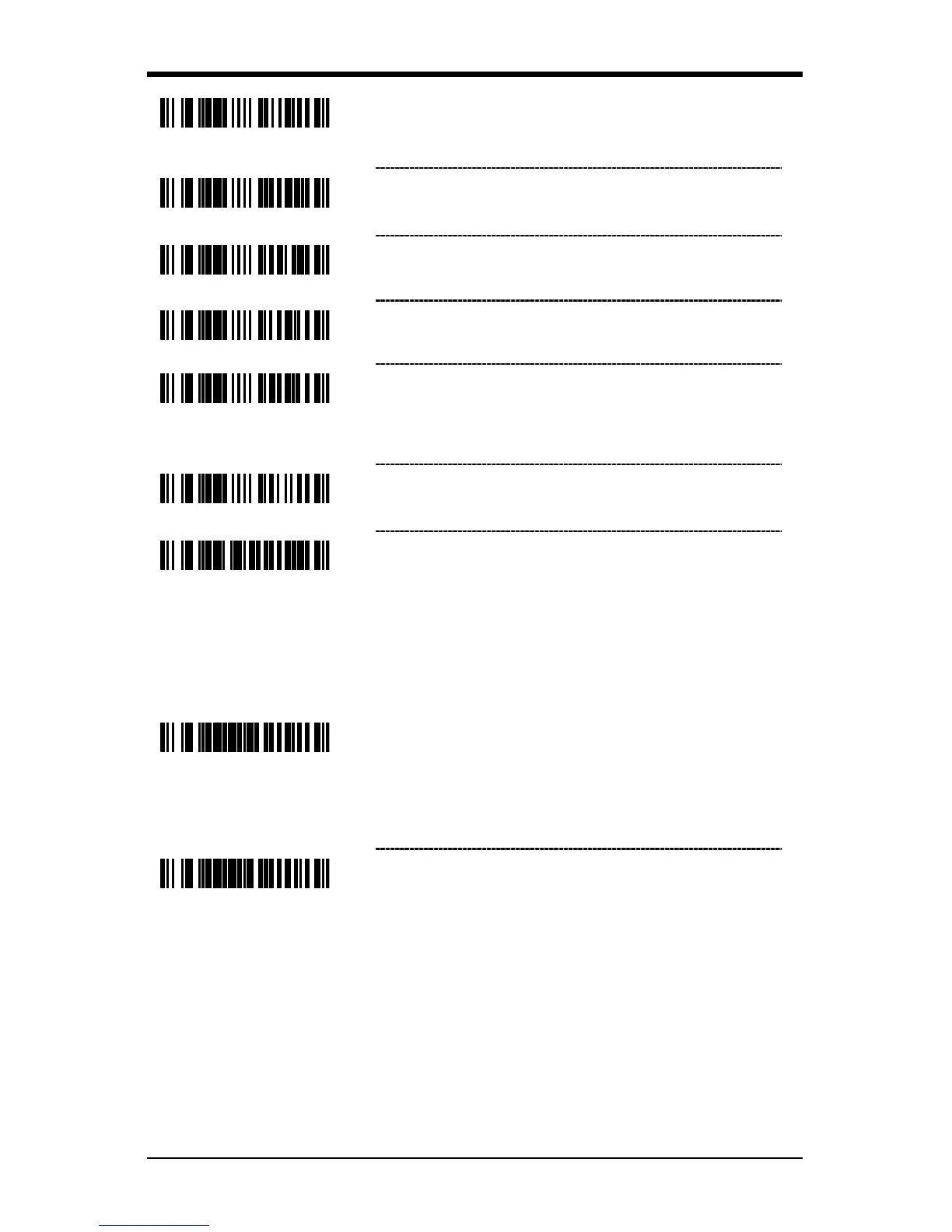
Enable Tab Suffix – The scanner will transmit a
TAB (ASCII 09H) after each bar code.
Enable ETX Suffix – The scanner will transmit
End of TeXt (ASCII 03H) after the bar code date.
Enable UPC Suffix ID – The scanner will
transmit a suffix after any UPC/EAN bar code.
The suffixes are A (UPC-A), E (UPC-E),
F (EAN-13) and F (EAN-8).
Enable NCR Suffix Character
User Configurable Suffixes, All Data
Note: Scan the Enter/Exit Configuration mode code before trying to set this
feature. Refer to Multi-Code Method on page 12.
~ Configurable Suffix Character #1 – A suffix ID
can be added and assigned for data
transmission. Use this code with a 3 code byte
sequence, on page
23, which represents the
desired character.
~ Configurable Suffix Character #2 – Assigns a
second configurable suffix character.



 To Next Page