14
Code Types and Decode Rules
Bar code descriptions marked with an asterisk ( * ) define a feature that is a
factory default. Bar codes marked with a tilde ( ~ ) require the Multi-Code
configuration method.
2 of 5 Codes
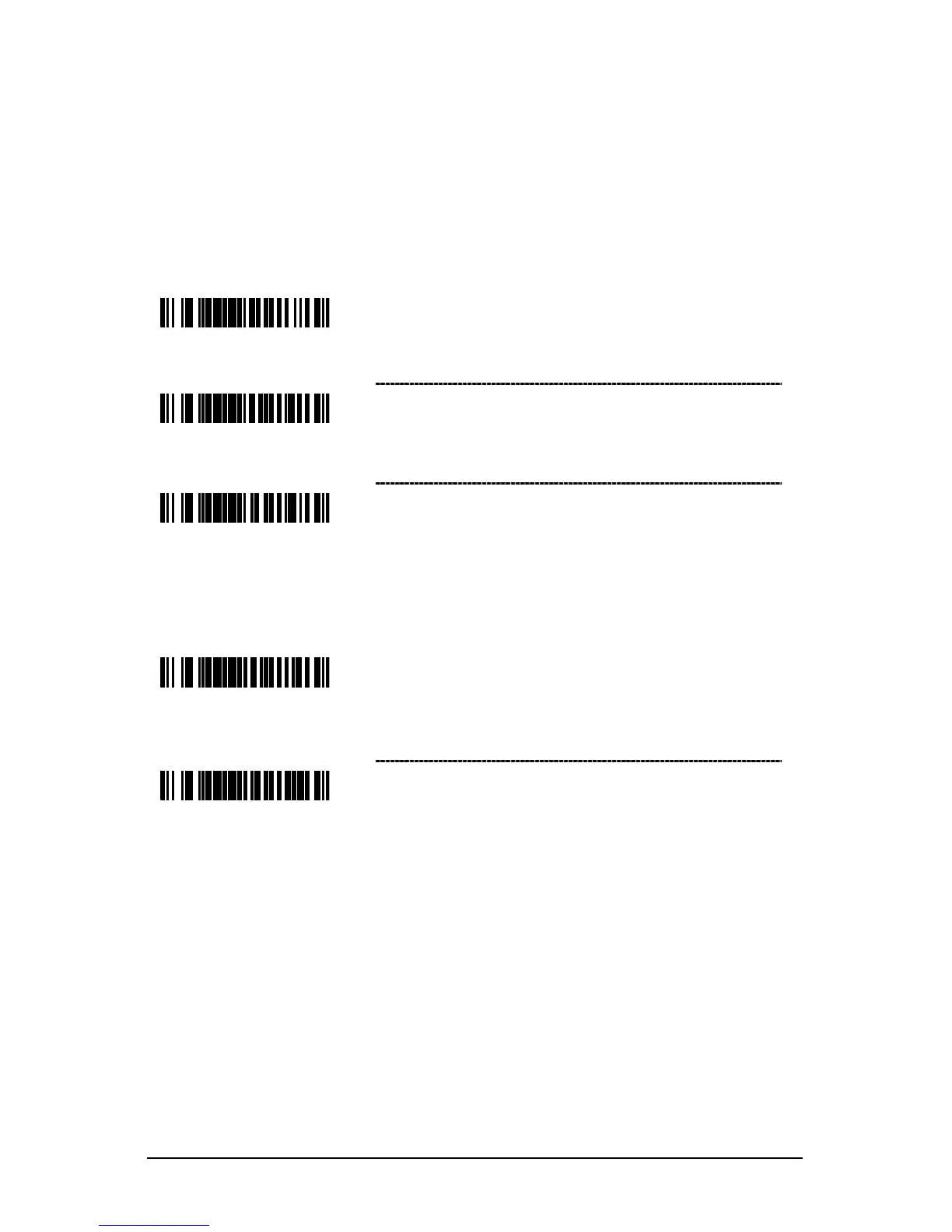
~ ITF Symbol Length Lock 1 – To specify a first
ITF symbol length lock, scan this bar code and
the appropriate code byte sequence located
on page
23.
~ ITF Symbol Length Lock 2 – To specify a second
ITF symbol length lock, scan this bar code and the
appropriate code byte sequence located
on page 23.
~ ITF Minimum Symbol Length – To specify a
minimum number of ITF characters to be decoded,
scan the appropriate code byte sequence located
on page 23.
Additional Decode Features
~ Minimum Symbol Length – Single-line default
Combine this code with the proper code bytes
(on page 23), to specify the minimum number
of characters in all non-UPC/EAN bar codes.
~ Symbol Length Lock – Combine this code with
the proper code bytes, to lock the bar code’s
length into place.



 To Next Page