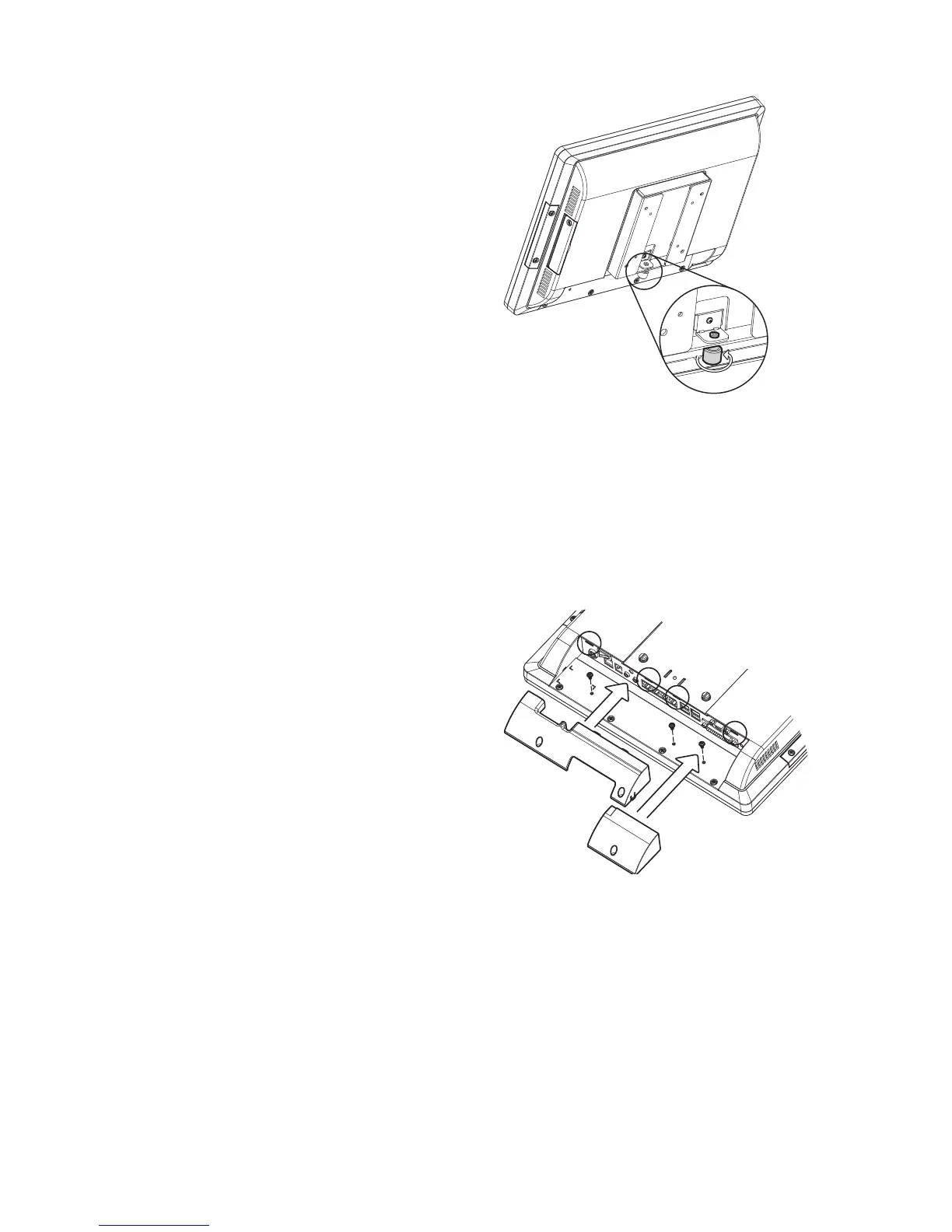
Cable Cover Installation
4-5.
Slide the covers on the IO panel. 1.
if using both the larger cover need
to be installed before the smaller
one.
Fasten the screws (x3, two for the 2.
larger one and one for the smaller
one) to secure the covers.
There are two different cable covers. These can be utilized separately or togeth-
er. When both are needed, please take care that they are installed in the correct
order.
4. Fasten the screw (x1) through the
metal bracket to secure the wall
mount kit.



 To Next Page