PRK-8000 Operation Manual
- 35 -
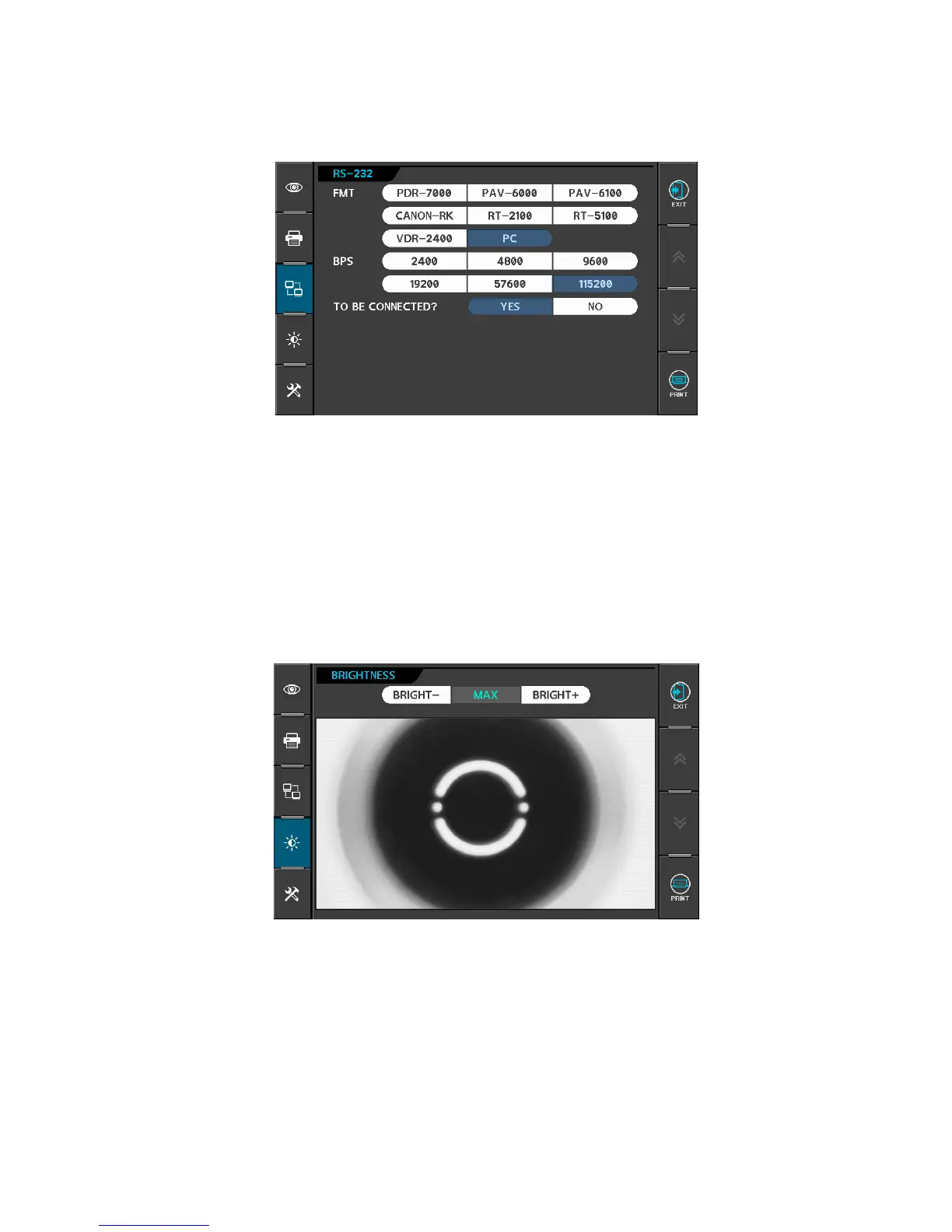
(3) Communication
[Items]
FMT RS-232 data format
PDR-7000, PAV-6000, PAV-6100, CANON-RK, RT-2100, RT-5100,
VDR-2400, PC
BPS RS-232 data transfer speed
2400, 4800, 9600, 19200, 57600, 115200
(It is only possible to select the ‘BPS’ in PC mode.)
(4) Adjust Brightness
Adjust the brightness of monitor.
Press “BRIGHT-” or “BRIGHT+” button to adjust the brightness of monitor (1~23).



 To Next Page