EasyManua.ls Logo

Potter PFC-4064 - Section 7: Panel Menu Trees

Potter PFC-4064
25 pages
Print Icon
To Next Page IconTo Next Page
To Previous Page IconTo Previous Page
Loading...
PFC-4064 KEYPAD PROGRAMMING • 8870080 • REV A • 12/17
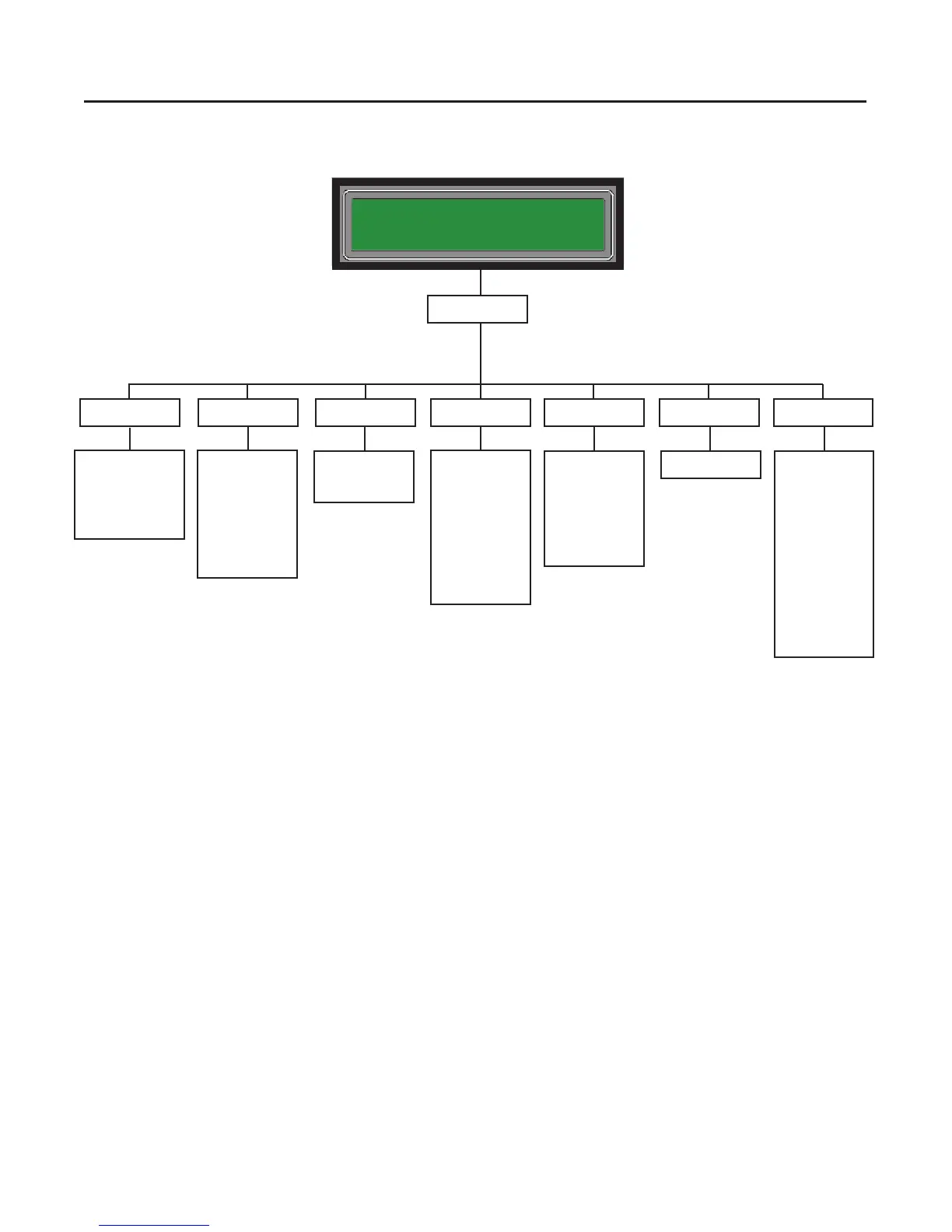
4=Walk Test2=Enable/Disable1=View History 3=Set Date/Time
PFC-4064
All Systems Normal
11/16 21:20:00
6=Programming5=System Tools
1-By Point
2-By Zone
ESC-Exit
Allows user to
enable or disable
devices either by
a single point or
zone.
Press “Enter”
Allows user to view
all events that have
occurred during
use of the panel
(alarms, re drills,
walk tests, etc.)
Allows user to set
date and time for
the control panel.
7=Data Transfer
1-Point Control
2-Ethernet Tools
3-DACT Test
4-DACT Reset
5-Erase History
6-Lamp Test
7-App Revisions
ESC-Exit
Menu Tree 1
See Menu Tree 2
Select Data
1-Remote Access
2-Email History
3-Email Cong
4-Email Test
5-Server Status
ESC-Exit
Allows users to
congure remote
access to the
panel, set up
email alerts, and
server connection
checks.
Start Walk Test?
Yes
No
Allows users
and inspectors
to initiate any
devices at will
to verify correct
installation and
functionality
Section 7: Panel Menu Trees
18

Related product manuals