PFC-4064 KEYPAD PROGRAMMING • 8870080 • REV A • 12/17
Section 4: Programming Options
The control panel is congured using the built in keypad. The panel stores the site specic conguration data in
non-volatile memory.
NOTICE TO USERS, INSTALLERS, AUTHORITIES HAVING JURISDICTION, AND OTHER INVOLVED PARTIES
This product incorporates eld-programmable software. In order for the product to comply with the requirements in the Standard for Control Units and
Accessories for Fire Alarm Systems, UL 864, certain programming features or options must be limited to specic values or not used at all as indicated below.
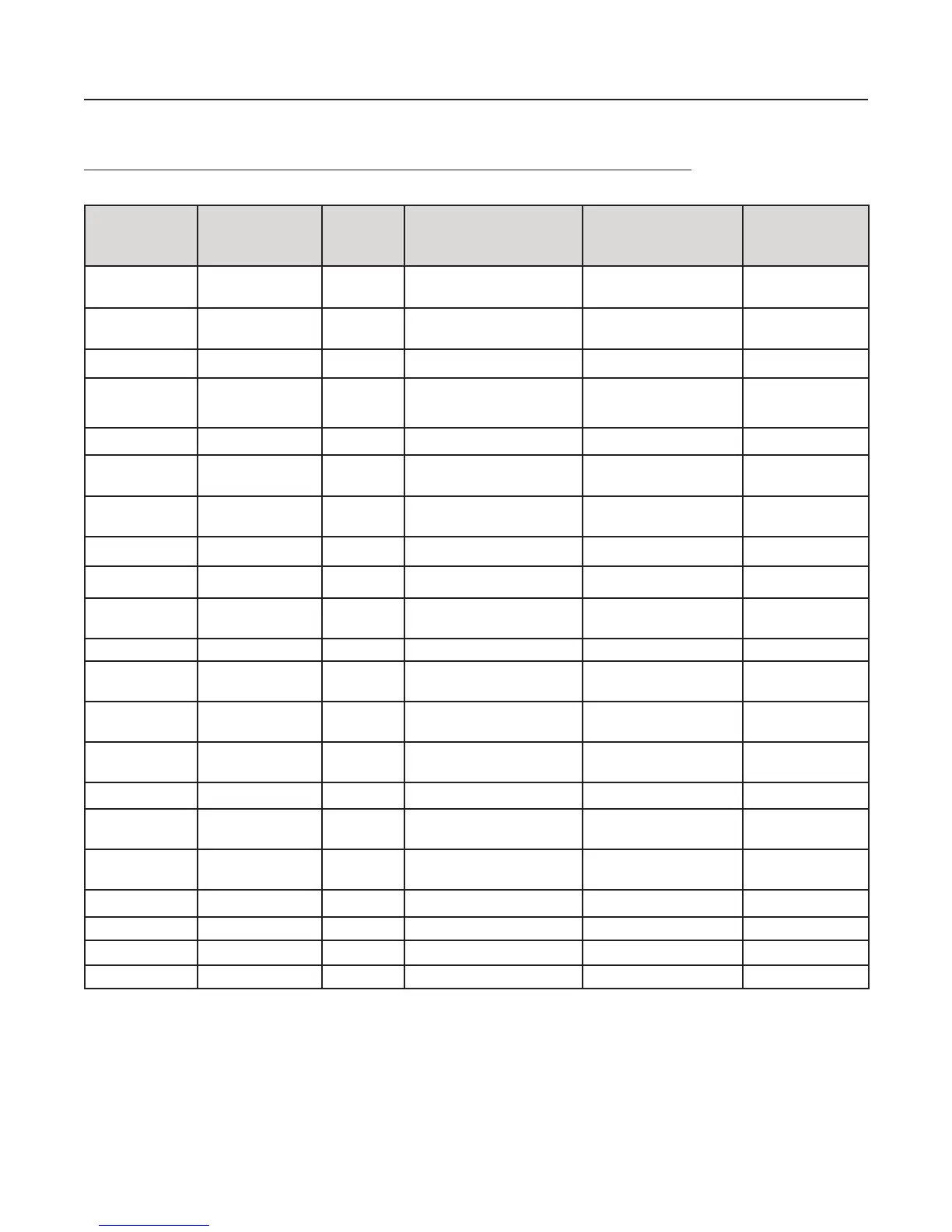
Topic Feature or
Option
Permitted
in UL
(Y/N)
Possible Settings Setting(s)
Permitted
in UL864?
Comment
Misc Idle LCD Message Y Yes/No All Settings Allowed
Misc Display Events Y Initial Event
Newest Event
Initial Event Auto display of
rst event
Misc SLC Blink Y Normal/Slow/Off All Settings Allowed
Misc Alarm Verication
Time
Y 0-60 Sec All Settings Allowed
Misc Waterow Delay Y 0-255 Sec All Settings Allowed
Misc AC Report Delay Y 30 Minutes to 30 Hours 1-3 Hours For UL864 use
1-3 Hr
Misc DH Low AC
Dropout Delay
Y No delay, 15 Sec, 1 minute,
5 minute
All Settings Allowed
Misc Autotest Time Y Time of Day All Settings Allowed
Misc Autotest Interval Y 1-24 Hours All Settings Allowed
Misc Strobes Active
When Silenced
Y Yes/No All Settings Allowed
Misc 50 Hz AC Y Yes/No All Settings Allowed
Misc CO Tone on
Annunciators
Y Yes/No All Settings Allowed
Misc Low Temp Events
Are Supervised
Y Yes/No All Settings Allowed
Misc Disable 24 hours
PZT Resound
Y Yes/No No
Misc Display AM/PM Y AM/PM, 24 Hour All Settings Allowed
Misc Synchronize to
Network Time
Y Yes/No All Settings Allowed
Misc SNTP Server Y North-America.Pool.NTP.
org
All Settings Allowed
Misc Time Zone Y 24 Time Zone Selections All Settings Allowed
Misc DST Enabled Y Yes/No All Settings Allowed
Misc DST Start Y Month/Day All Settings Allowed
Misc DST End Y Month/Day All Settings Allowed
6



 To Next Page