12
Lock Control
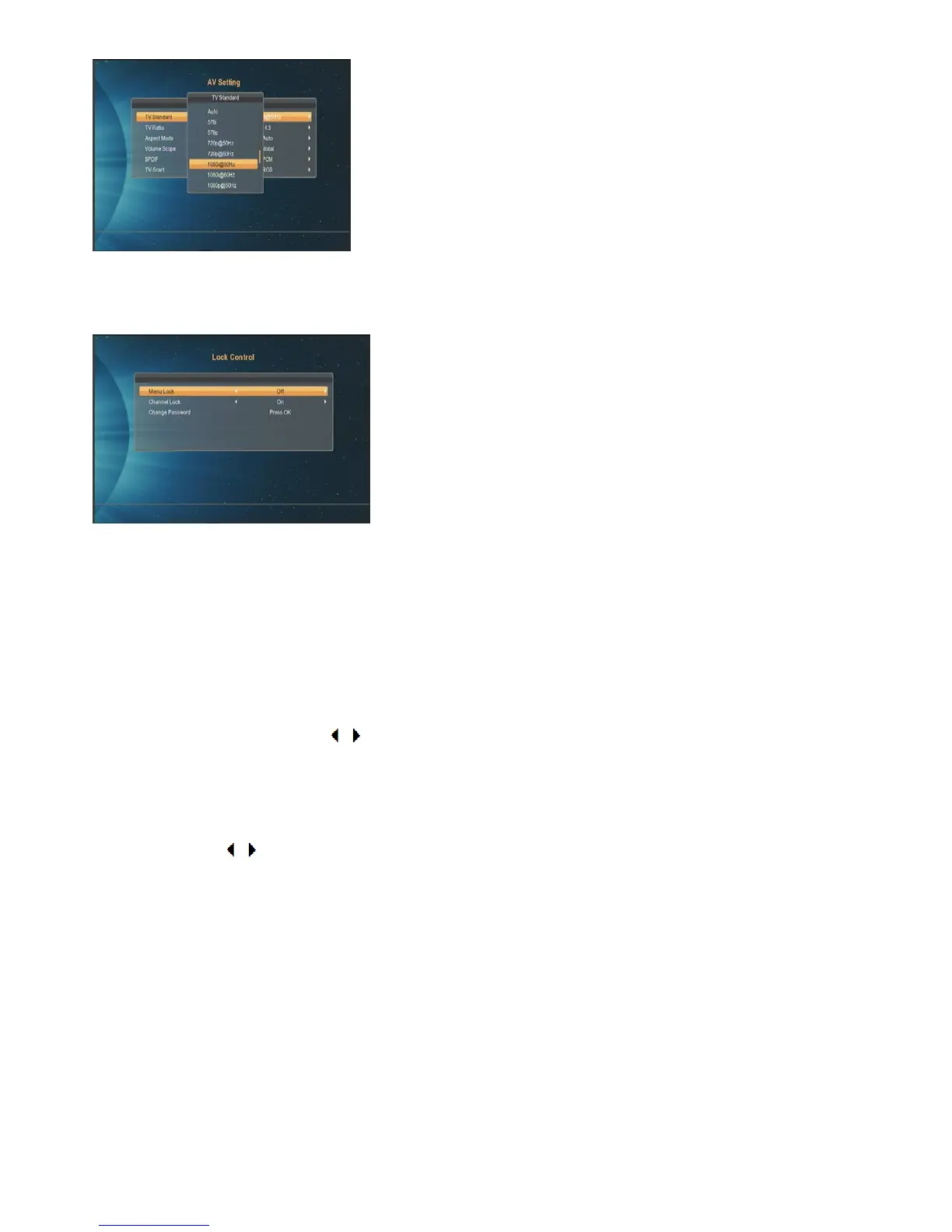
In “Lock Control” line, press [ok] key, there will pop an dialogue for you to input the password. Default password is
“0000”.When you input the correct password, you will see a screen like below :
Menu Lock determining that when users wish to enter main menu/system setting etc, if the setting is “On”, they
must input password.
Channel Lock determine that when users wish to play the locked channels, and if the setting is “On”, the channel
marked lock will show up a dialogue on the screen and ask for the password. If not, the lock function will be
invalid.
OSD Setting
Here you can change the Transparency/OSD timeout/Channel Switch:
1. Transparency: You can press [ / ] key to select the value and press [EXIT]/[MUNE] key to save and draw
back from the “OSD Setting” menu.
2. OSD Timeout: When you switch channel in full screen, there will show up some information about current
channel on the lower of the screen. And regarding to the duration of there information show up on the screen,
you can press [ / ] key to set the time.
3. Channel Switch: When you switch change in full screen, there are two types you can select as you like.
Color setting
Here you can change the Brightness/Chroma/Contrast to find a suitable visual effect when you watching TV.



 To Next Page