14
5. Media Center
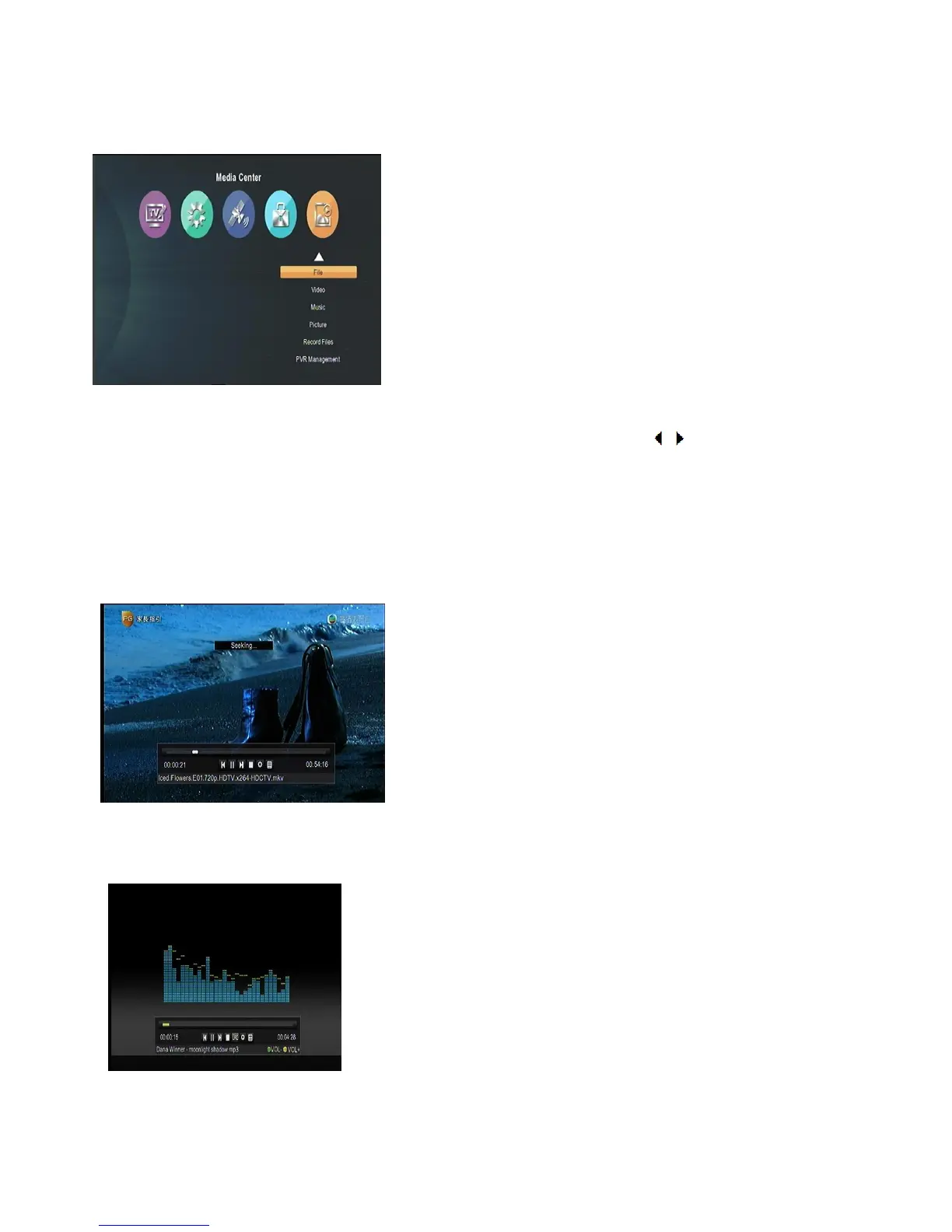
Media center will be used when USB device is plugged. When you enter to “Media Center” menu, you will see a
screen as below:
Media Player
First you enter media play window,the highlight is on the “File” menu. Press [ / ] to select mode among
Video/Music/Picture/Text.
Press [ok] to confirm. Press [EXIT]/[MENU]/ to exit.
1. File mode: In this mode, you can play every kind of media format, for example: Music/Video/Picture.
2. Video mode: Select “Video” menu, then all the useable video files will display on the screen. When you are
playing it, press [ok] key, you will see picture as below:
Here,you can page up/down, pause, play, check the size of the video and so on.
The STB support .MP4/.AVI/.MKV/.FLV/.MPG/.VOB/.TS etc.
3. Music mode: Press [ok] key to move highlight to directory and you can see picture as bellows:
4. Picture mode:You can browse pictures by entering “Picture” menu. You can browse one by one or enjoy
automatically.



 To Next Page