11
3. System Setting
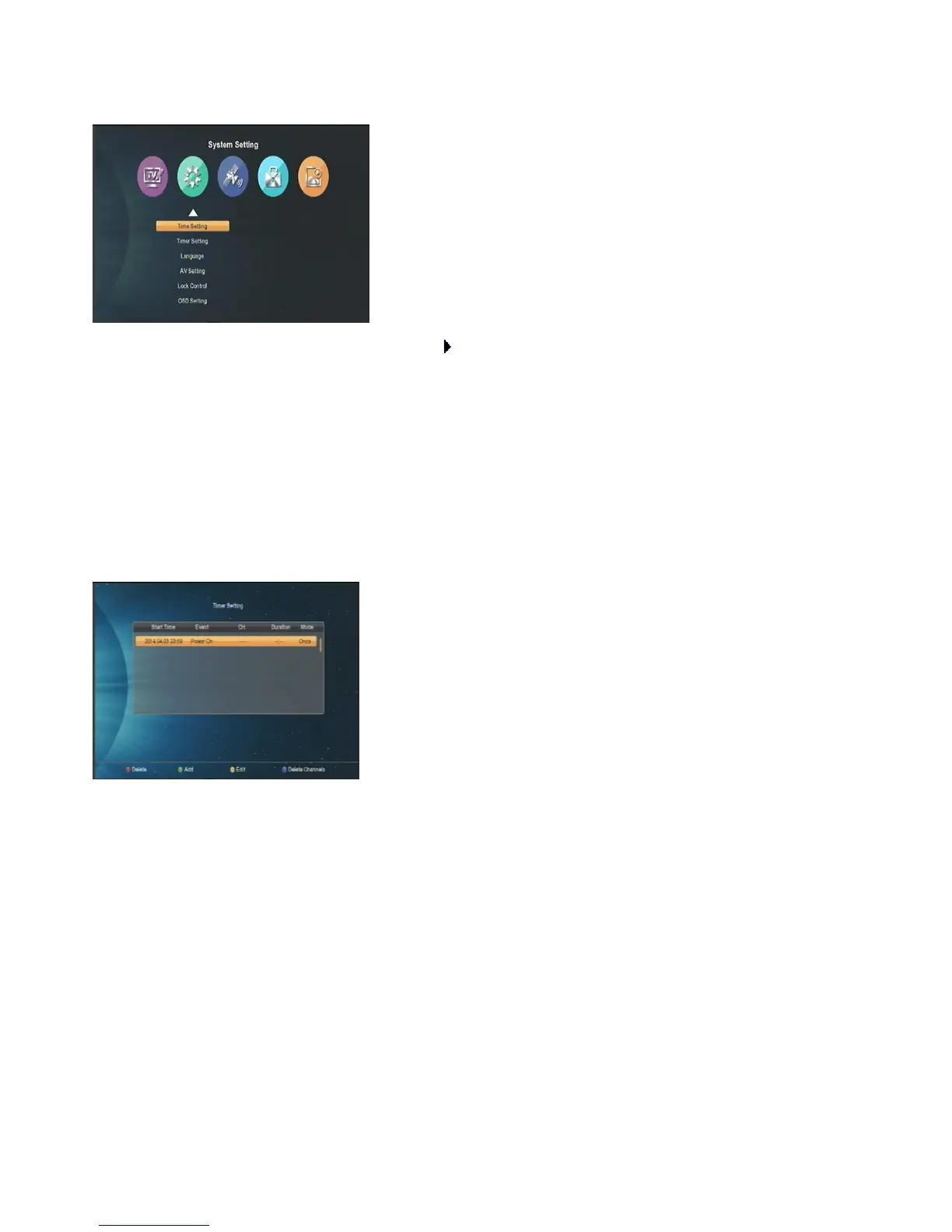
When you press [Menu] key to enter menu, the following icon will be shown:
Press [▲ /▼] key to select menu items.Press [ok]/[ ] key to enter.
Press [MENU]/[EXIT] key to save and go back to main menu.
Time Setting
1. In the time menu you can use auto mode and set the right time zoom, after that you can get the correct time
automatically from the channel stream.
2. You can use local mode to set the time yourself. Press [MENU]/[EXIT] key to save and exit.
Timer Setting
Select “Timer Setting” item and press [ok] key to enter “Timer Setting” menu.
1 Press [Green] key to add a timer as bellows, and press [EXIT] to confirm and exit after finishing setting.
2 Edit: Press [Yellow] key to change timers you have set one by one.
3 Delete: Press [Red] key to delete any timer you selected.
Language
When you enter to “Language” menu, there are almost 10 kind languages for you to choose as you can like.
AV Setting
When you enter “AV System” menu, the following options will be shown:



 To Next Page