EasyManua.ls Logo

Power Plus HD800S - User Manual

Default Icon
17 pages
Print Icon
To Next Page IconTo Next Page
Loading...
1
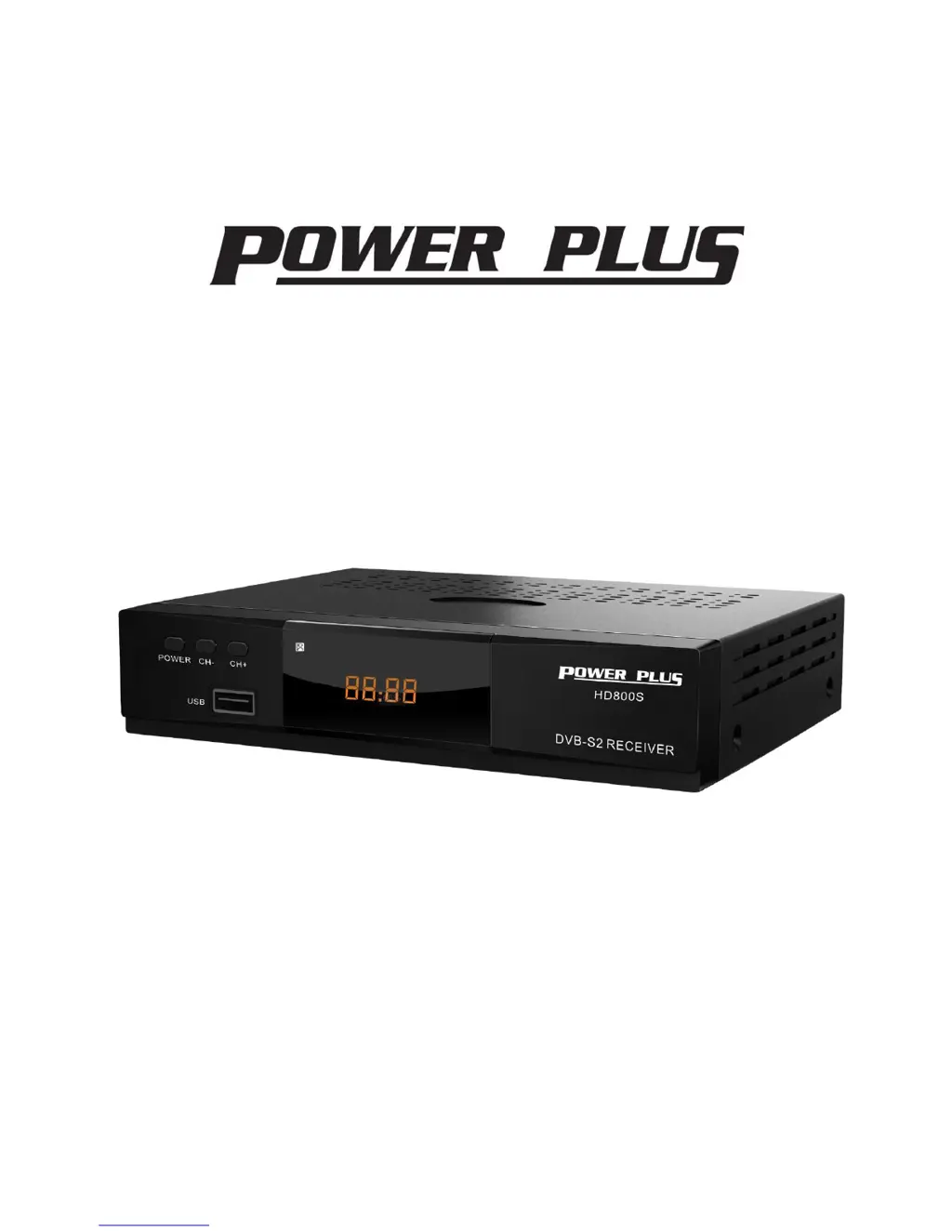
HD DIGITAL SATELLITE RECEIVER
Model No.:HD800S
USE’S MANUAL
Please Read This Manual before Installation and Use

Questions and Answers

  • E
    escobarcharlesJul 27, 2025
    What to do if there is no sound or picture on my Power Plus HD800S Receiver?
    • J
      Jean HahnJul 27, 2025
      If you're experiencing a lack of sound or picture, it could be due to a few reasons. First, the satellite dish might not be correctly aligned with the satellite; try adjusting it and check the Signal Level in the Antenna Setup menu. Also, the problem might be a weak signal, so verify the cable connections, the LNB, and any other equipment between the LNB and the receiver. Adjust the dish if needed.
  • R
    Robin CrossAug 1, 2025
    What to do if the RCU is not working with my Power Plus HD800S Receiver?
    • B
      Brian WoodsAug 1, 2025
      If the RCU (Remote Control Unit) isn't working, the batteries might be exhausted. Try changing the battery. Also, make sure you're aiming the RCU directly at the unit and that nothing is blocking the front panel.
  • C
    Christopher HallAug 5, 2025
    Why is there no picture on my TV screen with Power Plus Receiver?
    • B
      Brittany DavisAug 5, 2025
      If no picture appears on the TV screen, ensure that your TV is in AV/EXT mode. Also, check the UHF channel fixed in your system and tune the UHF channel properly.
  • D
    Dalton PerkinsAug 10, 2025
    How to fix bad picture or blocking error on Power Plus HD800S Receiver?
    • E
      erindanielsAug 11, 2025
      A bad picture or blocking error can occur if the satellite dish isn't pointing correctly at the satellite; try adjusting the dish. Alternatively, if the signal is too strong, connect a signal attenuator to the LNB input. If the satellite dish is too small, consider changing to an LNB with a lower noise factor. Finally, the LNB itself might be faulty, so consider replacing it.
  • D
    Deanna PachecoAug 16, 2025
    What to do if there is no sound or picture, but the front panel red light is ON on my Power Plus HD800S Receiver?
    • J
      John BryanAug 16, 2025
      If there is no sound or picture, but the front panel red light is ON, the unit might be in standby mode. Press the standby button to take it out of standby.
  • J
    Jennifer MurphyAug 21, 2025
    How to fix the display if it does not light up on the front panel of my Power Plus HD800S?
    • S
      sullivanalyssaAug 21, 2025
      If the display on the front panel doesn't light up, the main cable might not be connected properly. Check that the main cable is plugged into the power socket.

Summary

General Information

Front and rear Panel

Front Panel

Describes the controls and indicators on the front of the receiver.

Rear Panel

Details the various input/output ports located on the back of the receiver.

Remote control Unit (RCU)

Menu Operations

First Steps

Guides users through initial setup and basic operations like turning on, standby, and volume control.

Installation

Antenna Setting

Configure satellite, LNB, and tuning parameters for optimal signal reception.

Motor Setting

Allows adjustment of motor type for satellite dish positioning.

Satellite List

Manage and search for available satellites, including editing and adding entries.

TP List

Edit and manage Transponder (TP) data for different satellites, including adding new TPs.

Channel Edit

TV Channel

Manage TV channels, including renaming, deleting, moving, skipping, locking, and setting PIDs.

Radio Channel

Manage radio channels, similar to TV channel management functions.

Delete Channels

Provides an option to delete all TV and radio channels from the receiver.

System Setting

Time Setting

Set the receiver's time automatically or manually for accurate scheduling.

Timer Setting

Configure timers for recording, power on/off, and other scheduled events.

Language

Select preferred OSD language from a list of available options.

AV Setting

Configure video and audio output settings for optimal display and sound.

Lock Control

Set up parental controls and channel locking using a password system.

OSD Setting

Adjust display settings like transparency, timeout, and channel switch behavior.

Color setting

Customize visual effects by adjusting brightness, chroma, and contrast.

Utility

System Information

View details about the receiver's software and hardware specifications.

Factory Reset

Restore the receiver to its default settings, erasing all user data.

Software Upgrade

Update the receiver's firmware via USB or STB-to-STB connection.

Media Center

Media Player

Access and play various media files like videos, music, and pictures from USB storage.

PVR Management

Timeshift

Enable time-shifting to pause live TV and resume playback later.

Record Files

Access and manage recorded TV programs and media files.

TECHNICAL SPECIFICATION

TROUBLE SHOOTING

Power Plus HD800S Specifications

General IconGeneral
BrandPower Plus
ModelHD800S
CategoryReceiver
LanguageEnglish