15
PVR Management
When you press [menu] key to enter media center menu, there will display the PVR Management.
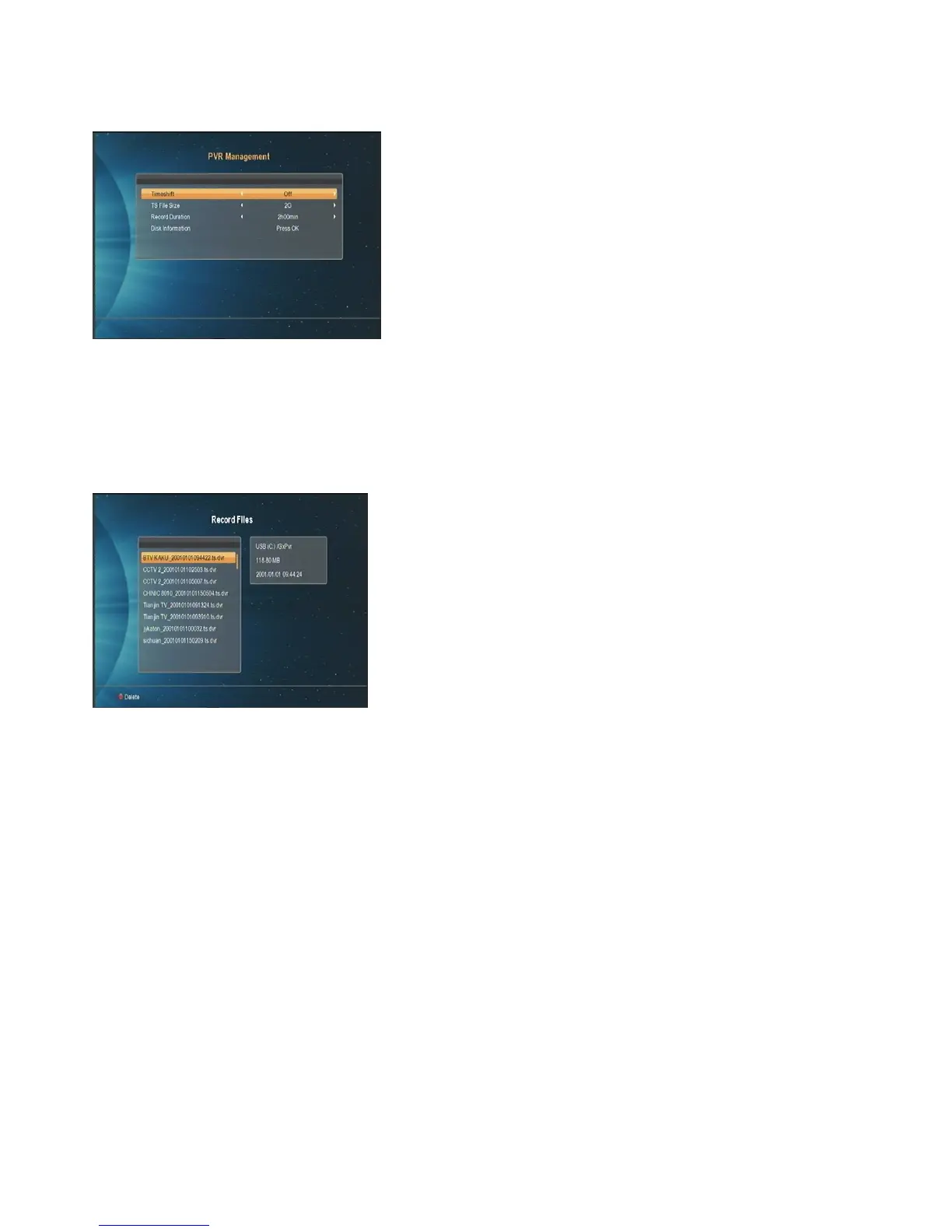
1. Move the highlight to “PVR Management” and press [ok] key. It will display “PVR Management” as below:
2. Timeshift:Press [Left/Right] to switch timeshift “On/Off”. If set timeshift “On”, it can timeshift the program when
user watch TV.
Use “TS File Size” and “Record Duration” to set the parameters of PVR.
Record Files
Move the highlight to “Record Files” and press [ok] key. It will display “Record Files”



 To Next Page