8
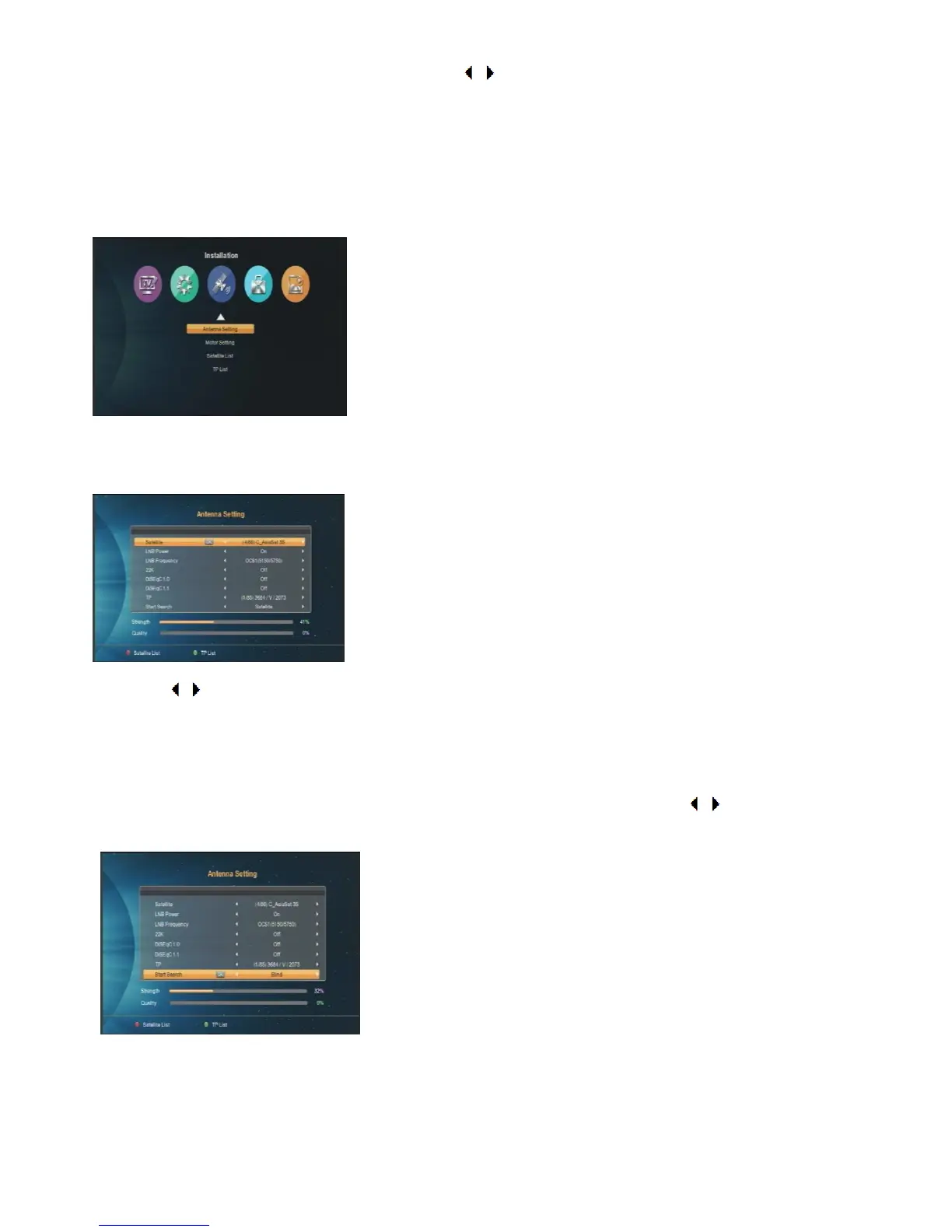
Enter main menu by pressing 【MENU】key. Press [ / ] to select different second-level menu items among
Installation, Channel Edit, System Setting, Utility and Media Center.
Press [▲ /▼] to choose third-level menu and press [ok] key to enter.
1. Installation
Antenna Setting
Here you can select satellite you want and set LNB parameters of this satellite.
1. Press [ / ] to change parameters one by one. Press [ok] key to check every item. In “LNB Power”, there
are two options, “On” and “Off”, for your selection. If the setting is “On”, the receiver will supply power to
satellite antenna. Otherwise it is not.
2. After setting all the parameters, there are two fast ways to get channels from a single satellite.
Moving the cursor to Star Search,then you choose auto scan or blind scan by pressing [ / ].
Moto Setting
Change motor type in this window.



 To Next Page