PH4000Ri/E Owner’s Manual 40
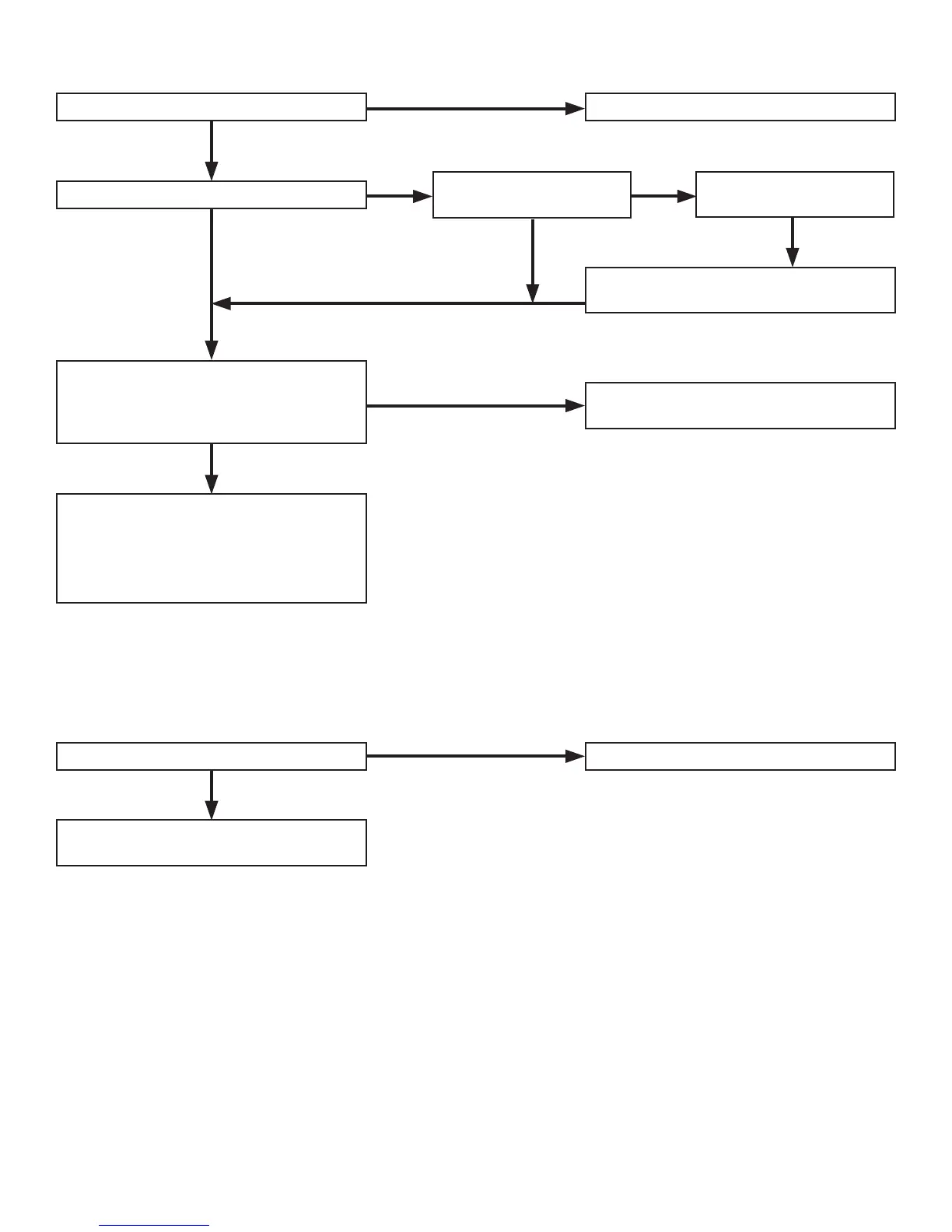
9.3. Appliance does not operate
NO
YES
YES
NO
YES
NO YES
NO
NO
Is the circuit breaker “ON”? Reset the circuit.
Is the digital display returning data?
Is an OVER message on
the display?
Press the overload reset
button.
Are there any defects in the electrical
appliance or equipment? Check for
power using a meter, or a known good
appliance.
Did pressing the overload reset button
cause the appliance to operate?
• Replace the electrical appliance or
equipment.
• Take the electrical appliance or
equipment to an electrical shop for
repair.
Take the generator to an authorized
POWERHOUSE
®
service center.
9.4. No output at the DC receptacle
NO
YES
Is the DC circuit breaker tripped? Reset the circuit breaker.
Take the generator to an authorized
POWERHOUSE
®
service center.


 To Next Page