4
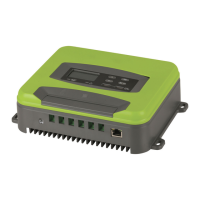
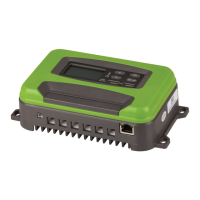
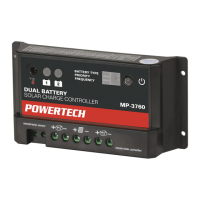
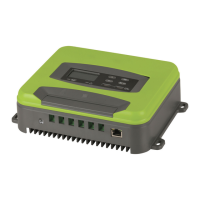
Productpicture(Fig.1)
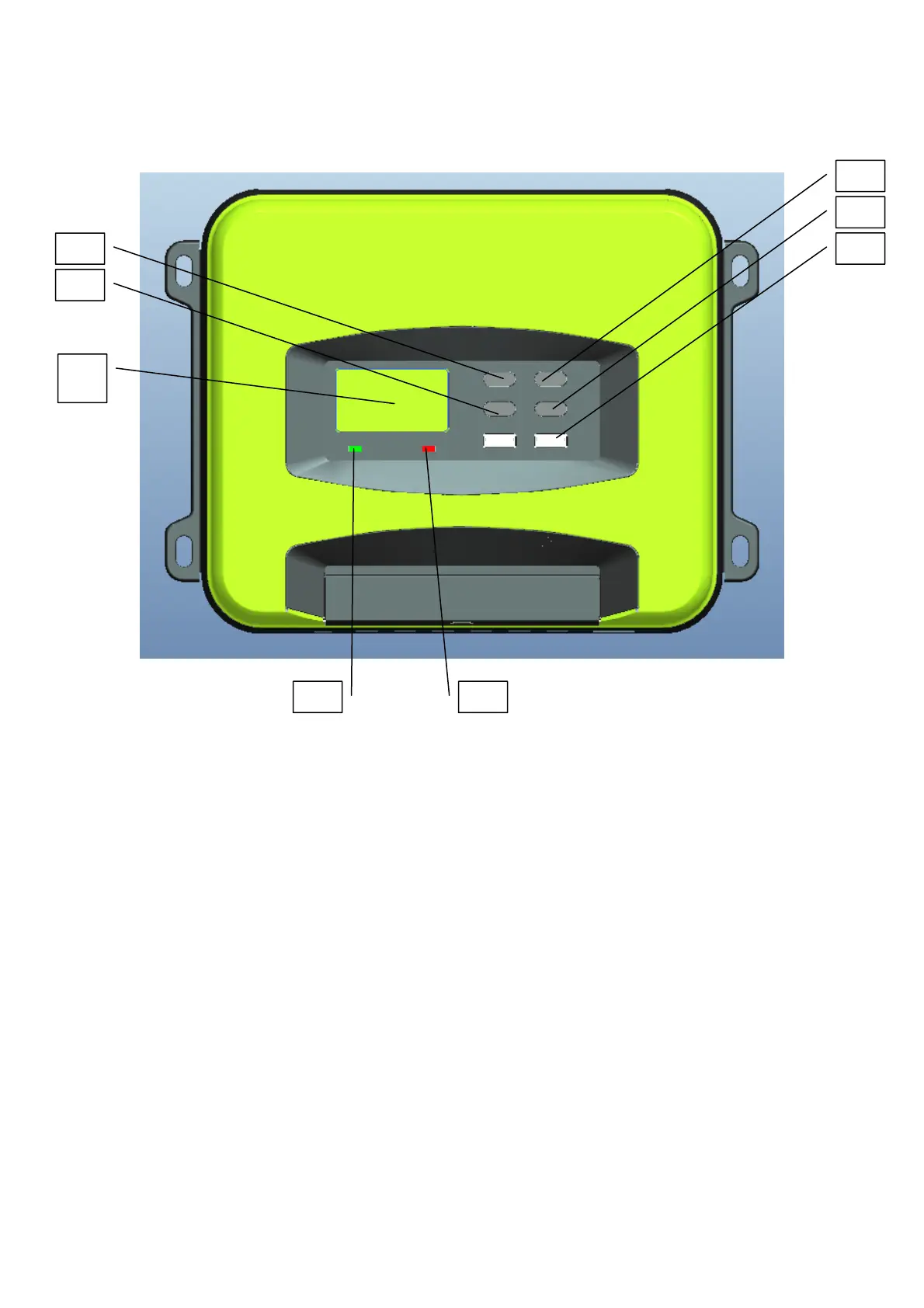
II.Functionaldescriptionofeachpartofthepanel(refertoFig.1&
2):
1.UP(upbutton)
2.Down(downbutton)
3.MENU(mainmenubutton)
4.Enter(OKbutton)
5.GreenLEDlight(offwhennocharging,flashingduringcharging,stayonwhenfullycharged).
6.RedLEDlight(offwhennoerror,erroralarmwhenthelightislongon,lithium
batteryonlyhas
12Vgear,othergearflashingredlighterror)
7.2*5V3AUSBoutput
8.LCDscreen
Remark:(Theoperationsofpanelitems1‐4areexplainedbelow).
8
6
7
5
4
3
2
1


 To Next Page