29
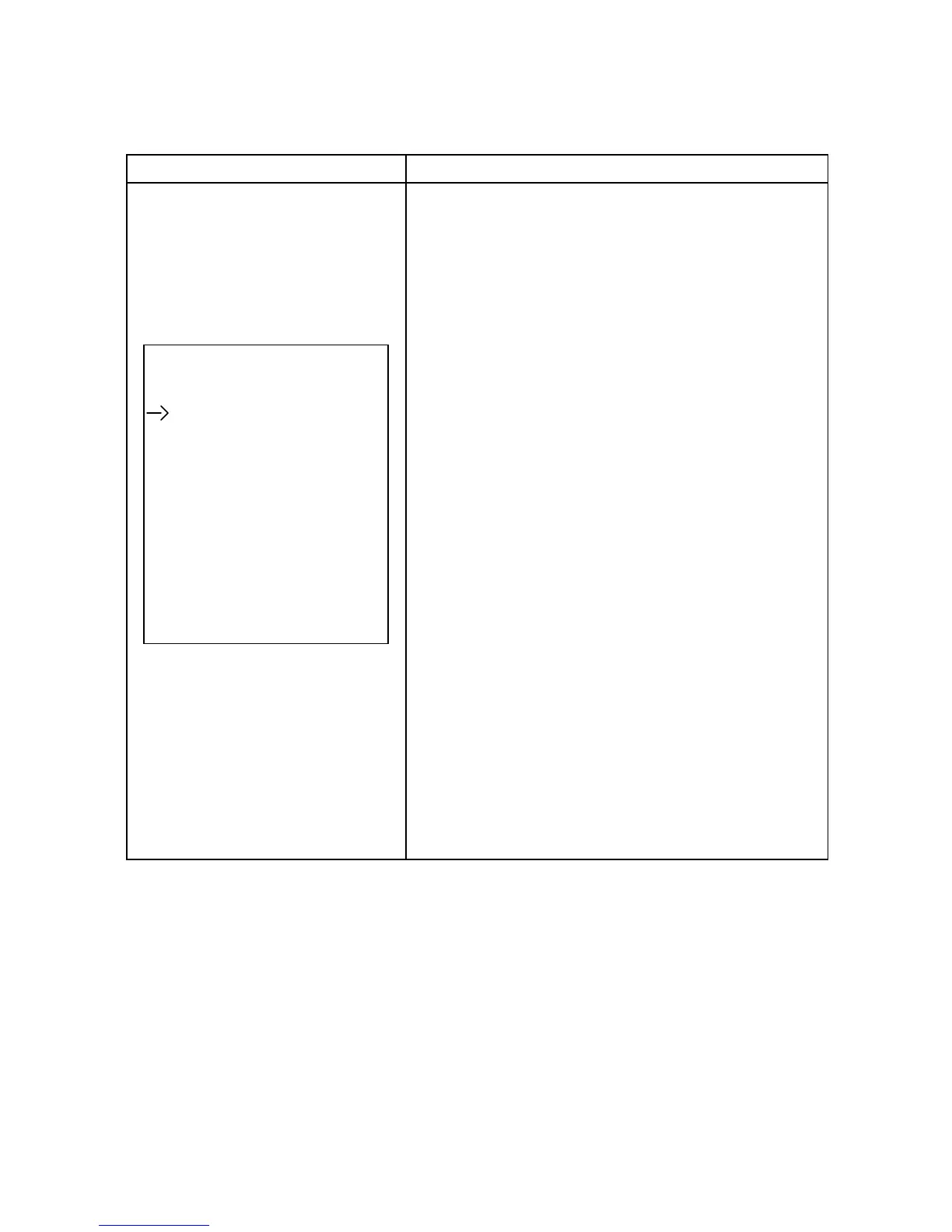
2) Output setting (only available or effective on bypass mode)
Interface Description
1. Volt :
200 : Sets the output voltage to 200Vac
208 : Sets the output voltage to 208Vac
220 : Sets the output voltage to 220Vac
230 : Sets the output voltage to 230Vac
240 : Sets the output voltage to 240Vac
Output :
2. Freq :
50Hz : Sets the output frequency to 50Hz.
Volt : 208V 60Hz : Sets the output frequency to 60Hz.
Freq : 50Hz ATO : If selected the output frequency will be decided
CVCF : Enable according to the latest normal utility frequency. If the utility
frequency is in the range 46Hz to 54Hz, then the output fre-
quency will be 50Hz. If the utility frequency is in the range
56Hz to 64Hz, the output frequency will be 60Hz. ATO is the
default setting.
3. CVCF :
Enable or disable converter mode.
Enable : The output frequency will be fixed at 50Hz or 60Hz
according to setting of “Freq”. The input frequency can be
anywhere in the range 46Hz to 64Hz.
Disable : The output frequency will synchronize with the input
frequency within 46 ~ 54Hz for a 50Hz system or within
56 ~ 64Hz for a 60Hz system.
NOTE : CVCF means Constant Voltage and Constant
Frequency and represents converter mode.



 To Next Page