5. Use a USB cable to connect the image transmission USB port at the top of the remote
controller to the micro USB/Type-C/lightning port of your phone; or connect your phone
to the Wi-Fi hotspot whose SSID is PDO_RC_xxx (password: 12345678).
①
②
③
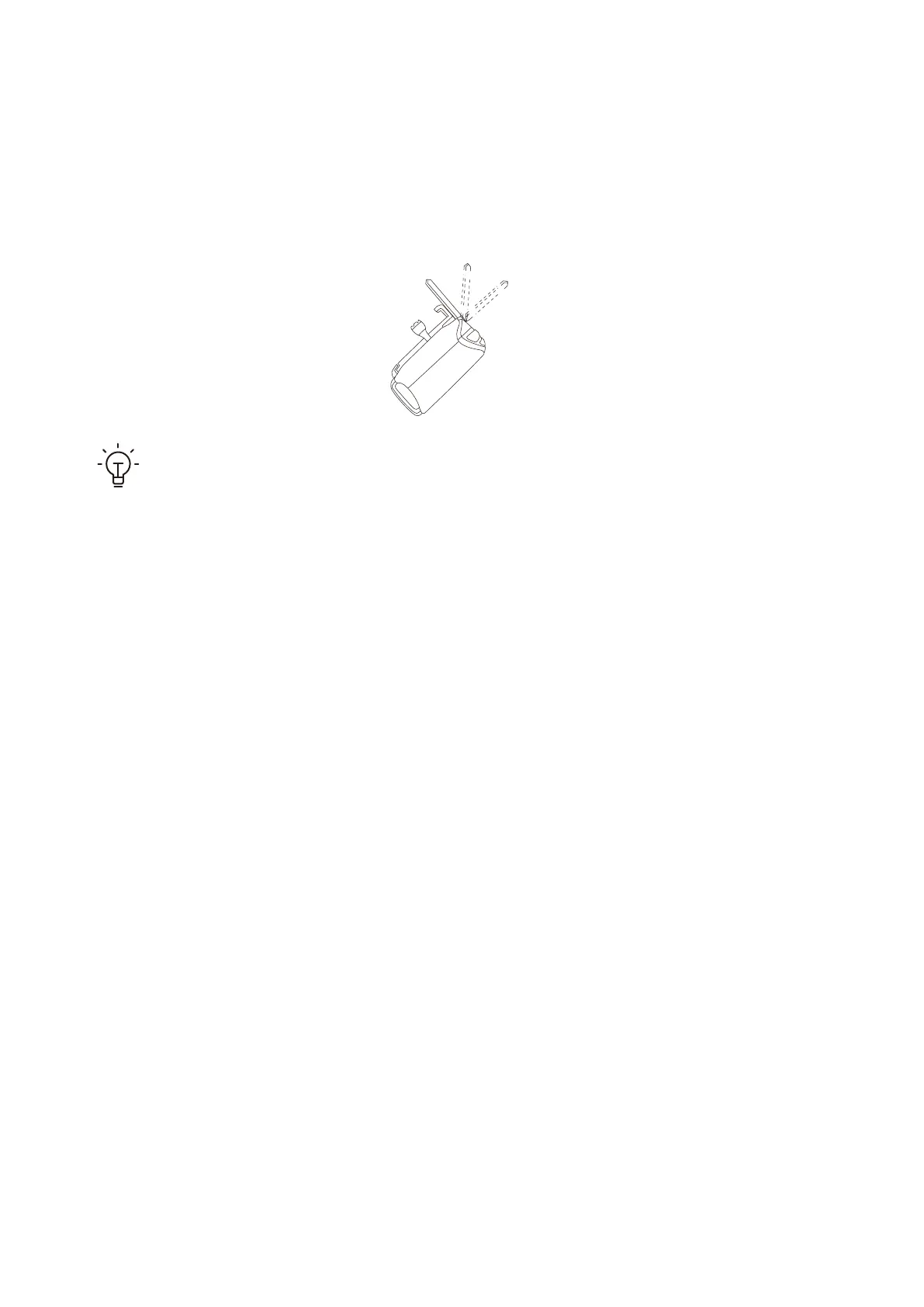
1. Make sure that the antennas are at positions 1 or 2 for the best communication
outcome.
2. If you use a phone with a Type-C or lightning port, connect your phone to the
remote controller by using a proper USB cable or Wi-Fi.
• Buttons/Control Stick Operations
14
• On/Off button and button light: Press and hold the button to power on/off your
device. If the button light is on, your device is powered on.
• Custom button and button light: Press and hold to execute, and short press to reset. If
the button light is on, the operation has been executed.
• Smart return button and button light: Press and hold to return, and short press to
cancel the return. If the button light is on, your device is returning.
• Lock/Unlock button and button light: Press and hold the button to lock/unlock the
device. If the button light is on, the device is unlocked.
• Cameral control thum: Move leftwards to control the camera joint to rotate down-
wards, and move rightwards to control the camera joint to rotate upwards.
• Photo button: Short press to take a photo.
• Video button: Short press to start shooting a video and short press again to stop
shooting.



 To Next Page