Troubleshooting
42
Powerware
®
5115 Tower UPS (500–1400 VA) U ser’s Guide S 05146640 Rev C www.powerware.com
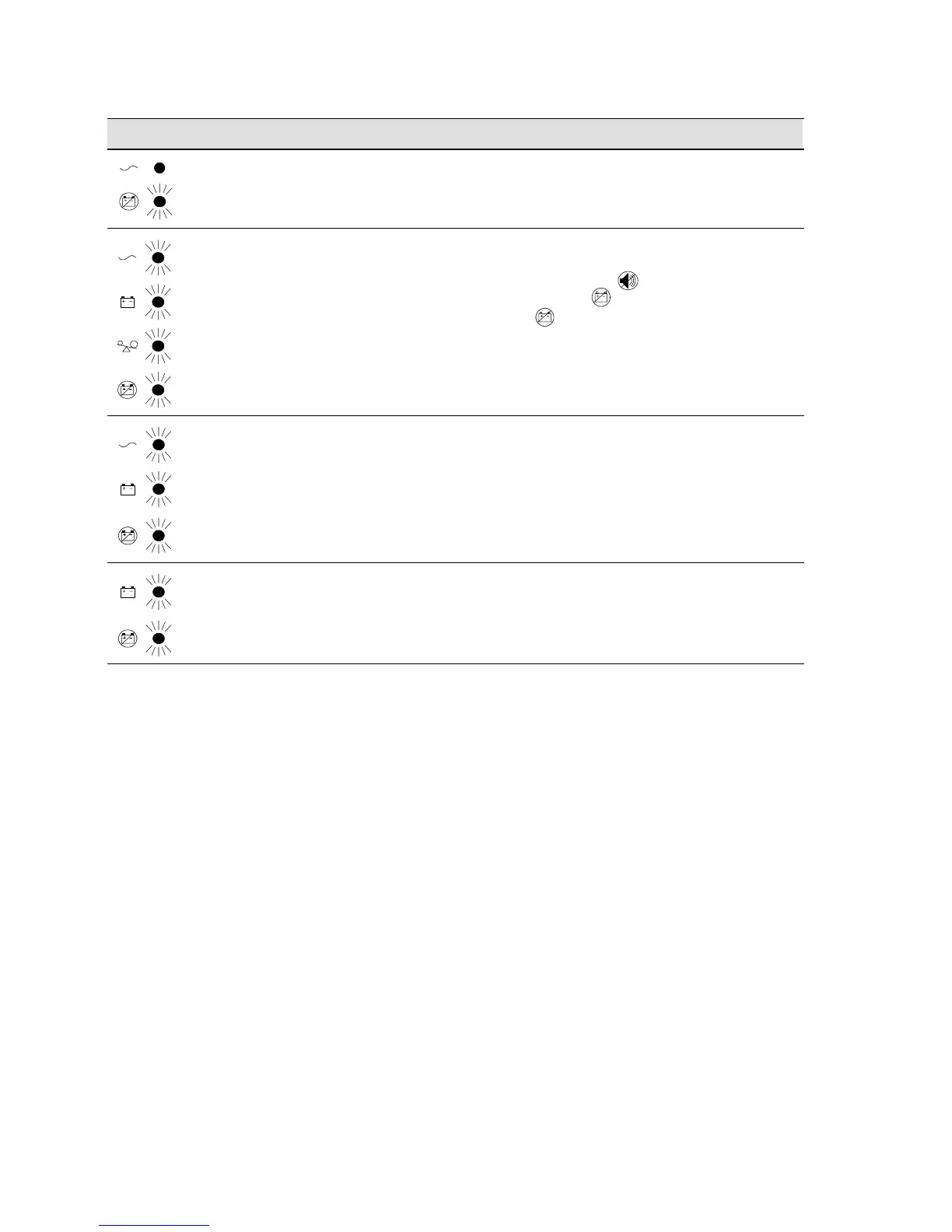
ActionPossible CauseAlarm or Condition
Continuous
beep.
UPS fan fault
(750–1400 VA models
only).
Save your work and turn off your equipment.
Turn off the UPS. Contact your service
representative.
3 beeps every 10
seconds.
Failed attempt to start
the UPS on battery.
Plug the UPS into a power outlet for 24 hours to
charge the battery. After charging the battery,
press and hold the button for 3 seconds;
then check the indicator.
If the indicator still flashes, see “Replacing
Batteries” on page 30 to replace the battery.
Continuous
beep.
Theoutputwaveis
abnormal while the UPS
is on battery.
Shutdown is imminent. Save your work and turn
off your equipment. Turn off the UPS. Contact
your service representative.
Continuous
beep.
Theoutputvoltageis
below or above the limit
while the UPS is on
battery.
Save your work and turn off your equipment.
Turn off the UPS. Contact your service
representative.












 To Next Page