65
Powerware
®
9155 UPS (8–15 kVA) User’s Guide S 164201553 Rev D www.powerware.com
Chapter 11 Operation
This chapter contains information on how to use the Powerware 9155,
including front panel operation, UPS startup and shutdown, and
operation of the Maintenance Bypass switch.
Control Panel Functions
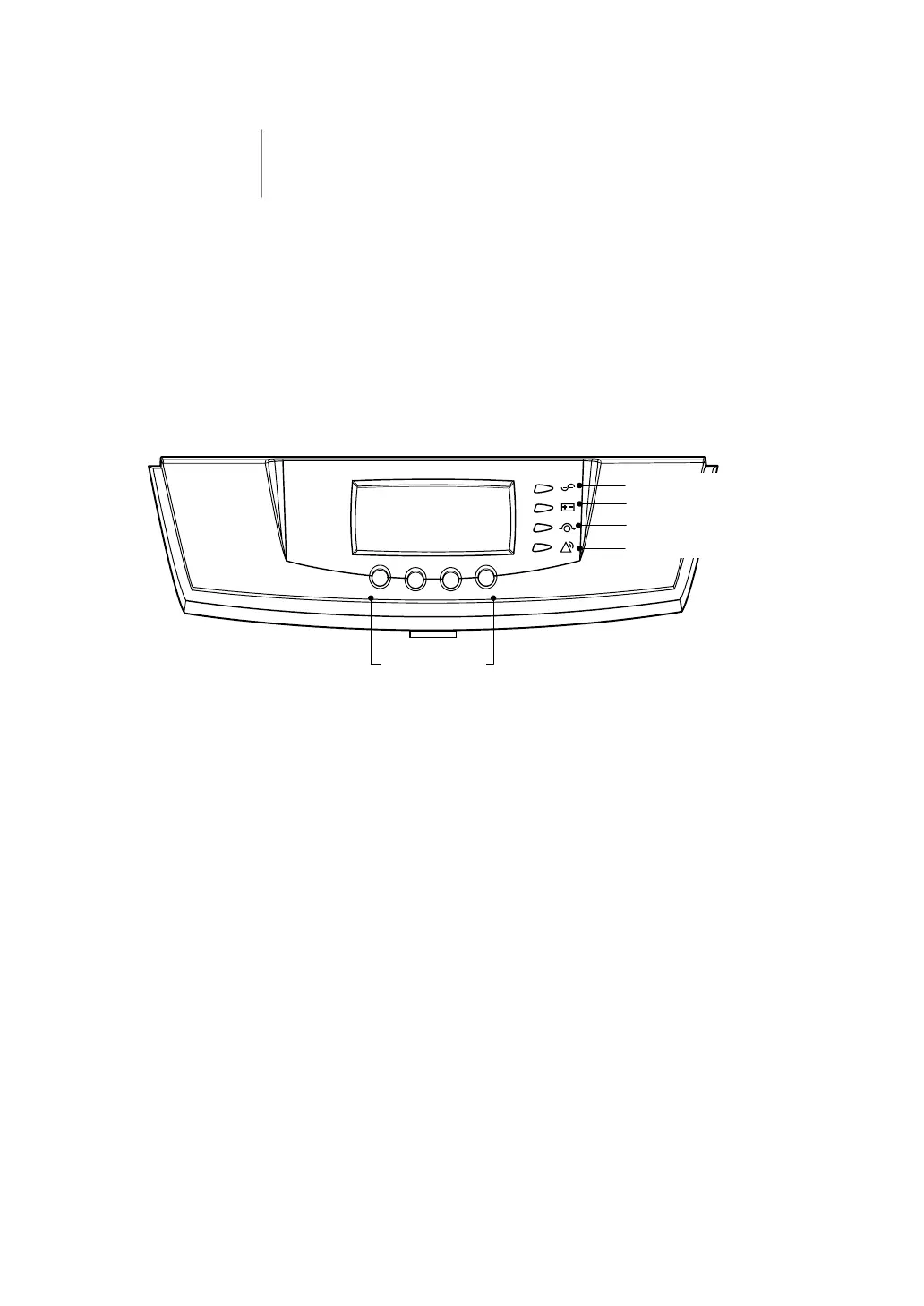
The UPS has a four-button graphical LCD with backlight. It provides
useful information about the UPS itself, load status, events,
measurements, and settings (see Figure 40).
Power On Indicator (Green)
On Battery Indicator (Yellow)
Bypass Indicator (Yellow)
Alarm Indicator (Red)
Control Buttons
for the LCD Menu Options
Figure 40. Powerware 9155 Control Panel












 To Next Page