Communication
54
Powerware
®
9155 UPS (8–15 kVA) User’s Guide S 164201553 Rev D www.powerware.com
Installing Communication Options and Control T erminals
To access and install the communication options and control terminals:
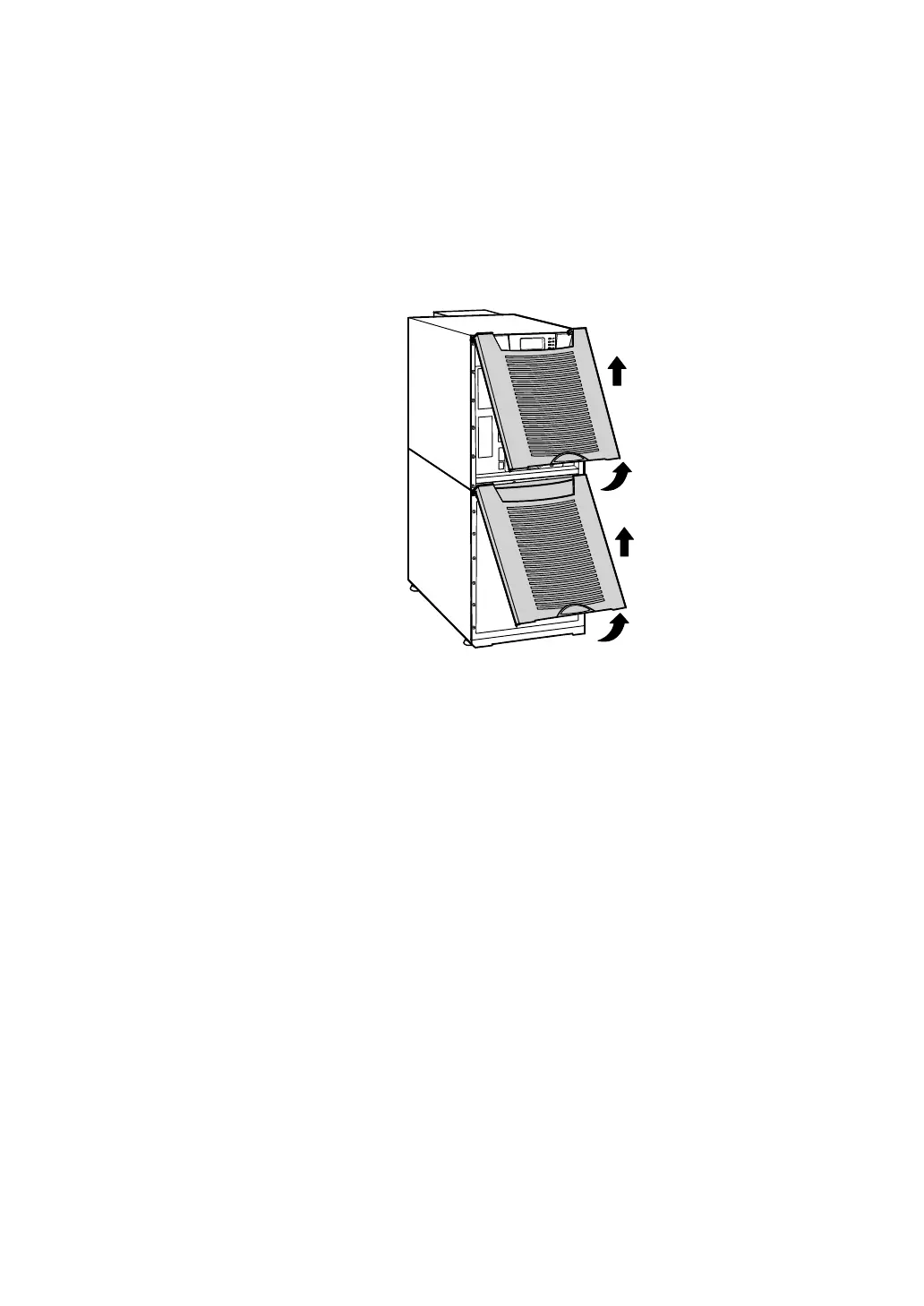
1. Remove the front covers of all cabinets, starting with the top
cabinet. Press and release the handle latch at the bottom of
each cover and then lift the cover up and off the cabinet (see
Figure 33).
Figure 33. Removing the Front Covers
2. Install t he appropriate X-Slot card and/or necessary cable(s) into
the t op cabinet (see Figure 32 and Figure 34).












 To Next Page