Communication
55
Powerware
®
9155 UPS (8–15 kVA) User’s Guide S 164201553 Rev D www.powerware.com
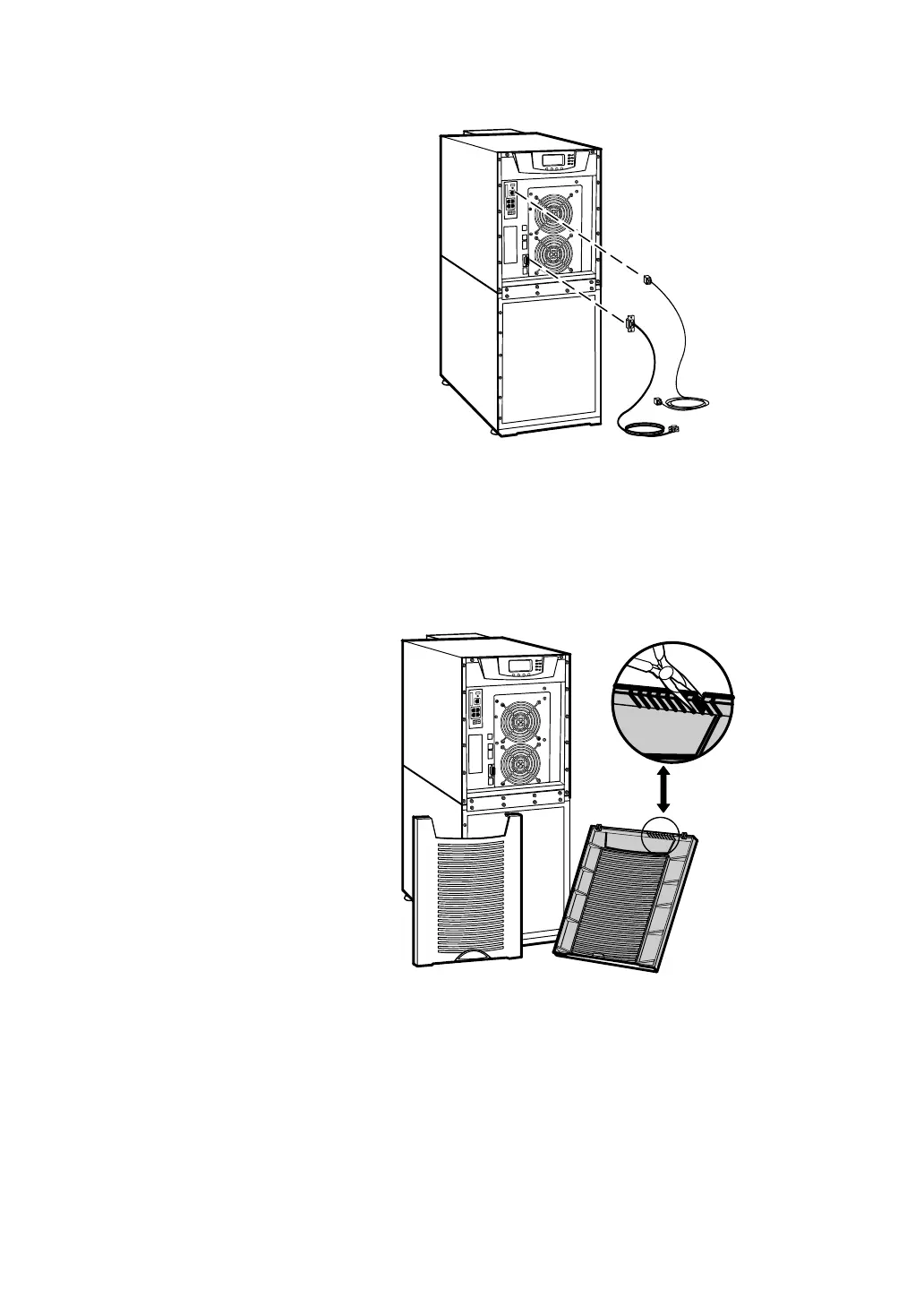
Figure 34. Installing Communication Cables
3. On the bottom cover (and also the middle cover if 3-high),
remove a knockout t ab in the top edge of the cover for each
cable:
With wire cutters, cut either side of the tab and twist down to
remove the tab (see Figure 35).
Figure 35. Removing Knockout Tabs












 To Next Page