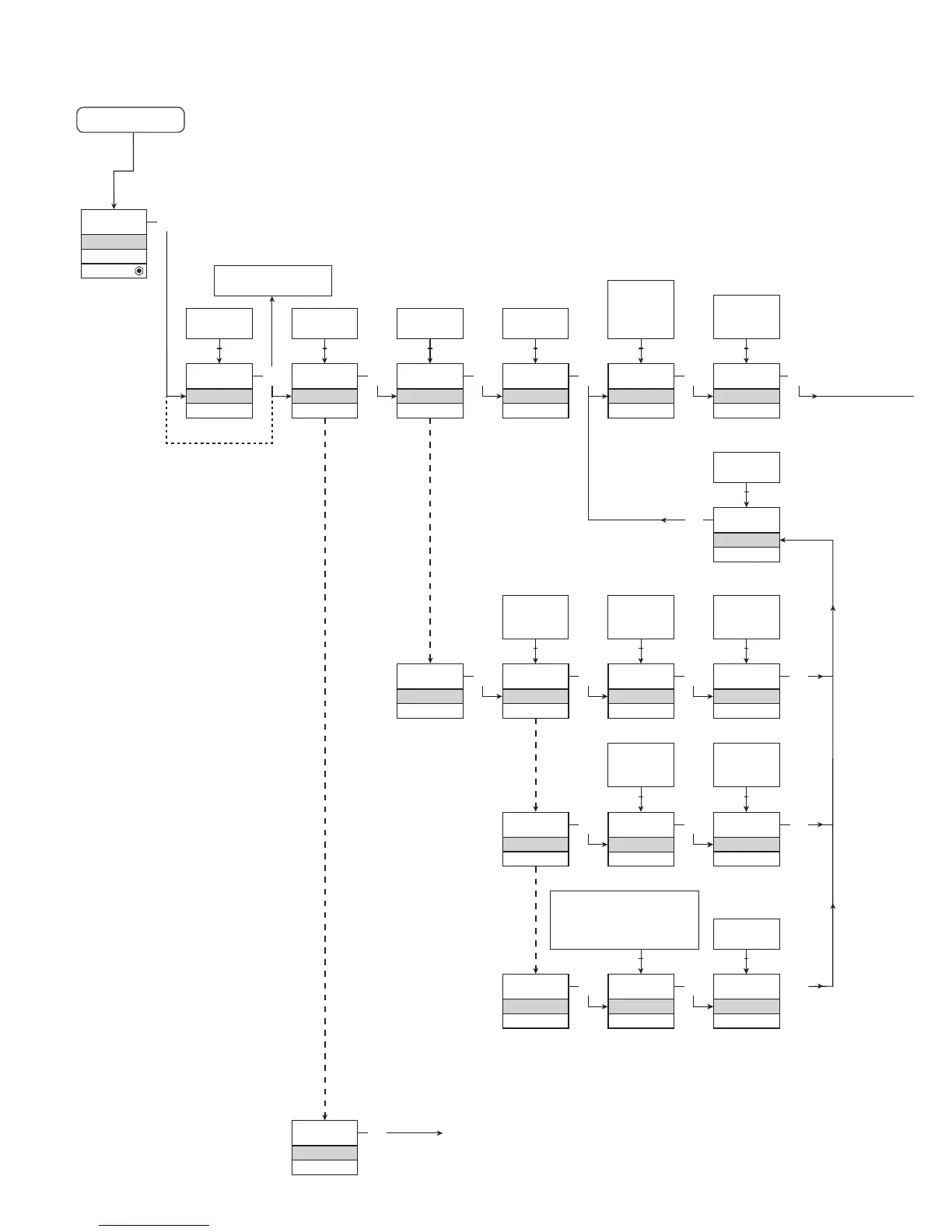
16.2 Routing diagram
1.0 = Default state. Line 1
shows input status,
line 2 and 3 show
analogue input /
output value or TAG
No. and units, and
line 4 shows status for
communication and
whether the device is
SIL-locked. Static dot
= SIL-locked and
flashing dot = not SIL-
locked.
1.1 = Only if password-
protected.
1.2 = Not valid for 0...20 mA
input signal.
1.3 = Only if input signal
is temperature.
Min. and max. acc. to
selected sensor type.
1.4 = Only if the configu-
ration is not protected
by a password.
Continued on the page
Routing diagram ADV.SET
If no key is activated for 1 minute, the display will return to the default state 1.0
without saving configuration changes.
1 Increase value / choose next parameter
2 Decrease value / choose previous parameter
3 Accept the chosen value and proceed to the next menu
Hold 3 Back to previous menu / return to menu 1.0 without saving
Red text signifies safety
parameters in a SIL
configuration.
If SIL-locked
directly to EN.SIL]



 To Next Page