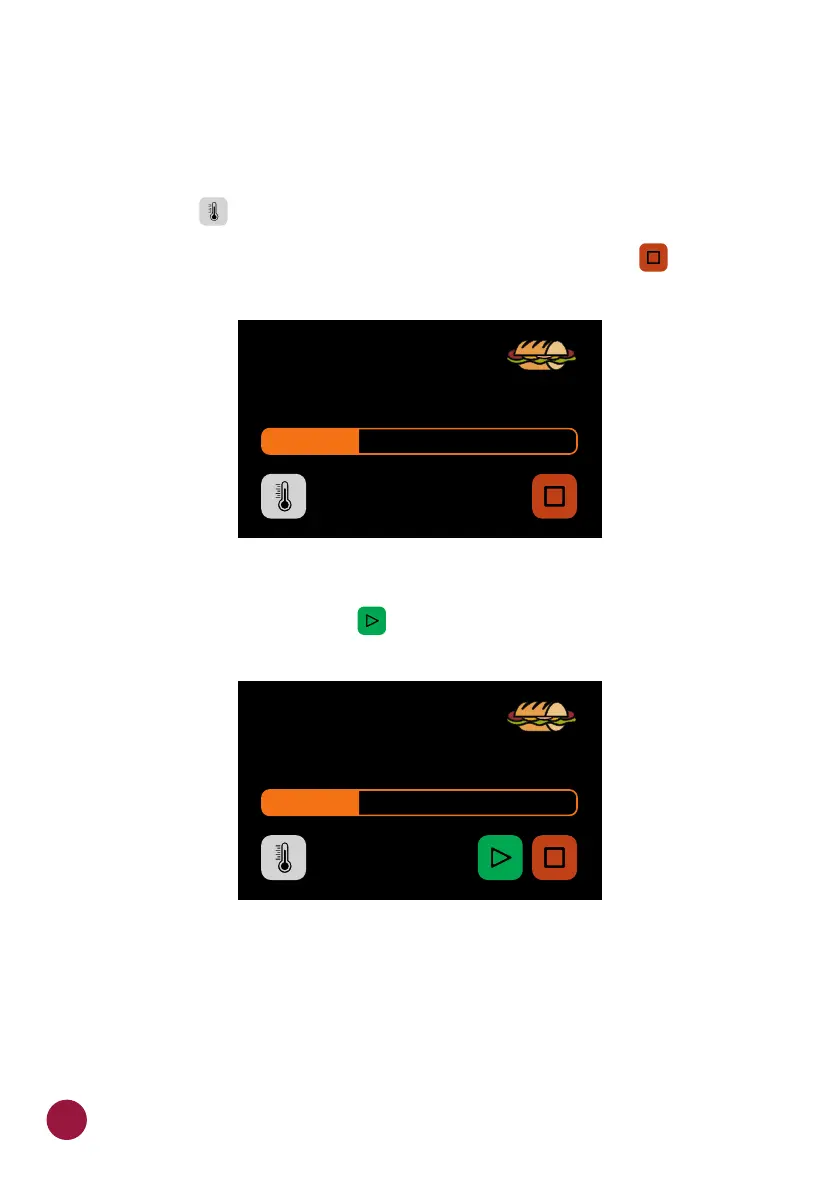
Ÿ The screen will present the group name, recipe name, situation of the
operation (In progress or paused), and the remaining time for conclusion of
the recipe.
d) It is possible to verify the temperature of the COOKING CHAMBER
pressing the button.TEC
e) In case you wish to cancel the execution of a recipe, press the button.TECL
e) If the equipment door is opened, the operation will be paused; once the
door is closed again, press the to resume the operation.TECL
f) If the programmer of the recipes adds information in one of the steps, for
example: 'ADD TOMATOES', the recipe will be paused and the description of
the information will be presented beside the PLAY button, as in the next
image:
.
IN PROGRESS 1 min 33s
SUBS
1 SUB 15cm
CAVITY HEATER: 250 °C
PAUSED OPERATION 1 min 33s
SUBS
1 SUB 15cm
30



 To Next Page