MANUAL MODE
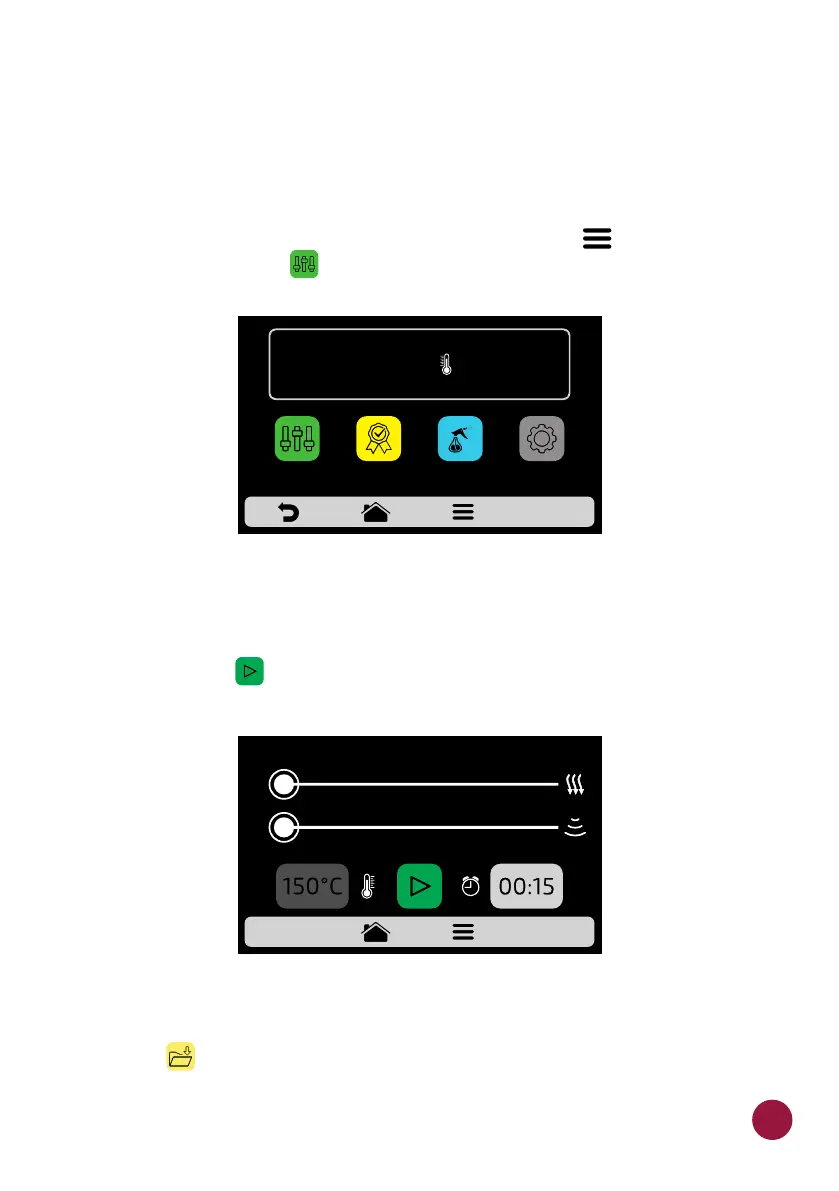
a) In Manual Mode, it is possible to set the parameters of a recipe, execute it,
and if the result of your test is approved, at the end of the operation, transform
it in a recipe.
b) To access the Manual Mode, click on the Options icon . In the Options TEC
screen, touch the icon .TEC
c) Set the parameters of Time, Temperature, Speed of Hot Air, Microwaves
and of the Bottom Heater (Infra-red).
d) Press the icon to start the operation of Manual Mode.TEC
e) After the conclusion of the operation, the Copy Parameters icon will be
enabled: .TEC
0 10 20 30 40 50 60 70 80 90 100
0
0
67
TEMPERATURE
250°C
MANUAL
MODE
SETTINGSFAVORITES
DAILY CLEANING
GUIDE



 To Next Page