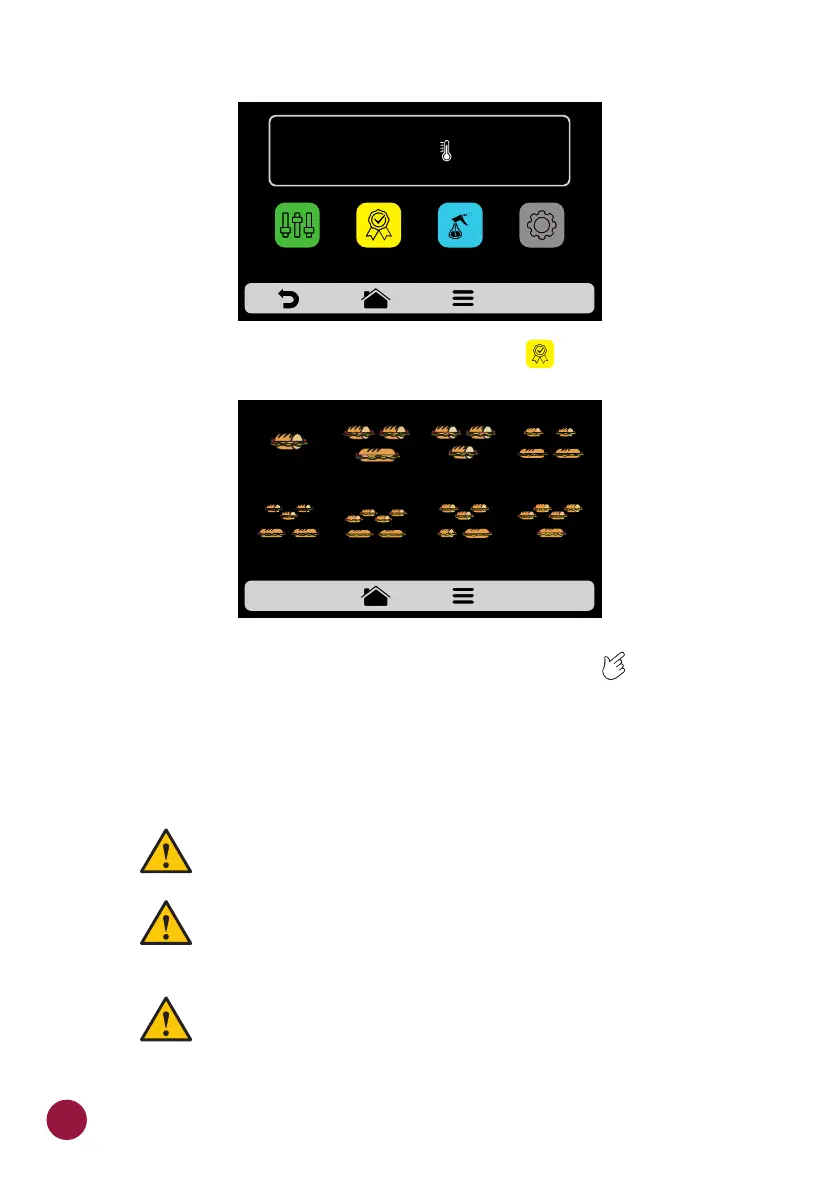
b) After opening the Options screen, touch the icon .TEC
c) Browse through the recipes use the gridview, sliding on the touch TEC
screen.
d) See how to Add or Remove a recipe from the Favorites list on page 50.
SOUND ALARMS
Ÿ At the end of a recipe the alarm will sound indicating the end
of the operation.
Ÿ If the oven door is open for more than 30s the alarm will
sound alerting the user
Ÿ Caution: If the alarm signal sounds continuous, the
equipment is malfunctioning. Turn off or disconnect from
the power grid and check the instruction manual before
operating.
2 SUB 15cm
or 2 SUB 30cm
1 SUB 15cm 2 SUB 15cm
1 SUB 30cm
3 SUB 15cm
3 SUB 15cm
2 SUB 30cm
FAVORITES - page 1
4 SUB 15cm
2 SUB 30cm
3 SUB 15cm
or 1 SUB 15cm
and 1 SUB 30cm
4 SUB 15cm
1 SUB 30cm
66
TEMPERATURE
250°C
MANUAL
MODE
SETTINGSFAVORITES
DAILY CLEANING
GUIDE



 To Next Page