MAX-PRO Operator Manual
Original Printed in English
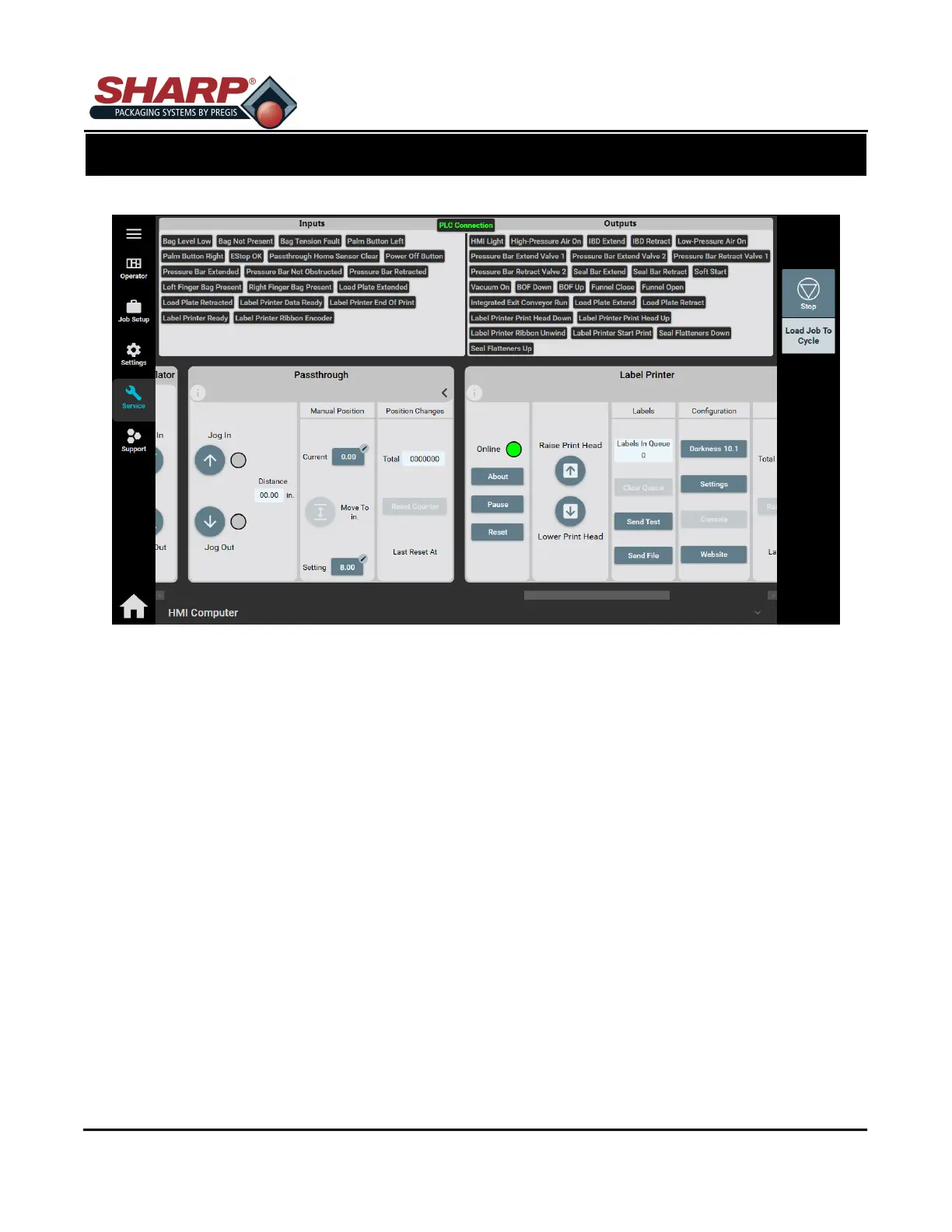
SERVICE SCREEN - PRESSURE BAR
Move IN: Pressing this button will retract or close the Pressure Bar. Pressure Bar will remained closed
until Move OUT is pushed.
Move OUT: Pressing this button will extend or open the Pressure Bar.
CYCLES
Total: Total number of Cycles the Pressure Jaw has completed since last reset.
Reset Counter: Resets the Total Cycles Counter.
SCREEN NAVIGATION
SECTION 2 - CONTROLS
2-21



 To Next Page