MAX-PRO Operator Manual
Original Printed in English
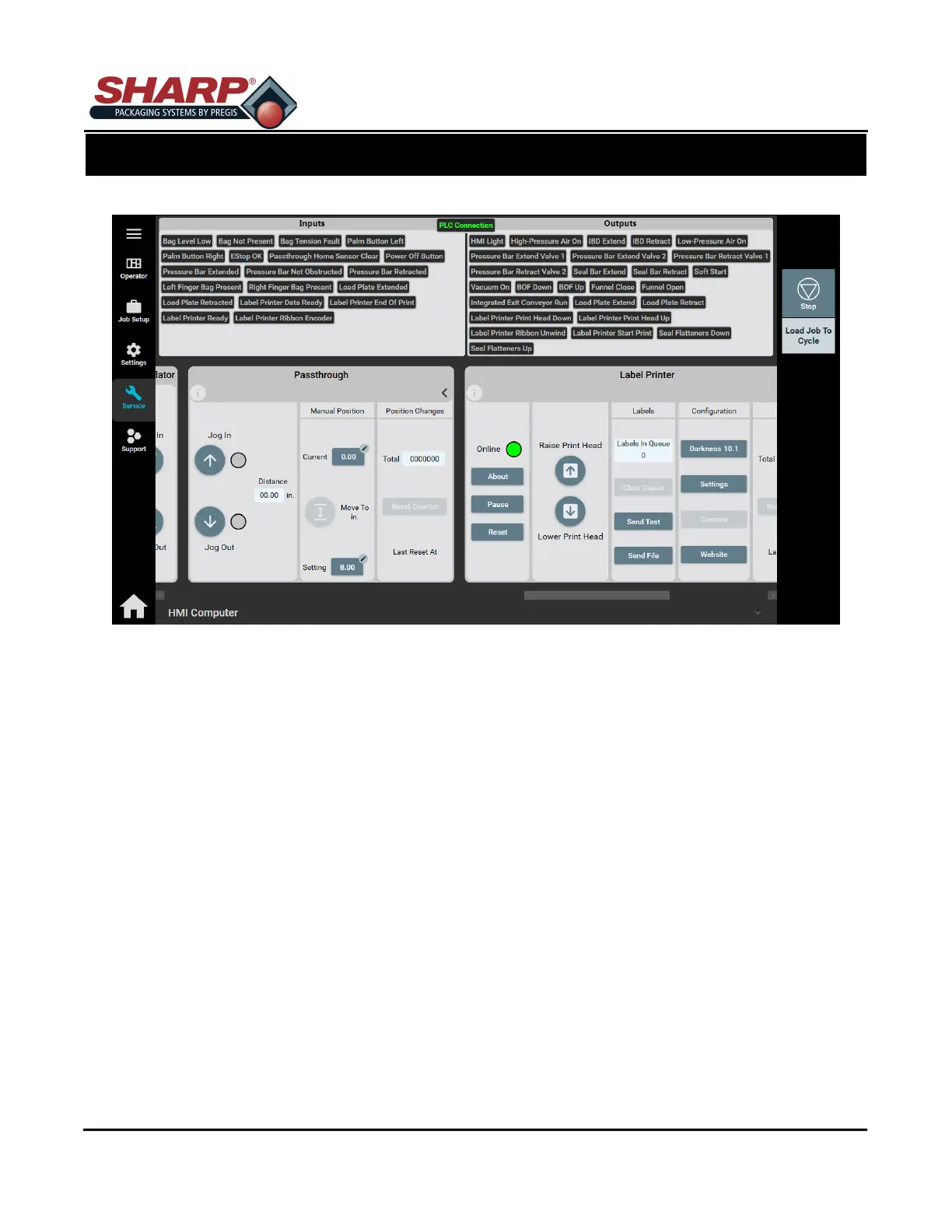
SERVICE SCREEN - PASS-THRU
Distance: The current Pass-thru distance.
Jog IN: Moves Jaw inward as long as button is pushed or until it reaches Face Plate.
Jog OUT: Moves Jaw outward as long as button is pushed or until it reaches end of travel.
MANUAL POSITION
Current: The actual width of Jaw.
Move To In.: Moves Jaw to width set in job settings.
Setting: Active job setting for Pass-thru.
POSITION CHANGES
Total: Displays the total number of changes to Pass-thru since last reset.
Reset Counters:
SCREEN NAVIGATION
SECTION 2 - CONTROLS
2-20



 To Next Page