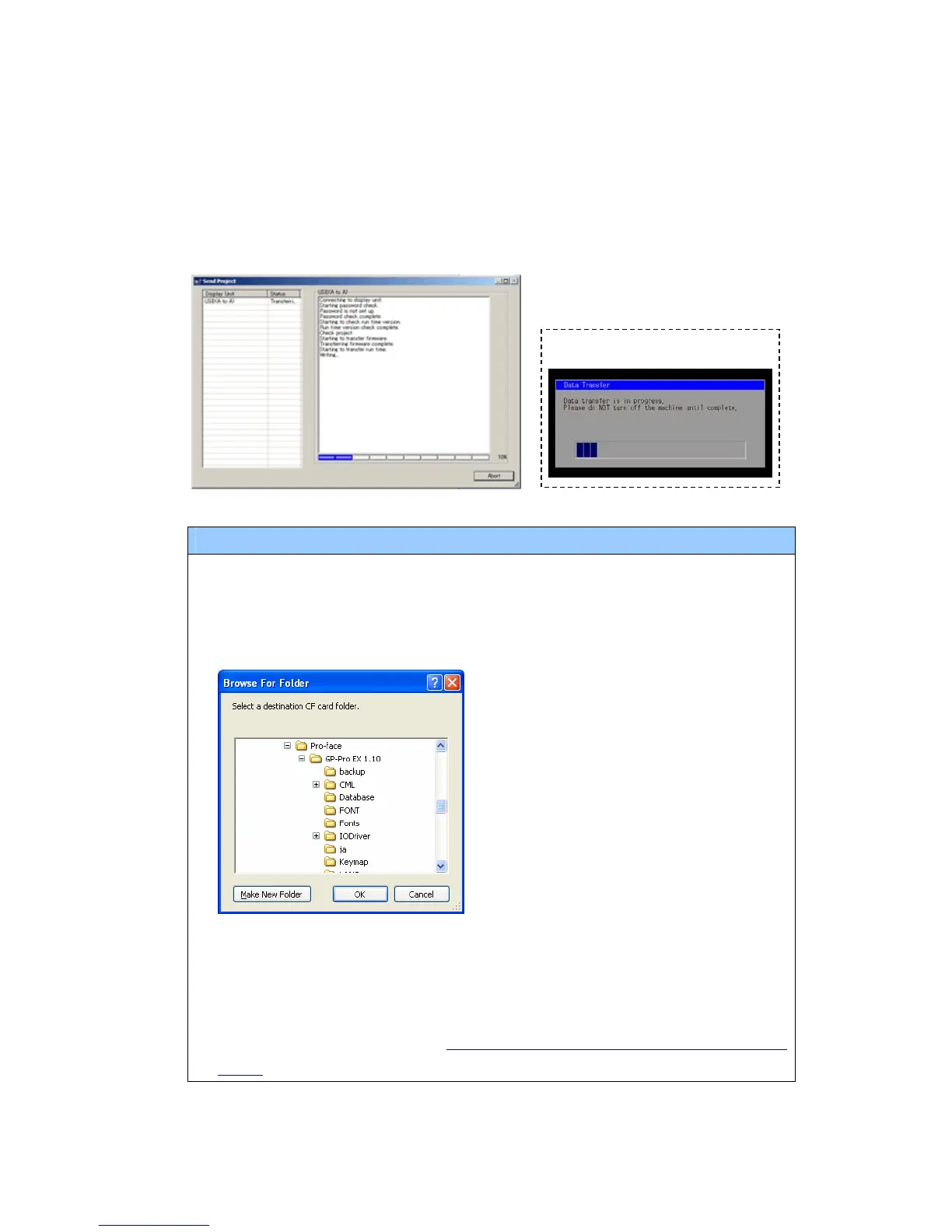
(6) The following dialog box appears during transfer and you can check the
communication status. (The display unit enters the Transferring mode and
communication with the device such as a PLC is terminated.)
Display Screen
NOTE
・ If you receive the project files that use CF card data such as Recipe Function
(CSV data), the following dialog box will appear during transfer. Specify a place
to save the CF card data in. Click [OK], and the [Receive Project] dialog box will
return and transfer will be completed.
・ GP-4501T/TW that is a replacement model is not equipped with a CF card slot.
If the display unit type is changed to GP-4501T/TW, the CF card setting will be
replaced with the SD card setting automatically. To check or change the
destination folder setting, see [5.1 Changing the setting of the external media
to use].
29/49






 To Next Page