7
• To hire an authorized service technician to
assemble this product, call 1-800-445-2480.
• Assembly requires two persons.
• Place all parts in a cleared area and remove the
packing materials. Do not dispose of the packing
materials until you fi nish all assembly steps.
• In addition to the included tool(s), assembly
requires the following tool(s):
one Phillips screwdriver
Assembly may be easier if you have a set of
wrenches. To avoid damaging parts, do not use
power tools.
ASSEMBLY
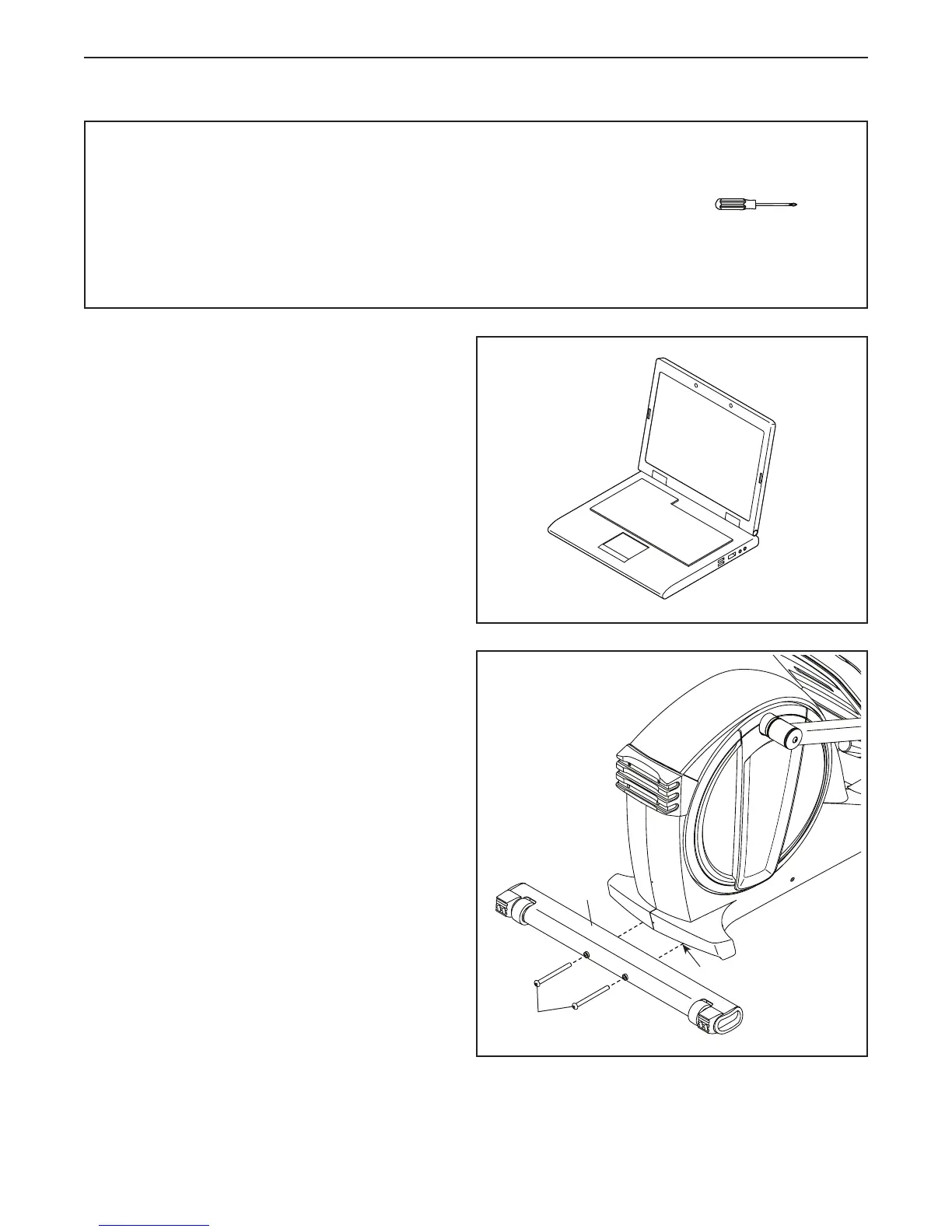
1. Go to www.proformservice.com/registration
on your computer and register your product.
• activates your warranty
• saves you time if you ever need to contact
Customer Care
• allows us to notify you of upgrades and offers
Note: If you do not have Internet access, call
Customer Care (see the front cover of this
manual) and register your product.
1
2. If necessary, remove and discard the shipping
supports and the shipping screws attached to
the rear of the Frame (1).
With the help of another person, place some
packing inserts from the packing material under
the rear of the Frame (1) so that the Frame is
lifted off the floor. Have another person hold
the elliptical to prevent it from moving from
side to side until this step is completed.
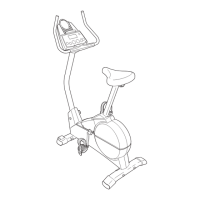
Attach the Rear Stabilizer (70) to the Frame
(1) with two M10 x 120mm Screws (84). Then,
remove the packing inserts and lower the Rear
Stabilizer.
2
84
70
1




 To Next Page