EasyManua.ls Logo

Pro-Form 985 - User Manual

Pro-Form 985
32 pages
Print Icon
To Next Page IconTo Next Page
Loading...
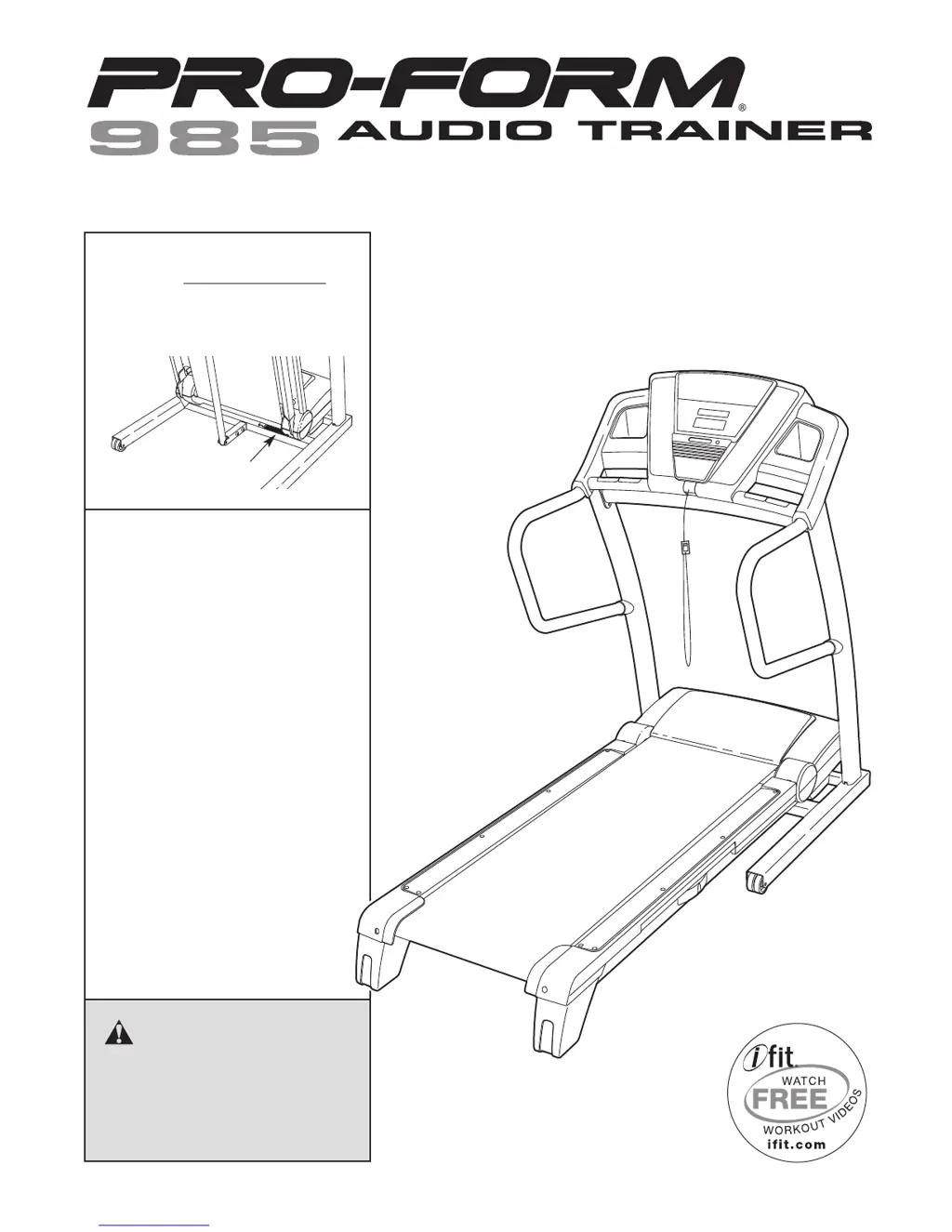
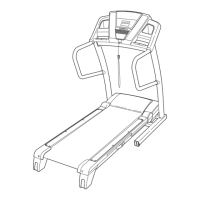
Serial Number
Decal
QUESTIONS?
If you have questions, or if parts
are missing, DO NOT CONTACT
THE STORE; please contact
Customer Care.
IMPORTANT: You must note the
product model number and
serial number (see the drawing
above) before contacting us:
CALL TOLL-FREE:
1-888-533-1333
Mon.–Fri. 6 a.m.–6 p.m. MT
Sat. 8 a.m.–4 p.m. MT
ON THE WEB:
www.proformservice.com
USER'S MANUAL
www.proform.com
CAUTION
Read all precautions and instruc-
tions in this manual before using
this equipment. Keep this manual
for future reference.
Model No. PFTL16008.0
Serial No.
Write the serial number in the
space above for reference.

Questions and Answers

  • S
    stephanie18Jul 30, 2025
    How to fix Pro-Form 985 when the power does not turn on?
    • L
      Leon Nelson Jr.Jul 30, 2025
      First, ensure the power cord is securely plugged into a surge suppressor, and the surge suppressor is connected to a properly grounded outlet. Use a single-outlet surge suppressor meeting the specifications on page 14. Note that the Pro-Form Treadmill is incompatible with GFCI-equipped outlets. Also, verify that the key is correctly inserted into the console after plugging in the power cord. Finally, check the reset/off circuit breaker located on the treadmill frame near the power cord. If the switch protrudes, the breaker has tripped; wait five minutes, then press the switch back in to reset it.
  • B
    Brent ConleyAug 3, 2025
    What to do if Pro-Form 985 Treadmill walking belt is off-center or slips?
    • H
      haaschristinaAug 3, 2025
      If the Pro-Form Treadmill walking belt is off-center, remove the key and unplug the power cord. If the belt has shifted left, turn the left idler roller bolt clockwise 1/2 turn with the hex key. If it has shifted right, turn the bolt counterclockwise 1/2 turn. Plug in the power cord, insert the key, and run the treadmill briefly. Repeat this until the belt is centered. If the walking belt slips, remove the key and unplug the power cord. Turn both idler roller bolts clockwise 1/4 turn with the hex key. The belt should be tight enough that you can lift each edge 2 to 3 inches off the platform. Plug in the power cord, insert the key, and carefully walk on the treadmill for a few minutes. Repeat until the belt is properly tightened.
  • J
    Jennifer WoodsAug 7, 2025
    Why does my Pro-Form 985 Treadmill power turn off during use?
    • J
      judy36Aug 7, 2025
      If the Pro-Form Treadmill turns off during use, check the reset/off circuit breaker and reset it if tripped by waiting five minutes and then pressing the switch back in. Ensure the power cord is fully plugged in; if it is, unplug it, wait five minutes, and plug it back in. Also, remove and reinsert the key from the console. If the treadmill still won’t run, please see the front cover of this manual.
  • T
    Thomas JohnsonAug 11, 2025
    Why does the Pro-Form 985 Treadmill walking belt slow down when I walk on it?
    • A
      Andrew MillerAug 12, 2025
      First, ensure that you are using a single-outlet surge suppressor that meets all specifications described on page 14. If the walking belt is overtightened, remove the key and unplug the power cord. Use the hex key to turn both idler roller bolts counterclockwise 1/4 of a turn. When properly tightened, you should be able to lift each edge of the walking belt 2 to 3 inches off the walking platform. Then, plug in the power cord, insert the key, and run the Pro-Form Treadmill for a few minutes. Repeat until the walking belt is properly tightened. If the walking belt still slows when walked on, see the front cover of this manual.
  • J
    Joshua UnderwoodAug 16, 2025
    What to do if Pro-Form 985 Treadmill chest pulse sensor does not function properly?
    • B
      brittanybarnettAug 16, 2025
      If the chest pulse sensor of your Pro-Form Treadmill isn't working, see CHEST PULSE SENSOR TROUBLE. If it still malfunctions, replace the battery. Locate the battery cover on the sensor's back, use a coin to turn it counterclockwise to open it, and remove the cover. Remove the old battery and insert a new CR 2032 battery with the writing on top. Ensure the rubber gasket is in place, then reinsert the cover and turn it to the closed position.
  • S
    Shannon AndersonAug 20, 2025
    How to recalibrate incline on Pro-Form Treadmill?
    • J
      Joshua HarrisonAug 20, 2025
      To recalibrate the incline system on your Pro-Form Treadmill, insert the key into the console and press one of the Incline buttons. While the incline is changing, remove the key. After a few seconds, re-insert the key. The treadmill will automatically rise to the maximum incline level and then return to the minimum level.
  • M
    Meghan SmithAug 25, 2025
    How to turn off demo mode on Pro-Form 985 Treadmill?
    • J
      Jose Garcia DVMAug 26, 2025
      The console of your Pro-Form Treadmill may be in display demo mode, which is designed for store displays. To turn off this mode, press and hold the Stop button for a few seconds. If the displays are still lit, refer to THE INFORMATION MODE on page 20 to disable the demo mode.

Summary

Important Safety Precautions

Treadmill Assembly

Base and Wheel Assembly

Instructions for attaching base feet, spacers, and wheels to the treadmill frame.

Operation and Adjustment

Walking Belt Care and Power Connection

Notes on belt care and proper power cord connection with surge protection guidelines.

Powering On and Manual Mode

How to Turn On Treadmill Power

Steps for plugging in the power cord, using the circuit breaker, and inserting the safety key.

Troubleshooting: Power and Display

Power and Display Issues

Solutions for power not turning on, power turning off, and console displays remaining lit.

Console Malfunction and Incline Issues

Troubleshooting console display errors and incline adjustment malfunctions.

Troubleshooting: Walking Belt

Belt Performance and Alignment Issues

Resolving issues with the walking belt slowing or slipping when walked on.

Troubleshooting: Sensor and Belt

Pulse Sensor and Belt Alignment Fixes

Steps for centering the walking belt and troubleshooting the chest pulse sensor.

Replacement Parts and Warranty

Limited Warranty Information

Details on the product's warranty coverage, limitations, and legal rights.

Pro-Form 985 Specifications

General IconGeneral
Display7" Oversized Backlit Display
Programs38 Workout Apps
Heart Rate MonitoringEKG Grip Pulse
FoldingSpaceSaver® Design with EasyLift™ Assist
Dimensions81.25" L x 39.75" W x 70.25" H
Running Area22" x 60" (55 x 152 cm)
iFit CompatibilityYes

Related product manuals