EasyManua.ls Logo

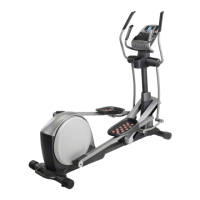
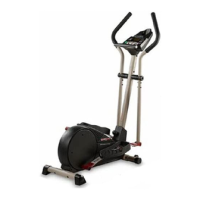
Pro-Form COMMERCIAL 12.9 - User Manual

Pro-Form COMMERCIAL 12.9
40 pages
Print Icon
To Next Page IconTo Next Page
Loading...
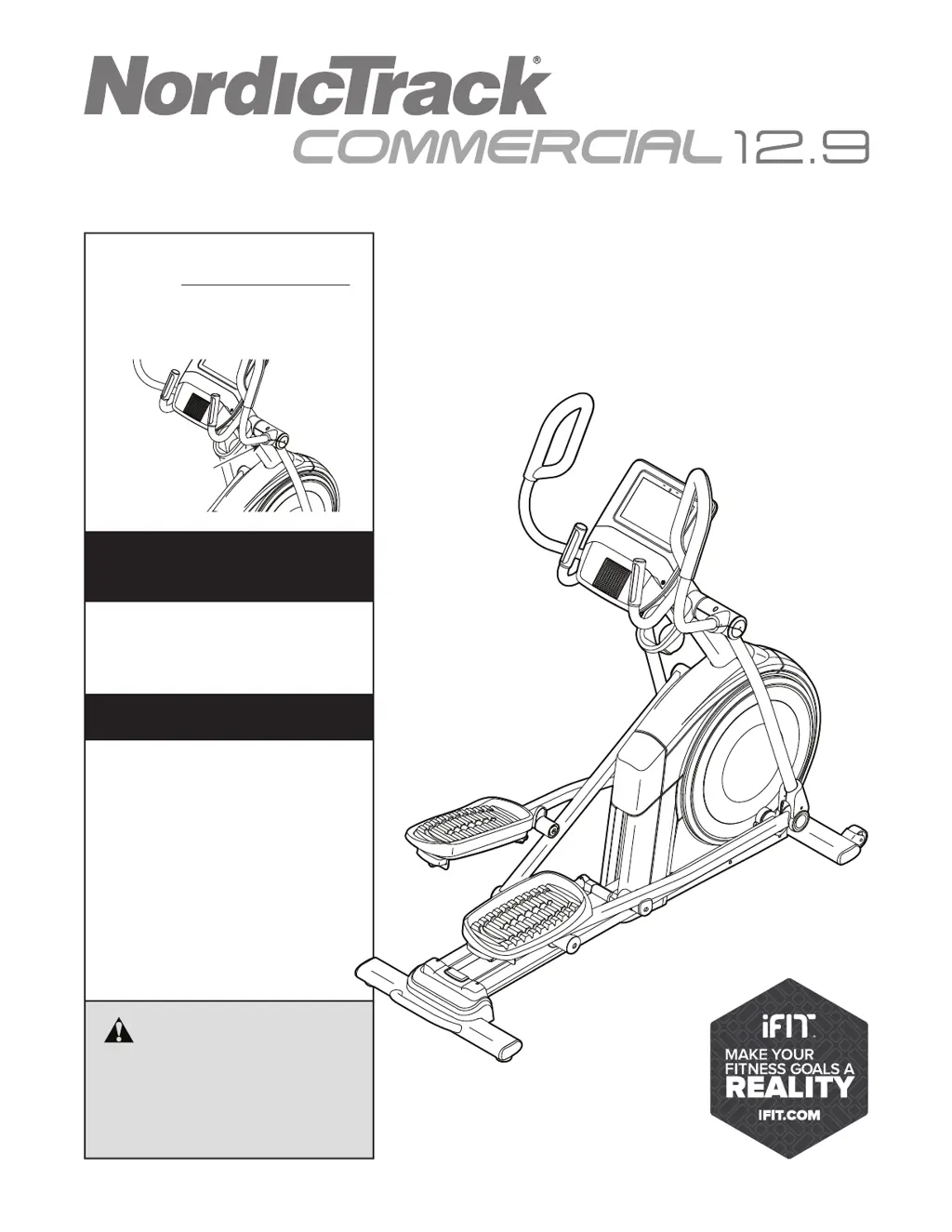
USER’S MANUAL
Serial Number
Decal
CAUTION
Read all precautions and
instructions in this manual before
using this equipment. Keep this
manual for future reference.
Model No. NTEL71220.0
Serial No.
Write the serial number in the space
above for reference.
nordictrack.com
To register your product and
activate your warranty today,
go to my.nordictrack.com.
For service at any time, go to
support.nordictrack.com.
Or call 1-800-TO-BE-FIT
(1-800-862-3348)
Mon.–Fri. 6 a.m.–6 p.m. MT
Sat. 8 a.m.–12 p.m. MT
Please do not contact the store.
REGISTER YOUR
PRODUCT
CUSTOMER CARE

Questions and Answers

  • C
    Chelsea MorrisAug 11, 2025
    Why Pro-Form COMMERCIAL 12.9 Elliptical Trainer console won't turn on?
    • J
      jwallsAug 12, 2025
      If your Pro-Form Elliptical Trainer console does not turn on, ensure that the power cord is fully plugged in and that the power switch is in the reset position. Also, check that the connectors on the wires are oriented correctly and are connected firmly.
  • L
    lhamptonAug 21, 2025
    Why does my Pro-Form COMMERCIAL 12.9 Elliptical Trainer console display incorrect feedback?
    • C
      Christine ChandlerAug 22, 2025
      If your Pro-Form Elliptical Trainer console is not displaying the correct feedback, the reed switch may need adjustment. Repeat these actions until the console displays the correct feedback.
  • R
    Robert WalterAug 31, 2025
    What to do if Pro-Form COMMERCIAL 12.9 Elliptical Trainer console freezes?
    • C
      Carol WestAug 31, 2025
      If the console of your Pro-Form Elliptical Trainer does not boot up properly or freezes and does not respond, reset the console to the factory default settings.

Pro-Form COMMERCIAL 12.9 Specifications

General IconGeneral
BrandPro-Form
ModelCOMMERCIAL 12.9
CategoryElliptical Trainer
LanguageEnglish

Related product manuals