13
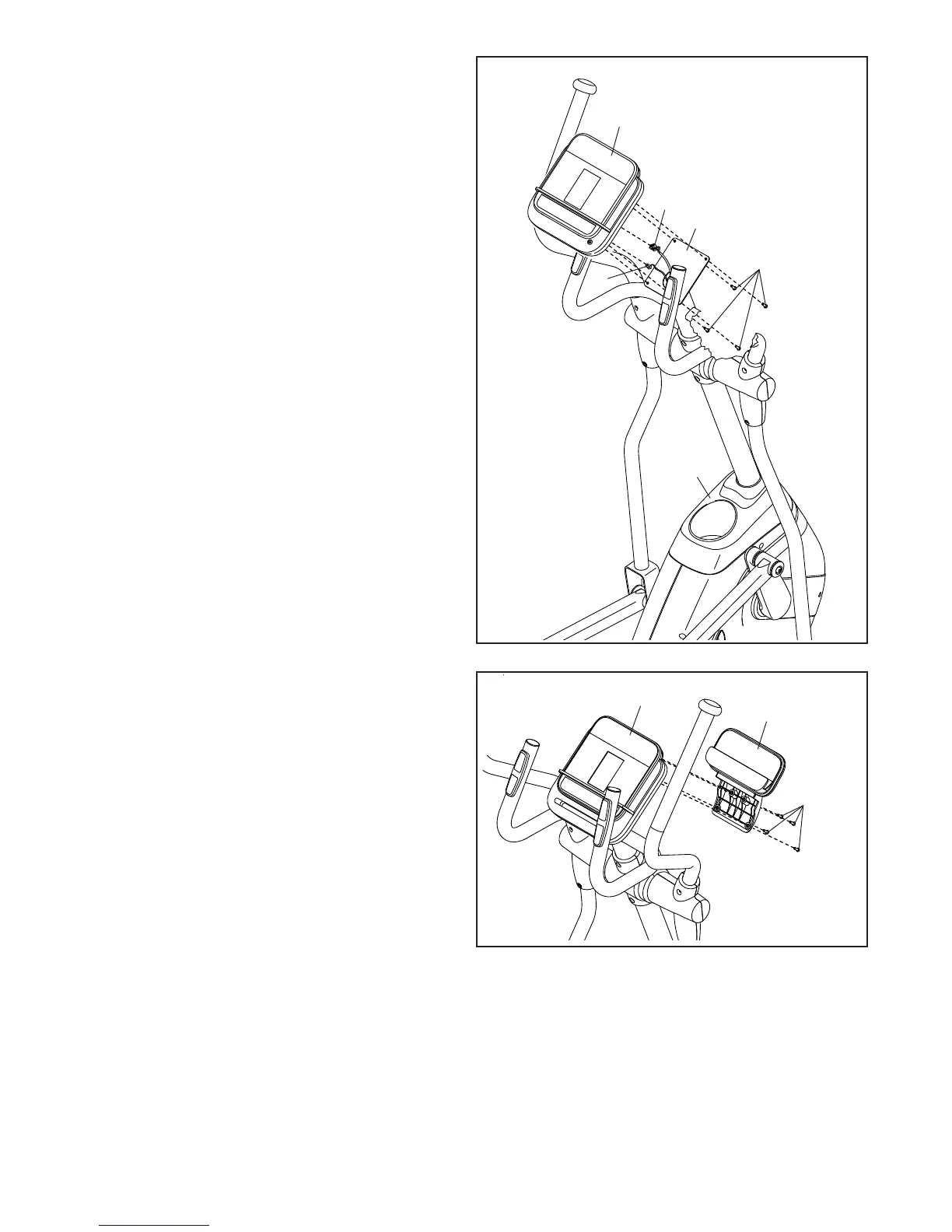
15. Remove and discard the wire tie on the Main
Wire (32).
While a second person holds the Console (30)
near the Upright (2), plug the Main Wire (32) and
the Pulse Wire (31) into the matching recep-
tacles on the back of the Console.
The connectors on the Main Wire (32) and
the Pulse Wire (31) should slide easily into
the receptacles and snap into place. If a con-
nector does not slide easily into a receptacle,
turn the connector and try again. If you do not
connect the connectors properly, the console
may become damaged.
Insert the excess wire into the Upright (2).
Tip: Avoid pinching the wires. Attach the
Console (30) to the Upright (2) with four
M4 x 16mm Screws (56); start all the Screws,
and then tighten them.
See step 5. Tighten the M10 x 53mm Screw
(73), the M10 x 20mm Screw (74), and the
M10 x 60mm Bolt (72). Then, press the
Accessory Tray (50) into place.
2
56
50
92
30
93
31
30
32
15
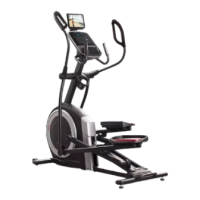
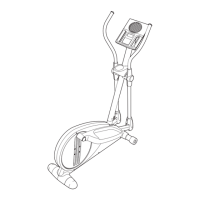
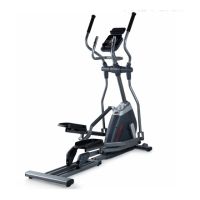
17. Make sure that all parts are properly tightened before you use the elliptical. Extra parts may be included.
Place a mat beneath the elliptical to protect the floor.
Avoid pinching
the wires
16
16. Attach the Tablet Holder (92) to the Console (30)
with four Tablet Holder Screws (93); start all the
Screws, and then tighten them.



 To Next Page