6
2
1
12
76
ASSEMBLY
• Assembly requires two persons.
• Place all parts in a cleared area and remove the
packing materials. Do not dispose of the packing
materials until you nish all assembly steps.
• Left parts are marked “L” or “Left” and right parts
are marked “R” or “Right.”
• To identify small parts, see page 5.
• In addition to the included tool(s), assembly
requires the following tools:
one Phillips screwdriver
Assembly may be easier if you have a set of
wrenches. To avoid damaging parts, do not use
power tools.
1
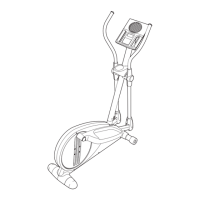
2. With the help of a second person, place some
of the packing materials (not shown) under the
front of the Frame (1). Have the second per-
son hold the Frame to prevent it from tipping
while you complete this step.
Attach the Front Stabilizer (12) to the Frame (1)
with two M10 x 100mm Screws (76).
Then, remove the packing materials from under
the Frame (1).
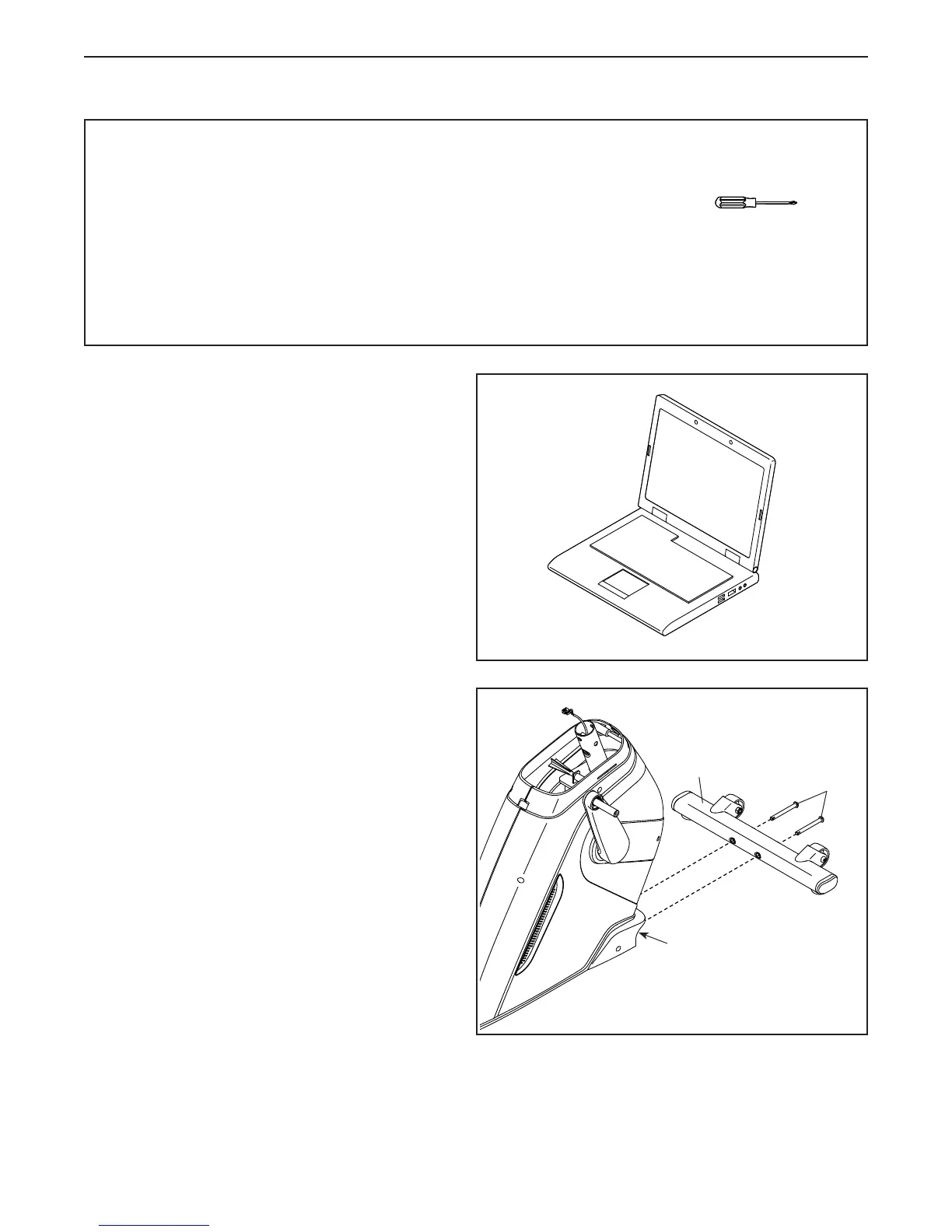
1. To register your product and activate your
warranty in the UK, go to iconsupport.eu. If
you do not have internet access, call Customer
Service (see the front cover of this manual).
To register your product and activate your
warranty in Australia, email or post the
following information to the email address or
postal address on the front cover of this manual.
• your receipt (make sure to keep a copy)
• your name, address, and telephone number
• the model number, serial number, and name
of your product (see the front cover of this
manual)





 To Next Page