©2022 Pro-Vision Solutions, LLC. Page 31 of 56
GPS Receiver Antenna Installation
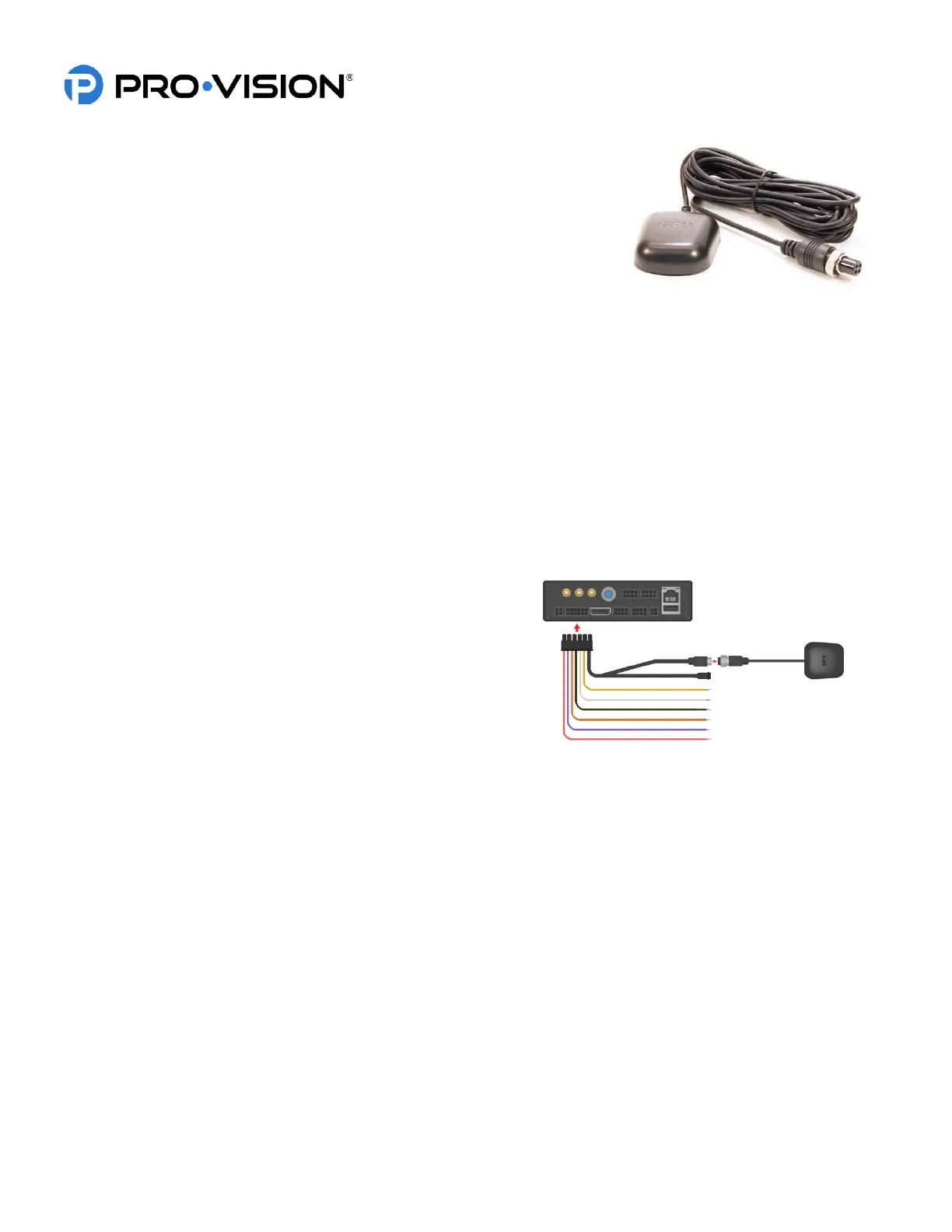
The GPS Antenna (P/N: PD-1750) provides GPS data to the DVR, this data
includes vehicle speed, location, and current date/time. The data can be used to
trigger events, map the vehicles location during playback, as well as syncronize
date/time with the DVR.
Recommended mounting locations:
Typically the GPS Antenna is mounted to the dash in front of the driver close to
the windshield.
Unsure about mounting location?
If you are unsure about your GPS mounting location providing proper signal strength, power on the DVR unit with the
GPS antenna connected prior to installing it. The GPS antenna will have a red LED light come on underneath the “GPS”
print. This light will flash red if a signal cannot be acquired, and will be solid red if acceptable signal strength is acquired.
Ensure the vehicle is outside, and then place the antenna in the desired location. If the LED light stays solid red then that
location is suitable for mounting. If the LED light flashes red in the mounting location, then the signal is not acceptable and
an alternate location will need to be found.
The buttons are commonly mounted to the dash to the left of the gauge cluster, to the upper driver’s side corner of the
windshield (to the glass), or on the center console.
Installation:
The GPS Receiver Antenna has 4m (13 ft.) of cable. Because of
the size of the antenna, it is best to start routing this cable from the
antenna location to the DVR. The black 4-pin connector on the
antenna will connect to the 4-pin “GPS” connector on the PD-1833
GPS / Event / Triggers at the rear of the DVR unit. The GPS
Antenna is waterproof and can be mounted on the vehicle exterior,
but can provide a good signal when mounted in the vehicle interior.
It can be fixed to the mounting surface using the included adhesive,
the built-in magnet, or simply placed on the surface if mounted in
the front dash or rear deck.


 To Next Page
 Loading...