©2022 Pro-Vision Solutions, LLC. Page 32 of 56
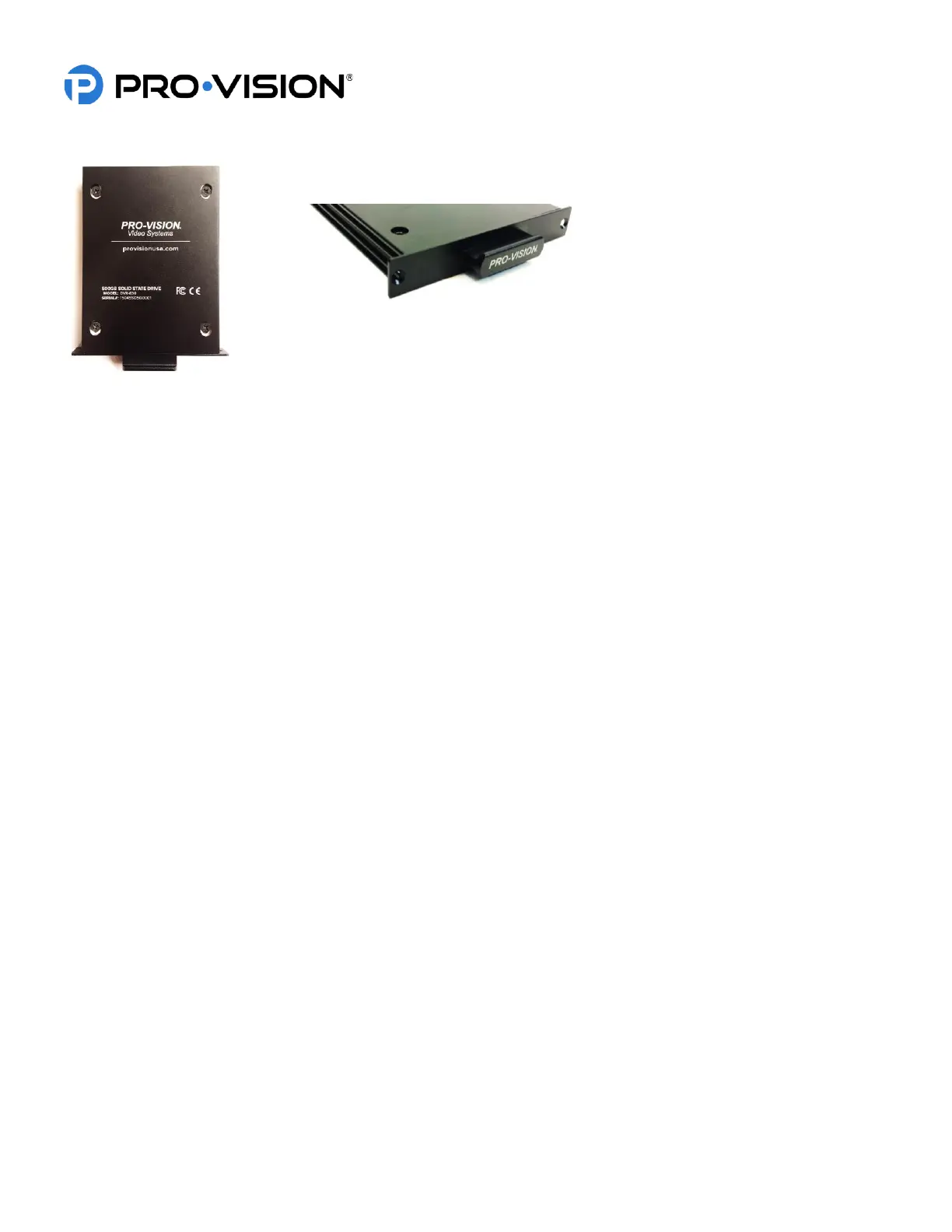
Solid-State Drive (SSD) Installation
The DVR has the capability of adding an additional high capacity solid state storage device. This drive can be used in
addition to or instead of the included SDXC Card.
Solid-State Drives (SSD’s) are available in the following configurations:
• DVR-830 – 500GB
• DVR-831 – 1TB
• DVR-832 – 2TB
• DVR-834 – 4TB
Installation:
To install, remove the two Philips head screws on the the “PRO-VISION” front panel on the DVR and then slide the SSD
in the open slot. Use the same screws to secure the SSD in place.
The DVR will default to storing information on the SSD even if a removeable SDXC card is installed in the DVR. When the
SSD is full, the DVR will write over the non-alarm data files. It will write to the removeable SD installed only when the SSD
is completely full of alarm data. The DVR settings can be changed to prevent writing over existing data. If that option is
chosen, the data will need to be downloaded and removed from the SSD to allow the DVR to continue recording.
In the event of SSD failure, or if the SSD is removed, the DVR will automatically continue recording to the SDXC card if
present.
Caution! Do not remove the SSD from its mounting tray, this tray includes all the relevant warranty information for the
product including is size identification and serial number. If the drive is removed from the tray the warranty will
be void.



 To Next Page