M-34-01-06 3/31/2016 2 DQ15D/T-DQ15D Manual
General Descriptio
n
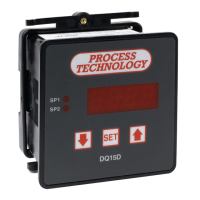
The DQ15D digital temperature control is a pro-
grammable and microprocessor based device
that operates two relays for temperature control.
Features
The temperature sensor (RTD or thermocouple)
sends a signal to the DQ15D to compare to a value
preset by the user as a Set Point (SP). Set Points
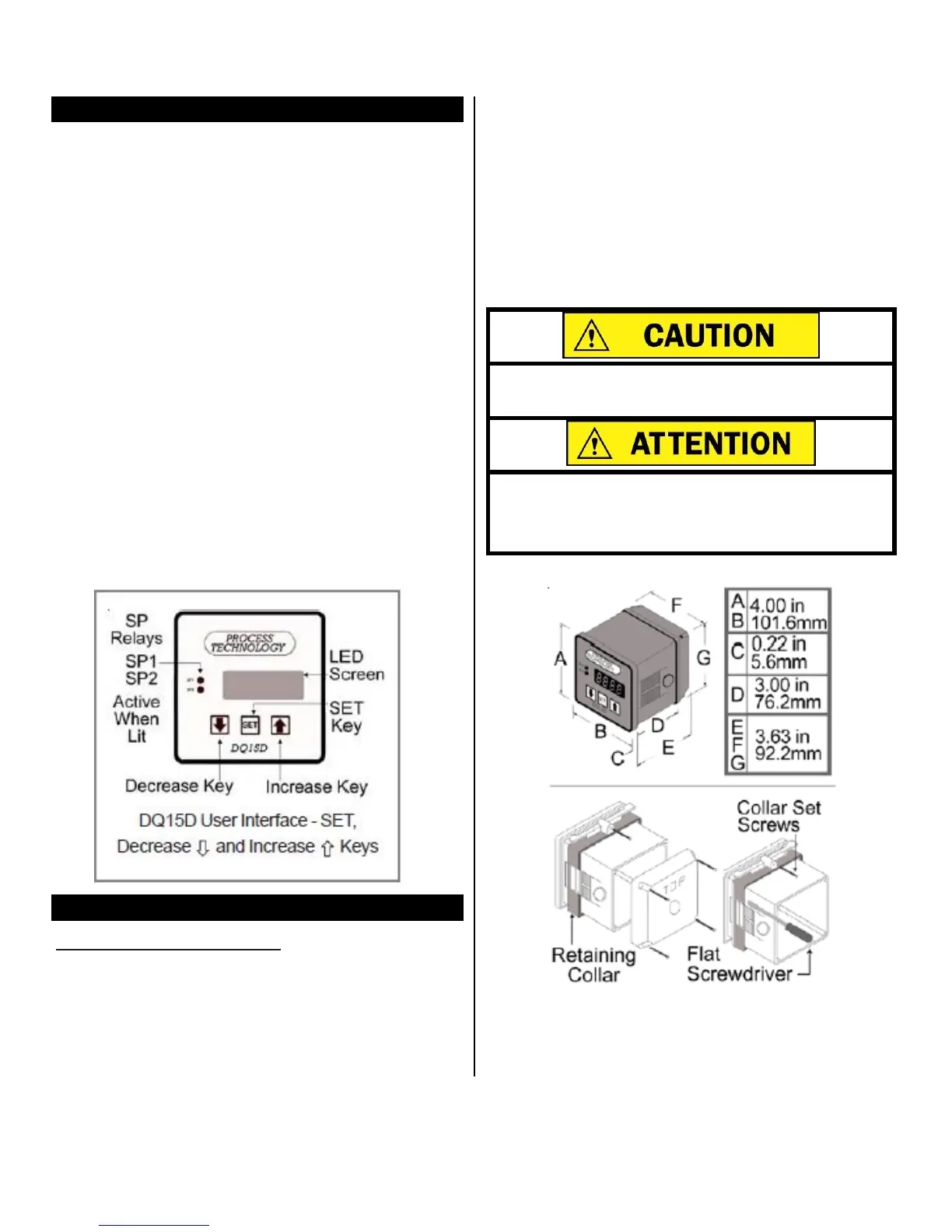
LEDs are SP1 and SP2 on the front panel.
• In heating mode if the sensor signal is lower than the
SP1
Set Point value, DQ15D energizes the
SP1
relay
and its isolated contacts close.
• In cooling mode if the
se
nsor signal is higher than the
SP2 Set Point value, DQ15D energizes SP2 relay and
its isolated contacts close.
• DQ15D has an optional Alarm Condition feature. After
you activate this feature, when the sensor signal ex-
ceeds the Alarm Set Point, DQ15D goes into an
alarm condition. In an Alarm Condition, both relays
de-energize and the screen displays a flashing AAA.
• The power save, night setback feature permits the use
of a second heating Set Point to
conse
r
ve e
n
e
r
gy
when required.
Installation Procedure
DQ15D is for indoor use only.
1 Unpack and inspect DQ15D
for damage upon re-
ceipt. Shipping damage claims must be made
through the freight carrier.
2
Remove rear cover and inspect DQ15D for internal
damage.
3
Remove
the Retaining Collar. Insert a flathead
screwdriver under the collar on alternating sides
while sliding the collar back.
4 Cut a
1
/
4DIN
finished opening:
3.625" x 3.625" (92 mm
x 92 mm) in the desired mounting panel location.
5 Select one or more knock-outs from the three (3)
knockouts on the rear
cover
or enclosure side pan-
els that offers the most convenient routing for ex-
ternal wiring.


 To Next Page