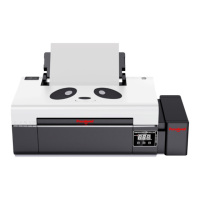
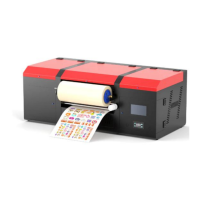
*Due to occasional product upgrades, this manual is for reference only.
4
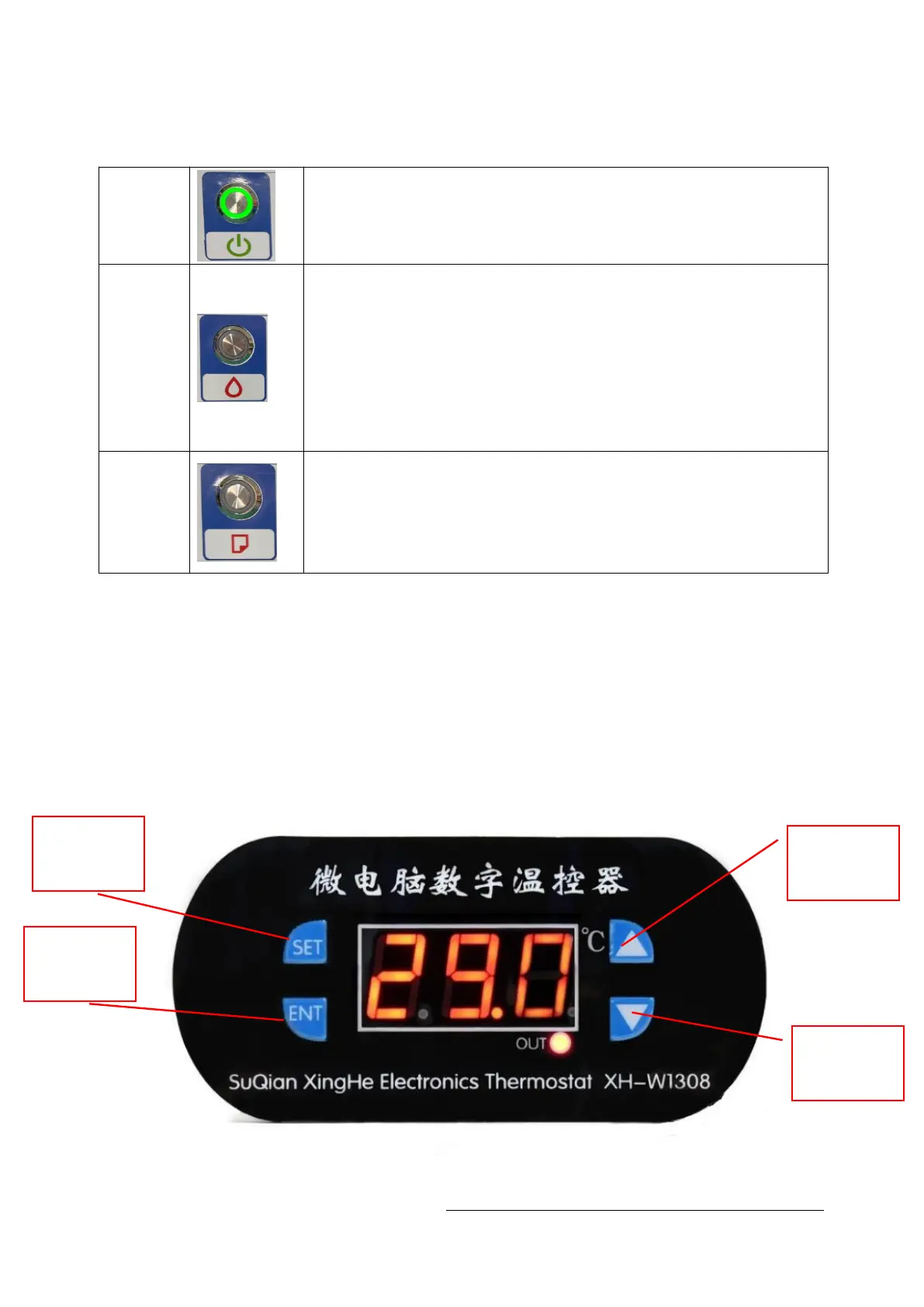
Introduction of printer buttons
start
button
Press this button to open and close the printer power
Ink
Press this button to move the print head to the cartridge change
location.
When detecting the service life of the cartridge market, press this button
to print the head to the ink check position.
After changing the cartridge, press this button to return the print head to
the initial position.
When the ink indicator lights go out, press the button for 3 seconds to
clean the print head.
Printing
paper
Press this button to load or pop out the print paper.
You can resume printing if you press this button when there is a lack of
paper error or multiple page feed errors.Press this button when printing
jobs to cancel the print.
set button
plus button
OK button
Minus
button


 To Next Page