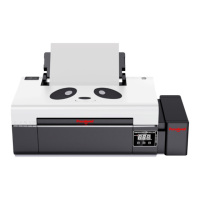
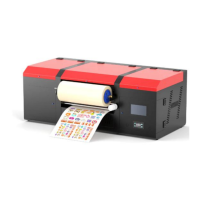
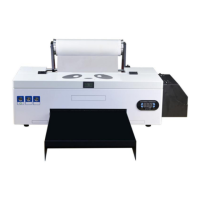
*Due to occasional product upgrades, this manual is for reference only.
6
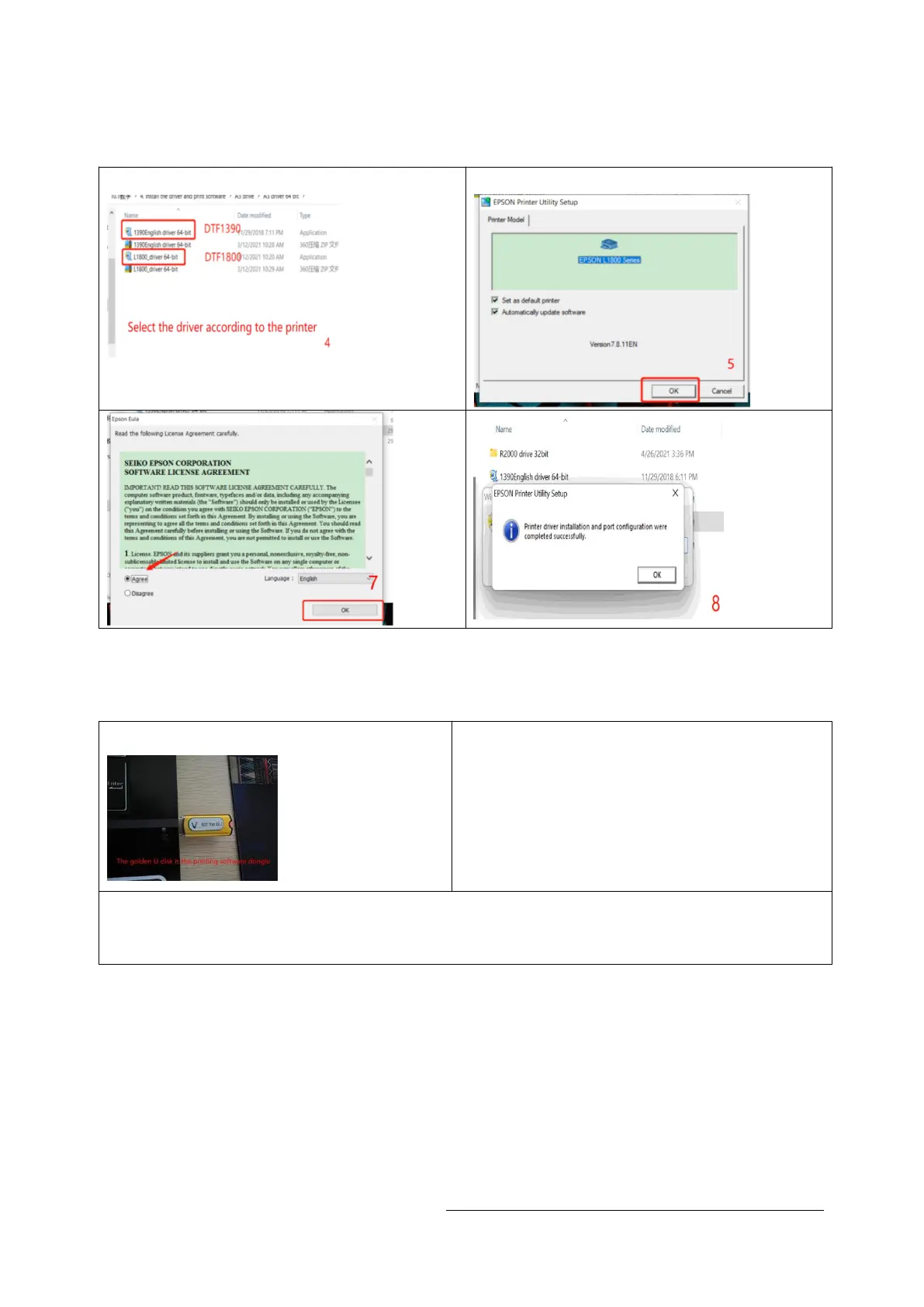
2.Install the drive
2.1 Find the driver file "DTF1390" in the data U disk 2.2 install to C drive
3.Install the rip software
3.1 Insert the dongle 3.2 Before installing the software,Under
the root directory of your Computer's C
drive, create a new folder and name it
"C:\DTGRIP"
3.3 add the "DTGRIP" folder to the white list in your computer
Settings.Settings--Update&Security--Windows Security--Virus & Threat Protection
--Manage Settings-- Add or remove Exclusions--Add an Exclusion --Folder-- Add


 To Next Page