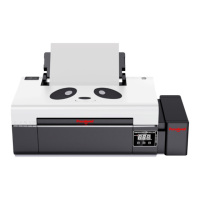
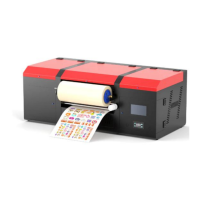
*Due to occasional product upgrades, this manual is for reference only.
5
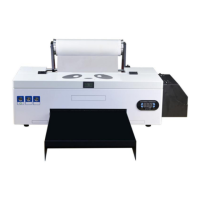
1.Connect the printer
1.1 Connect the printer data cable 1.2 Insert data U disk
1.3 Connect the cable and start the
power supply.
1.4 Click the Start button on the front
of the printer.
1.5 In the process of self-checking, it lights up with
red double flashes. (If the self-check fails, please
contact the salesman in time.)
1.5 The printer is ready once the
power light stops flashing


 To Next Page