26
INFORMATION NOTE: Speaker protection setting
Replacing a professional speaker is an expensive cost and reducing this risk is good, so many users want to know how to set a limiter
properly for the speaker protection.
The PC260 processors, like other loudspeaker processors, can protect the speaker from excessive heating using the OUTPUT LIMITER
(though it is not possible to protect a speaker from every possible cause that occurs to damage it, such as over-excursion, very
unnatural sound signals or an erroneous cross-over filter setting).
To protect a speaker from over heating you have to know some technical data:
1) The speaker power handling (PAES) measured with the AES2-1984 (r2003) standard (AES Recommended Practice - Specification of
loudspeaker components used in professional audio and sound reinforcement), usually it is indicated in the speaker technical data in
WAES. This standard is actually the best method to know the power handling capability of the speaker for a standard music program.
In case of a group of speaker connected to the same channel you have to consider the whole power handling.
2) The nominal impedance (ZNOM) of the speaker and/or the resulting nominal impedance of the group of speaker connected at the
same amplifier channel (typically 4 or 8 ohm).
3) Choose an amplifier that can drive this speaker with a nominal continuous power (PAVG or PCONTINUOUS or P(EIA 1KHz THD<1%)) higher than
the specified power handling of the speaker. Obviously this power must be delivered from the amplifier for the nominal impedance
specified. The power of the amplifier must be always higher than that of the speaker in order to avoid the signal clipping, an event
that can seriously damage or destroy a speaker
4) A typical professional amplifier has two operating modes that can be selected by a switch in the rear panel:
Therstmodeisat"nominalinputsensitivity",whichmeansthat"fullpowerisdeliveredwhentheinputsignalisXXdBu",typical
values being 0dBu or +4dBu.
Thesecondmodeisat"xedgain",whichmeansthattheampliervoltagegainisxedataspeciedvalueexpressedindB,typical
values being 26 or 32dB (GAIN).
To simplify the calculations we consider only the second case with an amplifier with a fixed gain.
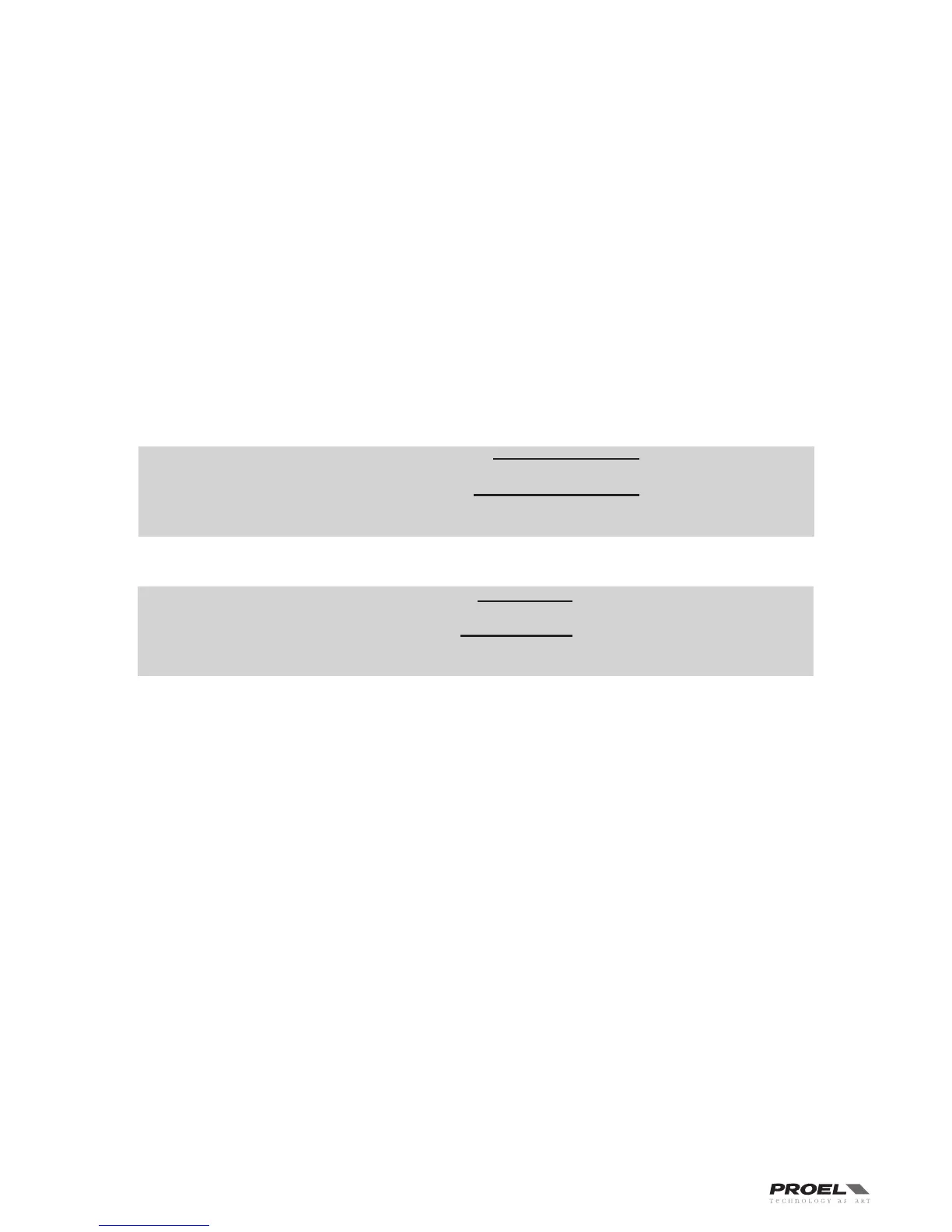
Calculate the limiter setting using the following equation:
As example we presume to have a speaker with the following data: P
AES = 300 W ZNOM = 4 OHM
So we choose an amplifier capable of 500 W with a load of 4 ohm for channel with a fixed gain of: GAIN = 32 dB
Please note that in some cases you can obtain a negative result.
SOME TIPS
•Toprotectthehighfrequencydriversfromdangerousfeedbacksinliveenvironmentswesuggesttosetthelimiter3dBunderthe
calculated value.
•Insomespeakersystemsyoucannotethatthelow-midfrequenciesarelimitedbeforethehigh-midfrequencies.Thiscanbedue
to the fact that the program reproduced is more rich in low frequencies (which usually have a higher energy contents) than in high
frequencies, so the LF limiter is activated before and more often than the HF limiter. In this cases, the system sound can become very
harsh and to restore a natural sound you'll need to set the HF driver limiter some dB under the calculated value (usually 3 - 6 dB).
•Oftenusingbridgedamplieryouhavetoadd6dBtoyouramplierGAIN:seetheampliermanual.


 To Next Page