EasyManua.ls Logo

PROEL WX8A - User Manual

PROEL WX8A
16 pages
Print Icon
To Next Page IconTo Next Page
Loading...
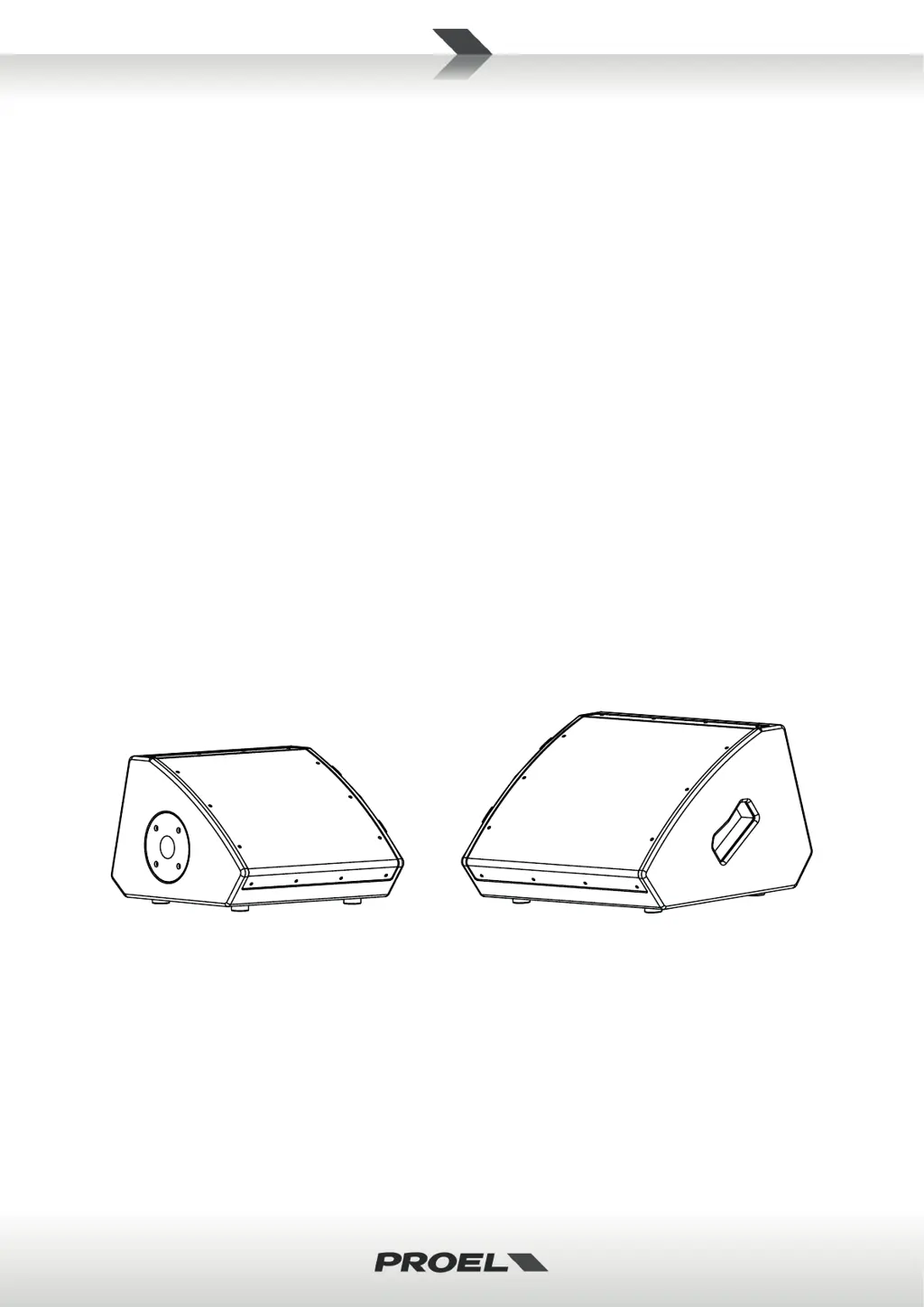
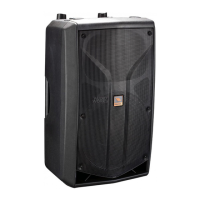
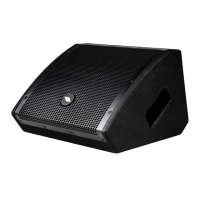
WX8A
WX10A
acve wedge monitors
USER MANUAL
MANUALE D'USO

Questions and Answers

  • J
    Jacob WilsonAug 11, 2025
    How to troubleshoot no power on my PROEL WX8A?
    • R
      Richard MorenoAug 11, 2025
      If your PROEL Speakers have no power, first ensure the mains AC outlet is live by testing it with a tester or a lamp. Also, verify that the mains plug is securely plugged into the mains AC outlet.
  • T
    Thomas KennedyAug 17, 2025
    What to do if my PROEL WX8A Speakers have no sound?
    • S
      shane38Aug 17, 2025
      If there is no sound from your PROEL Speakers, check the following: * Ensure the input LEVEL control for the channel is turned up. * Check if the SIGNAL LED is illuminated. If not, your signal level might be too low. Inspect the signal cable, mixer, and other equipment settings and cabling. * Make sure your signal and power cables work properly, using a cable tester or replacing them. * Confirm the SPEAKON cable connector is correctly inserted by turning it clockwise until it clicks.
  • E
    Emma MarshallAug 23, 2025
    Why do my PROEL WX8A have distorted sound?
    • B
      Briana SpencerAug 23, 2025
      If your PROEL Speakers are producing distorted sound, the input signal level may be too high. Try turning down your level controls.
  • K
    Katie TorresAug 29, 2025
    How to fix noise or hum in my PROEL WX8A?
    • S
      Scott MathewsAug 29, 2025
      To address noise or hum in your PROEL Speakers: * Enable the GND LIFT button on the rear panel. If the problem persists, press all GND LIFT buttons for all system's amplifiers. * Use balanced cables whenever possible. * Try plugging all audio equipment into the same AC circuit to share a common ground.
  • M
    Michael GonzalezSep 3, 2025
    What to do if PROEL WX8A have different channel levels?
    • T
      Todd CowanSep 3, 2025
      If you're experiencing different channel levels in your PROEL Speakers: * Check if you are using a balanced cable for one channel and an unbalanced one for the other, as this would cause a considerable difference in channel levels. * Ensure that both LINE IN level controls of each loudspeaker are at the same position.

PROEL WX8A Specifications

General IconGeneral
Speaker type2-way
Speaker Size8 inch
Amplifier typeClass D
Tweeter Size1 inch
TypeActive Speaker
HF Driver1 inch
LF Driver8 inch
Input ConnectorsXLR, 1/4" Jack
EnclosurePlastic
InputsXLR, 1/4" Jack

Related product manuals