ENGLISH
Translation of the original German user manual 26
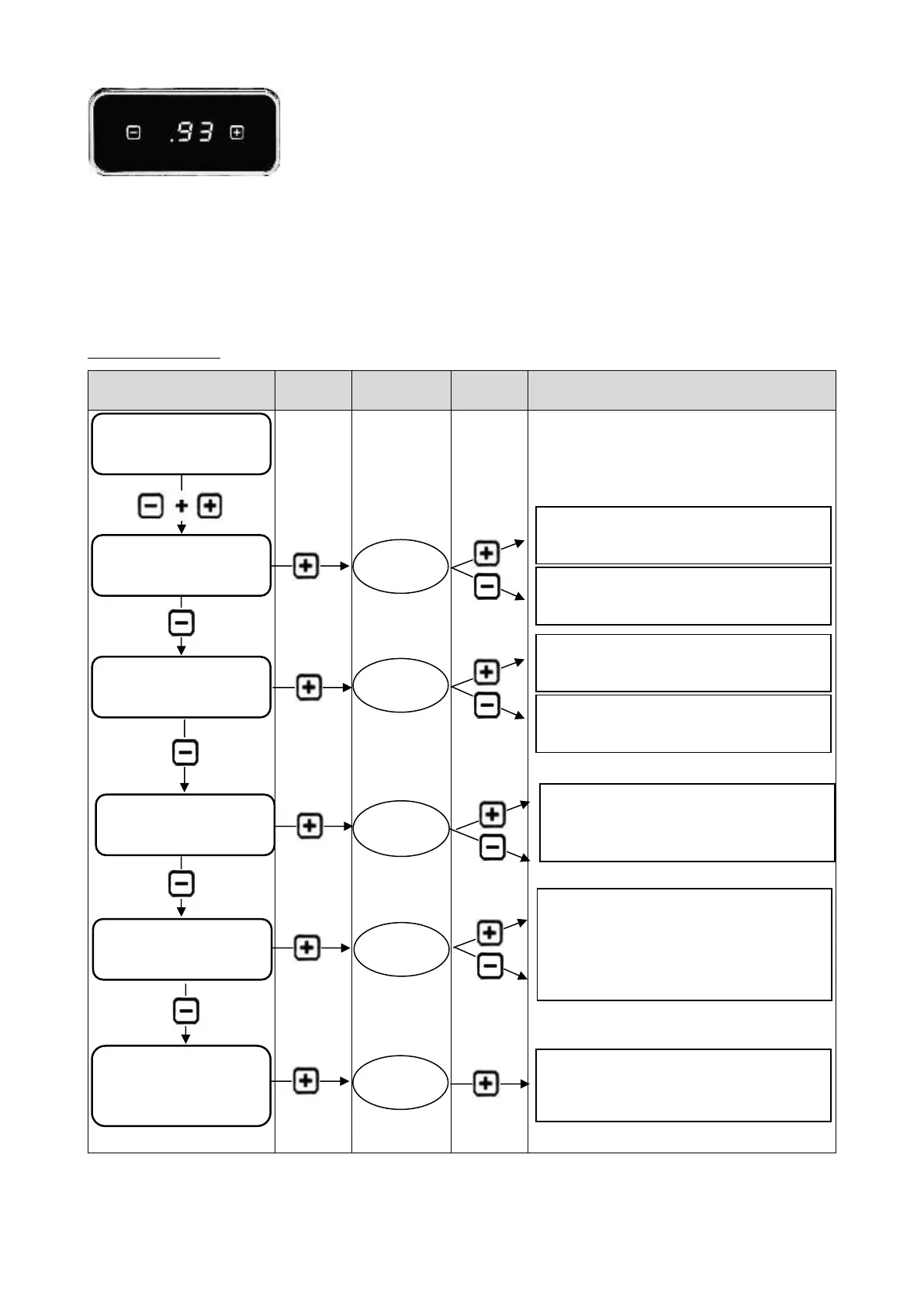
Temperature display (here 93°C).
By default the temperature for espresso/coffee preparation is displayed. As soon as you switch the
machine to steam generation, you will see the temperature rise, and the display alternating between
showing the temperature and "St" for Steam.
During the extraction of espresso or coffee, the display will show the extraction time in seconds.
6.3.1 The PID menu
When you have entered the desired value wait a moment, it will automatically exit the menu.
Temperature value is increased.
Temperature value is decreased.
Programming in steps of 10 between 0 and
200.
Temperature value is increased.
Temperature value is decreased.
Programming in steps of 30. Adjustable
time between 0 and 600 min possible.
Selection between C for Celsius and F for
Fahrenheit



 To Next Page