134
Thank you for selecting the PROFORM
¨
525 SI tread-
mill. The 525 SI treadmill blends advanced technology
with innovative design to let you enjoy an excellent form
of cardiovascular exercise in the convenience and pri-
vacy of your home. And when youÕre not exercising, the
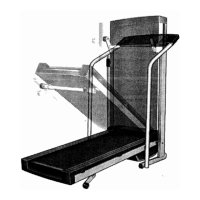
unique 525 SI can be folded up, requiring less than half
the floor space of other treadmills.
For your benefit, read this manual carefully before
using the treadmill. If you have additional questions,
please call our Customer Service Department at
0345-089009. To help us assist you, please note the
product model number and serial number before call-
ing. The model number of the treadmill is PETL32063.
The serial number can be found on a decal attached to
the treadmill (see the front cover of this manual for the
location).
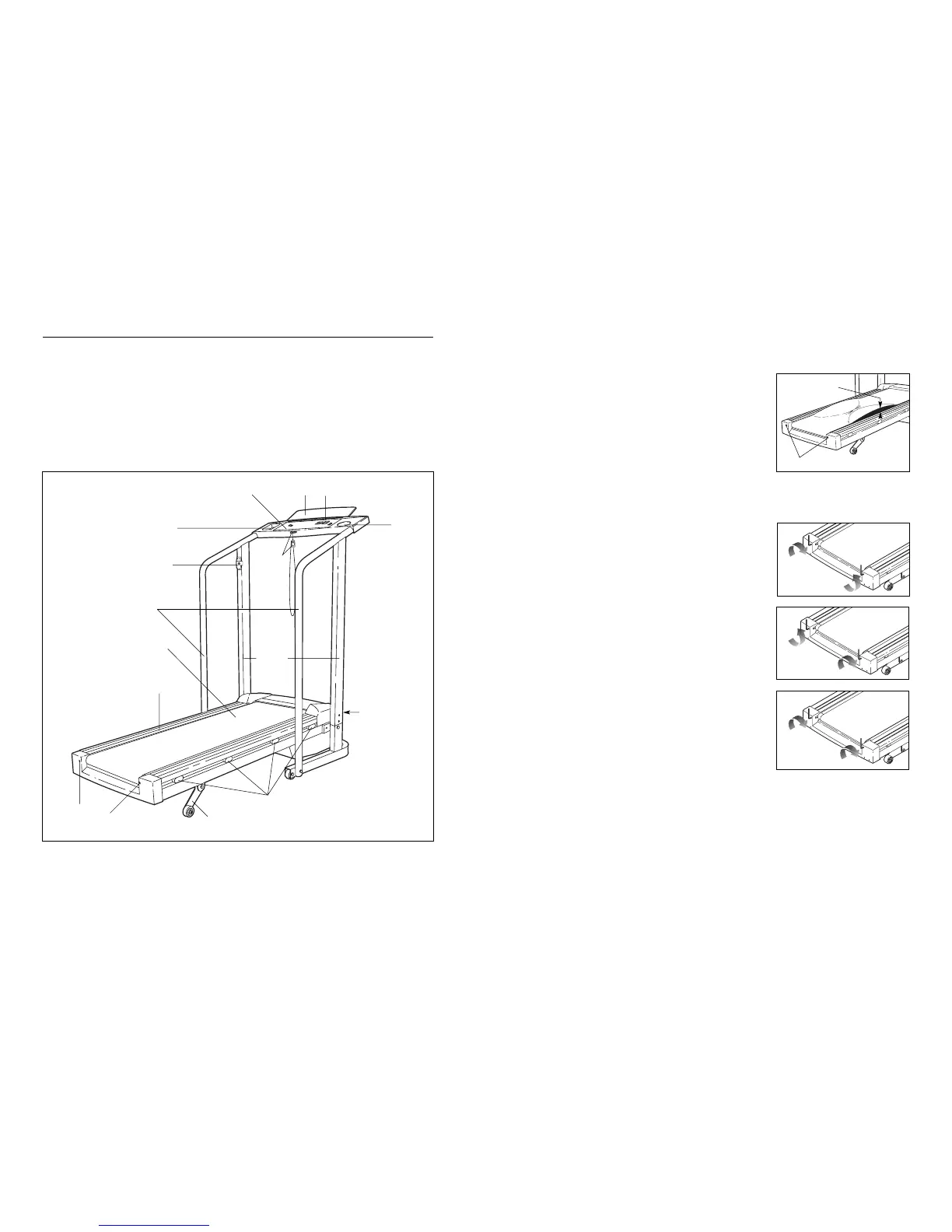
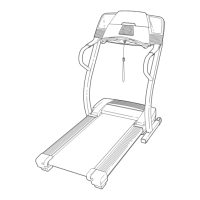
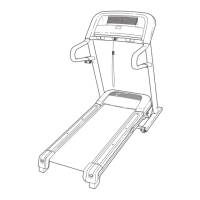
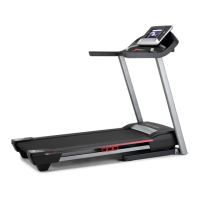
Before reading further, please review the drawing below
and familiarise yourself with the parts that are labelled.
BEFORE YOU BEGIN
Handrails
Console
Storage Latch
Key/Clip
Circuit Breaker
Uprights
Walking Belt
Cushioned Walking
Platform for maximum
exercise comfort
Foot Rails
RIGHT SIDE
FRONT
BACK
Rear Roller
Adjustment Bolts
Water
Bottle
Holder
(bottle not
included)
Towel RackBook Rack
Accessory Tray
Incline Leg
4. SYMPTOM: THE WALKING BELT SLOWS WHEN WALKED ON
a. If an extension cord is needed, use only a 14-gauge cord of 5 feet (1,5 m) or less in length.
b. If the walking belt is overtightened, treadmill performance may
decrease and the walking belt may be permanently damaged.
Remove the key and UNPLUG THE POWER CORD. Using the
allen wrench, turn both rear roller adjustment bolts counterclock-
wise, 1/4 of a turn. When the walking belt is properly tightened,
you should be able to lift each side of the walking belt
2ÓÐ3Ó (5 to 7 cm) off the walking platform. The centre of the
walking belt should just touch the walking platform. Be careful to
keep the walking belt centred. Plug in the power cord, insert the
key and run the treadmill for a few minutes. Repeat until the
walking belt is properly tightened.
c. If the walking belt still slows when walked on, please call our Customer Service Department.
5. SYMPTOM: THE WALKING BELT IS OFF-CENTRE WHEN WALKED ON
a. If the walking belt has shifted to the left, first remove the key
and UNPLUG THE POWER CORD. Using the allen wrench,
turn the left rear roller adjustment bolt clockwise, and the right
bolt counterclockwise, 1/4 of a turn each. Be careful not to over-
tighten the walking belt. Plug in the power cord, insert the key
and run the treadmill for a few minutes. Repeat until the walking
belt is centred.
b. If the walking belt has shifted to the right, first remove the key
and UNPLUG THE POWER CORD. Using the allen wrench,
turn the left rear roller adjustment bolt counterclockwise, and
the right bolt clockwise, 1/4 of a turn each. Be careful not to
overtighten the walking belt. Plug in the power cord, insert the
key and run the treadmill for a few minutes. Repeat until the
walking belt is centred.
c. If the walking belt slips when walked on, first remove the key
and UNPLUG THE POWER CORD. Using the allen wrench,
turn both rear roller adjustment bolts clockwise, 1/4 of a turn.
When the walking belt is correctly tightened, you should be able
to lift each side of the walking belt 2ÓÐ3Ó (5 to 7 cm) off the walk-
ing platform. The centre of the walking belt should just touch the
walking platform. Be careful to keep the walking belt centred.
Plug in the power cord, insert the key and run the treadmill for a
few minutes. Repeat until the walking belt is properly tightened.
6. SYMPTOM: THE TREADMILL SITS UNEVENLY ON THE FLOOR
a. Make sure that the six base pads are attached to the treadmill (see assembly step 5 on page 6).
b
c
a
Rear Roller Adjustment Bolts
2ÓÐ3Ó


 To Next Page